

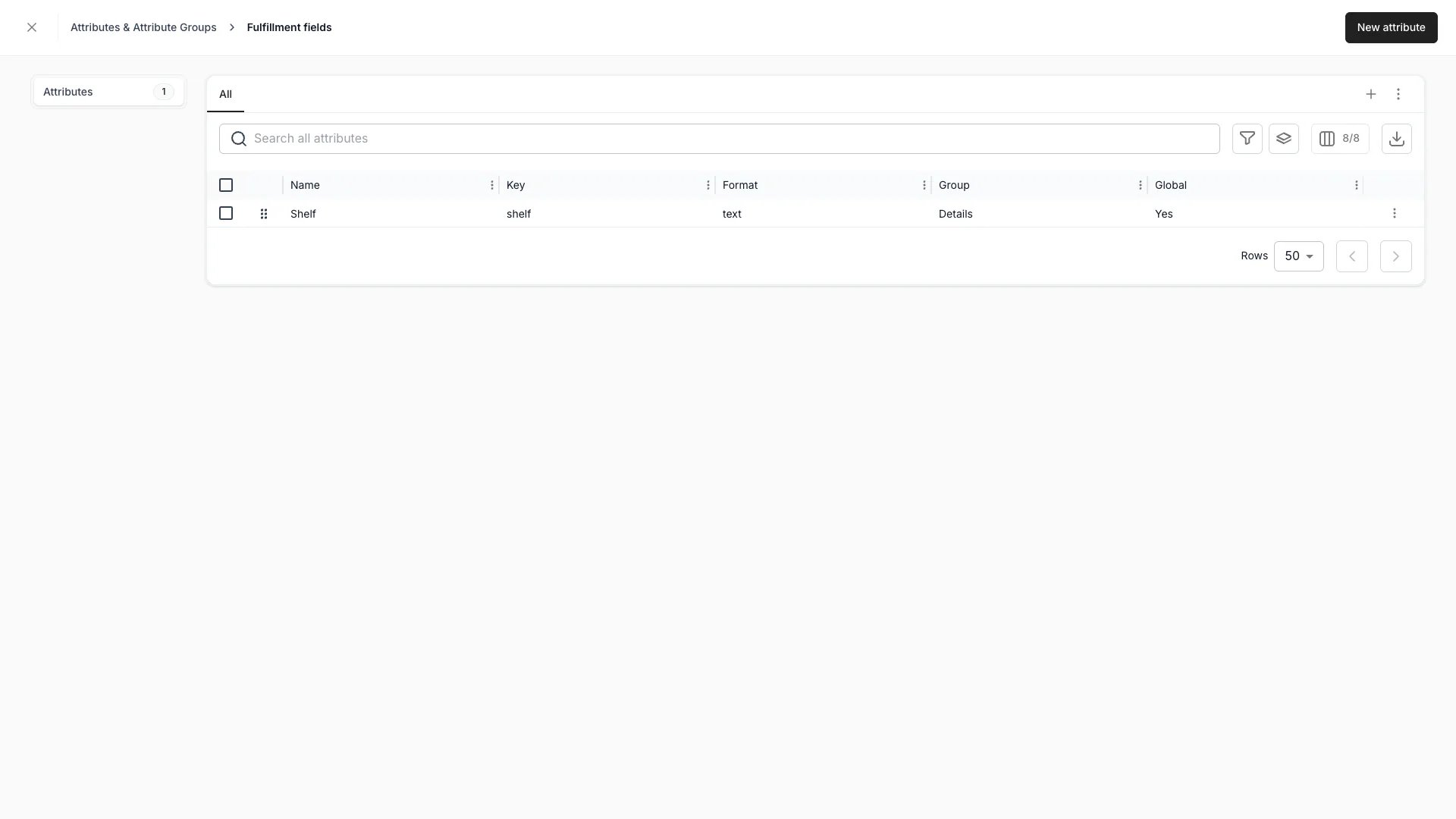
Settings > Attributes & Tags > Fulfillment fields
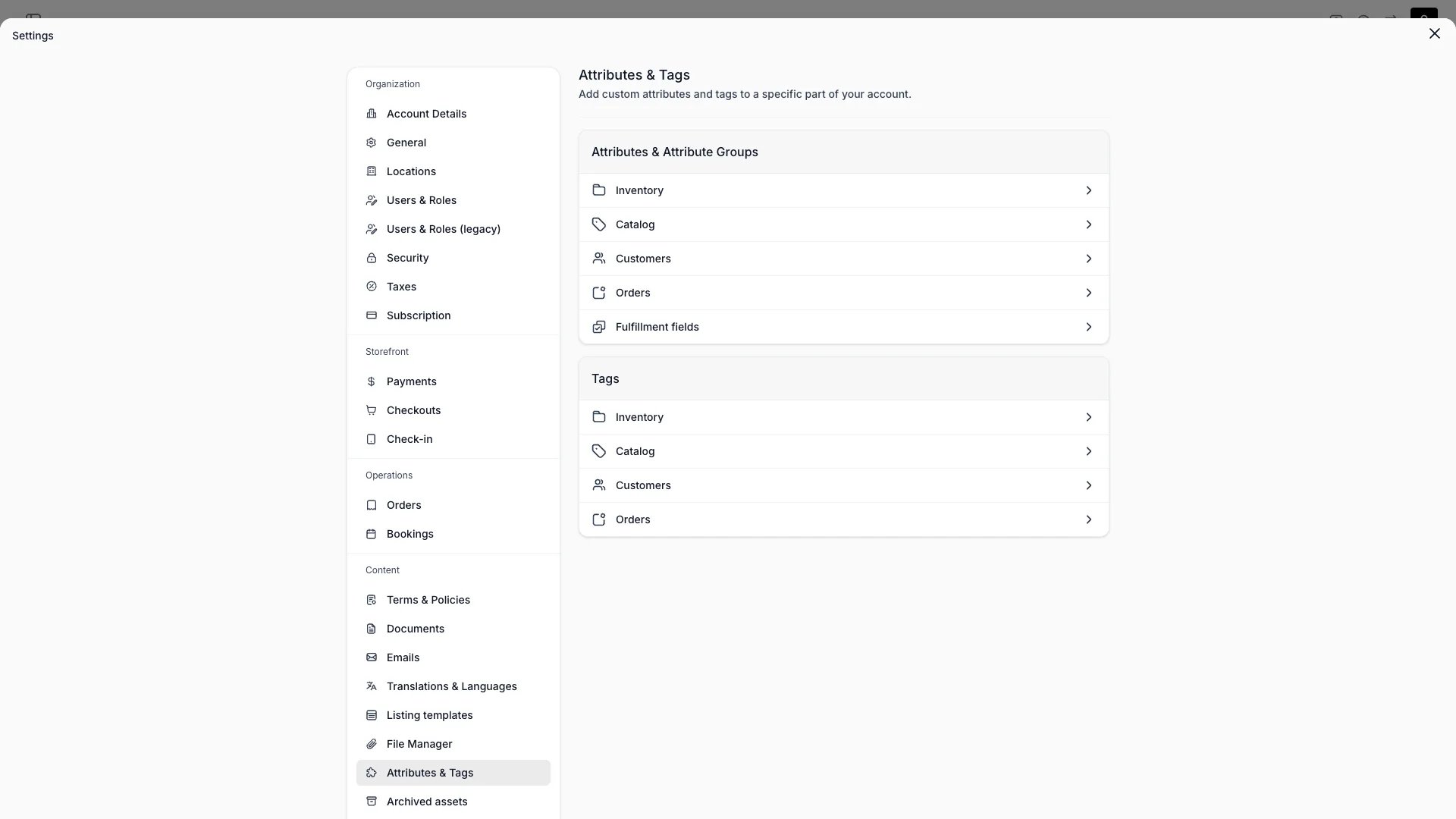
Settings > Attributes & Tags
This view can look different dependent on your user role.
See Visibility and permissions for details.
See Visibility and permissions for details.
Primary purpose
Define the custom attributes and tags used across TWICE. See Attributes and Attribute Groups for the concepts.Attributes
Attributes
Add custom fields for stock items, listings, customers, and orders. Each area opens its own table from the Attributes card. Formats: text, number, boolean, date, date & time, select, multi-select, formula, and smart field.Select and multi-select options use a stable key with an editable label. The attribute’s own Attribute key works the same way, except that TWICE Commerce corrects what you type into it as you type — see how a key is stored.A text attribute can also carry accepted formats — input masks that pin the shape a value must take, such as
123456 #### ######[#] for a member card.Attribute groups
Attribute groups
Organise related attributes into groups so they appear together in the admin. Orders and fulfillment fields have no groups.
Fulfillment fields
Fulfillment fields
Open Fulfillment fields to define what shop staff fill in while fulfilling an order: a fitting number, a lock code, a meter reading. Drag a row to change the order they appear in.Fulfillment fields take every format an attribute takes except formula, which a fulfillment field cannot be because it would read the inventory attributes beside it. Tick Required to mark a field as one staff are meant to fill in. Tick Save as global attribute to have it apply to every stock item without being attached to any.A fulfillment field can be a smart field, which is the one kind nobody types: it reads a value from the order’s own data, or fetches it from your own API. Staff still see it in the same list, and can type over what it computed.A fulfillment field is not an inventory attribute and never appears among them: it has no column in the Stock Items table, no place in bulk edit, and no group. Attach it on a SKU or a stock item Fulfilment tab, and staff fill it in on the order.
The Required flag is stored and shown on the field, and nothing enforces it yet: an order can be fulfilled with the field empty.
Order attributes support the same formats as other attribute areas (text, number, boolean, date, select, multi-select) and can be captured at checkout or edited directly on the order detail page. Smart field is the one format orders do not offer, because a smart field is computed on a unit, a customer or a listing rather than per order.
Visibility and permissions
This page is gated byinventory:attribute, inventory:attribute_group, in the four operations — , , and .
All four system roles — Owner, Admin, Manager and Member — hold every operation on this.
For what each operation means and the full role matrix, see Users & Roles.