

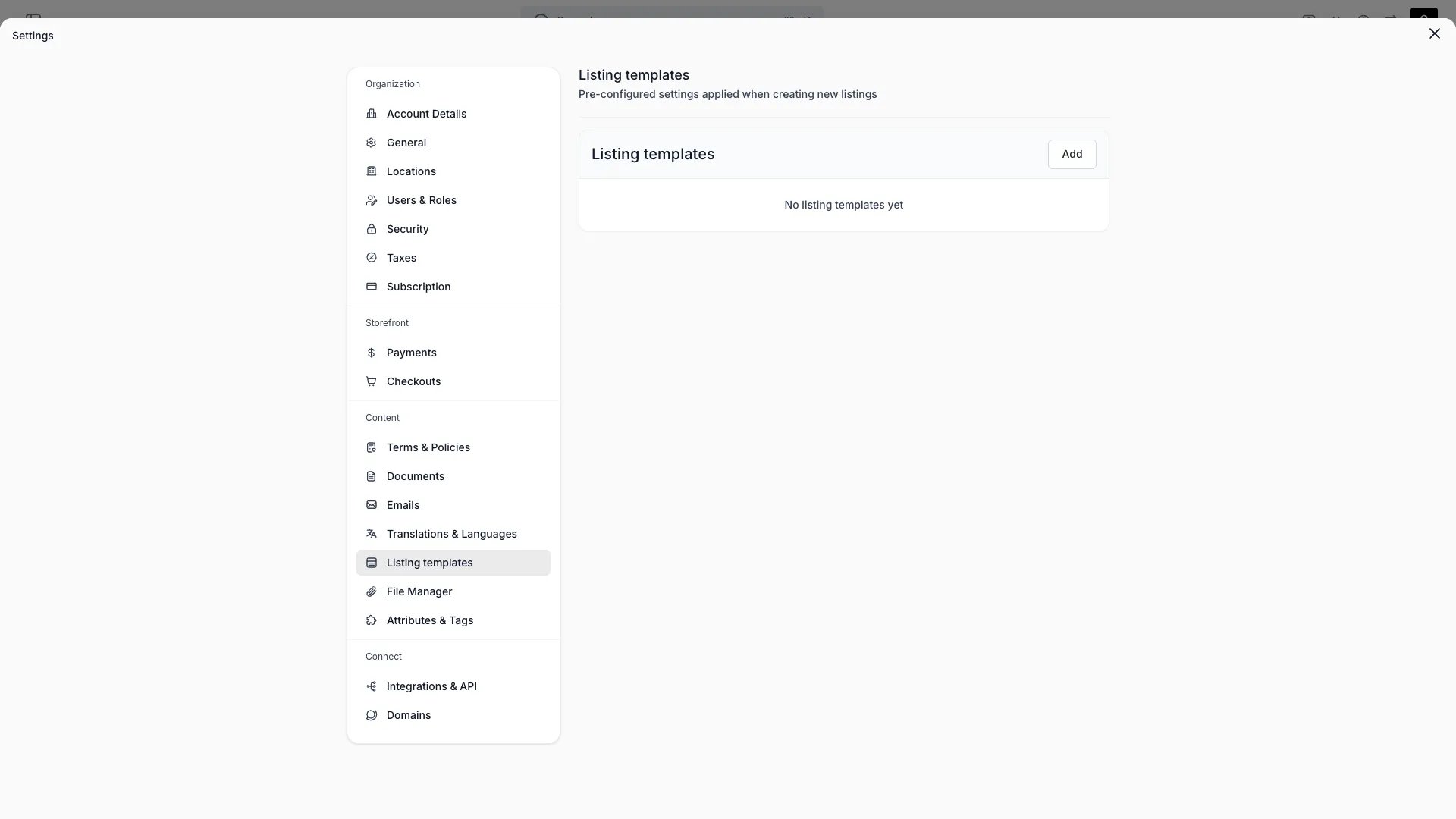
Settings > Listing Templates
This view can look different dependent on your user role.
See Visibility and permissions for details.
See Visibility and permissions for details.
Primary purpose
A listing template lets you start a new listing from an existing catalog item, so creating similar listings is fast.What a template is
What a template is
A named reference to a catalog item, optionally with one or more document templates attached.
Create & edit
Create & edit
Name the template, pick the catalog item it starts from, and choose any document templates to attach. Edit or delete templates at any time.
Using a template
Using a template
New listings created from the template start from its catalog item and attached documents.
A template stores this reference only — it doesn’t define its own field-by-field defaults.
Visibility and permissions
This page is gated bycatalog:listing, in the four operations — , , and .
All four system roles — Owner, Admin, Manager and Member — hold every operation on this.
For what each operation means and the full role matrix, see Users & Roles.