

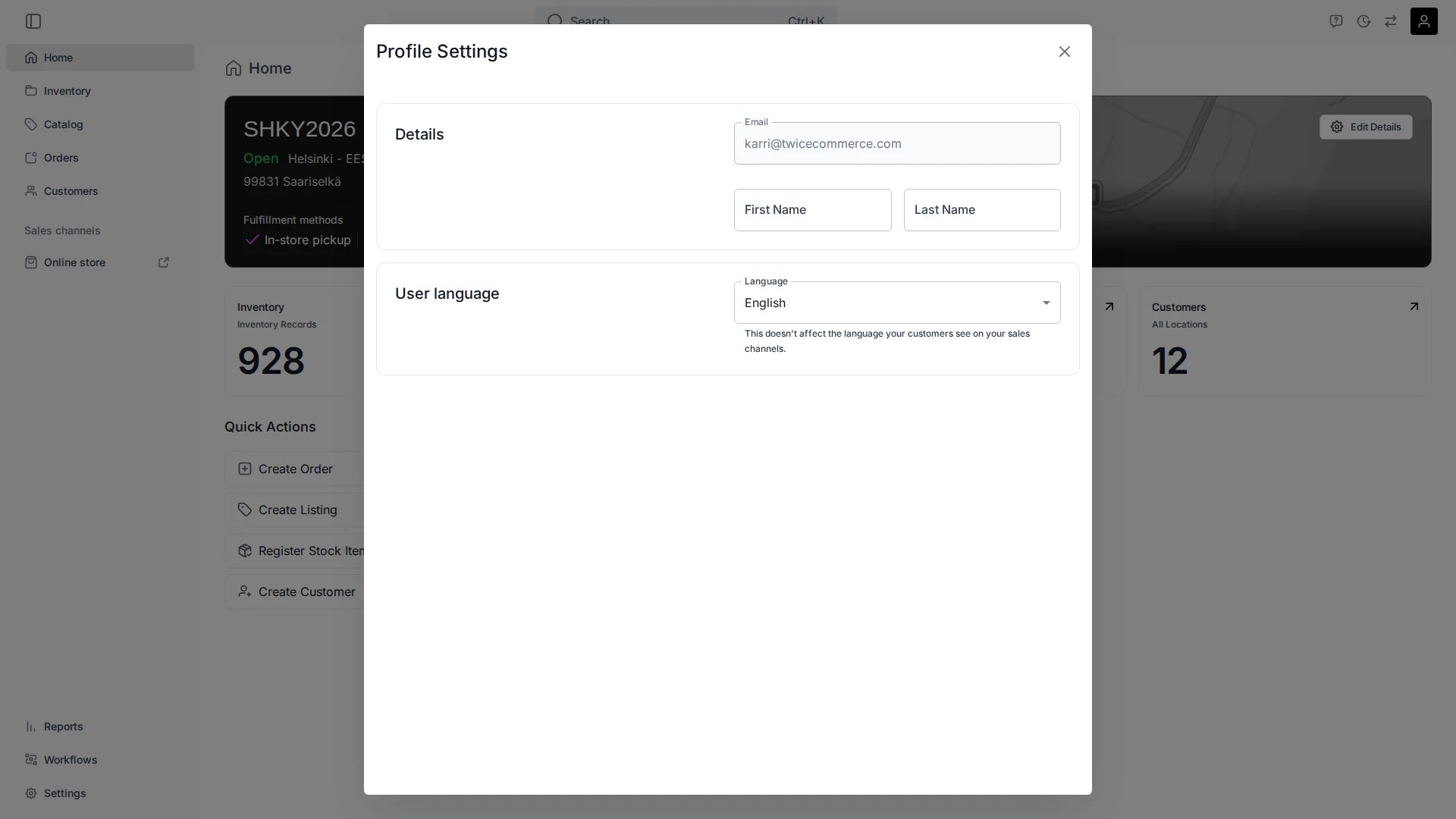
Profile Settings
Details
- Email address
- First name and last name
User language
Set the language of your admin interface. This is personal to you and does not affect the language your customers see on your sales channels.Organisation-wide sign-in restrictions — which sign-in methods your team can use — are managed under Security settings, not here.
Merchant accounts
If you belong to more than one merchant account, the Merchant accounts card appears on this page. It lists every merchant account linked to your email address, split into two tabs:- Active — merchant accounts you already belong to. Click a row to switch to that merchant.
- Invited — pending invitations. Click Join to accept an invitation and switch to that merchant immediately.
Standalone account switcher
You can also switch merchant accounts from the dedicated switcher at Profile menu → Switch Merchant Account. This full-page view shows all your merchants in a single list — active accounts, pending invitations, and any accounts that require re-authentication. A search field appears when you have more than one merchant.The search field is hidden when you belong to only one merchant account.
Related articles
Users & Roles
Team members and what they can access.
Security
Which sign-in methods your team can use.