

Home
This view can look different dependent on your user role.
See Visibility and permissions for details.
See Visibility and permissions for details.
Primary purpose
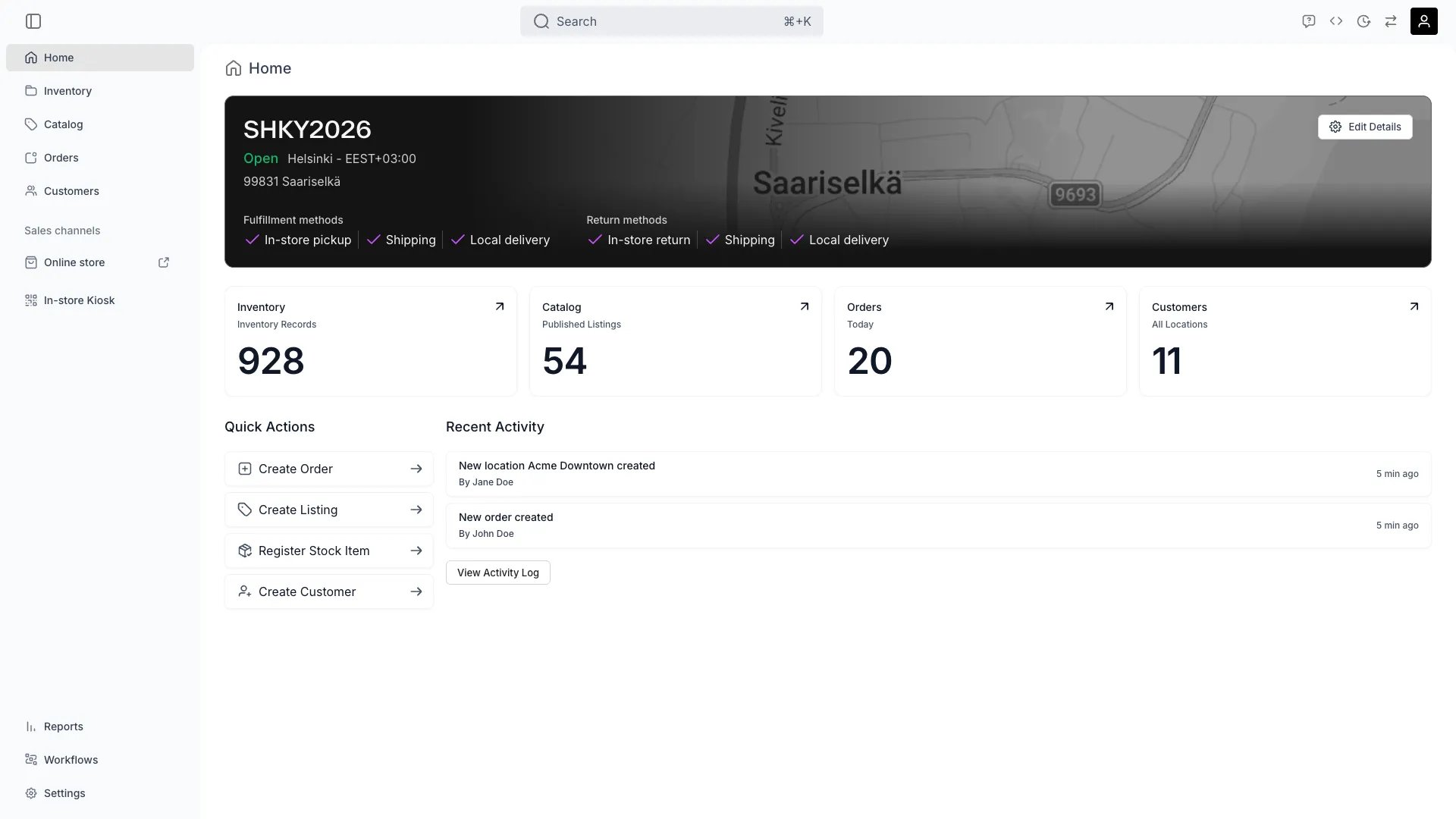
The Home page gives you an overview of your account and shortcuts to the most common actions.Location overview
Location overview
A banner shows your locations at a glance — live and draft counts across all locations, or the selected location’s details — with a shortcut to Locations settings.
Stat cards
Stat cards
Four cards summarise your account: Inventory (total quantity), Catalog (published listings), Orders (today), and Customers (all locations). Each card links to its section.The Inventory card sums the quantity of stock across the locations selected in the top bar — not the number of stock item records. A stock item that is not tracked individually is a single record holding a quantity greater than one, so the card matches the total of the Quantity column on the stock items table, not its row count.
Quick Actions
Quick Actions
One-click shortcuts to frequent tasks: Create Order, Create Listing, Register Stock Item, and Create Customer.
Related concepts
Here are a few key concepts of TWICE Commerce that relate to the Home page.Real-Time Data
Real-Time Data
Stat cards reflect the current state of your inventory, catalog, orders, and customers each time the page loads.
Visibility and permissions
The Home page has no permission of its own — every system role sees it. What it shows does follow permissions. Each stat card counts only records you can view, and a quick action such as Create Order needs the matchingcreate permission on that resource, so the page looks different from role to role without anything being hidden by the page itself.
For what each operation means and the full role matrix, see Users & Roles.