

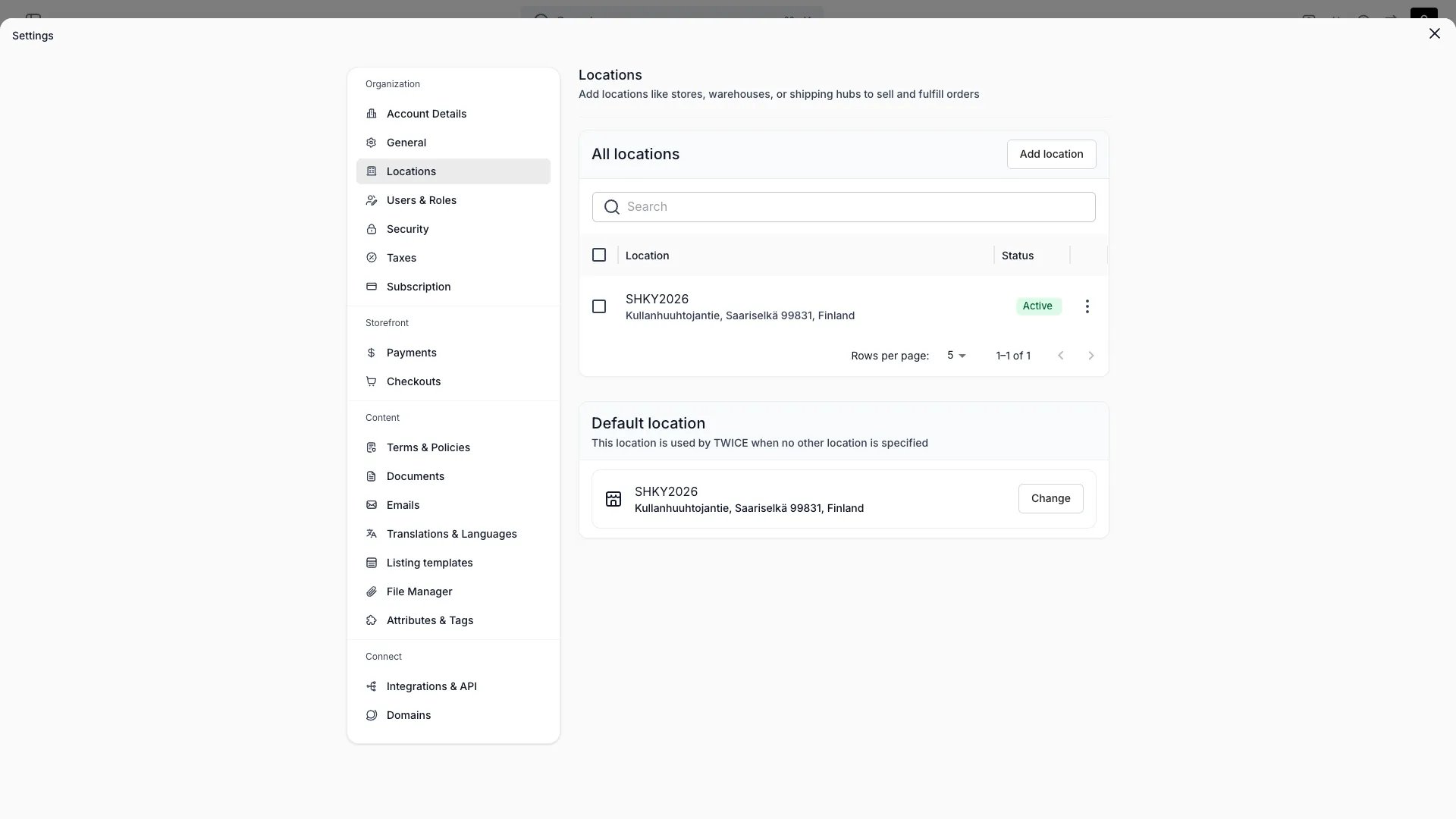
Settings > Locations
What a Location is
A Location is the unit TWICE uses to scope physical operations. It carries:
A Location does not directly hold inventory itself — Stock Items reference a Location, and the Location’s settings determine how that inventory can be sold and fulfilled.
Per-Location settings
Contact and address
Each Location has its own postal address, email, and phone number. These appear on customer-facing communication (order confirmations, receipts) and on the storefront when a Location’s public name is shown.Time zone
A Location’s time zone drives:- How opening hours are interpreted (
09:00at a London Location is different from09:00at a New York Location) - How order timestamps and rental periods display when staff view orders bound to that Location
Opening hours
Opening hours come in three flavors:
Closed days are marked explicitly rather than left empty. The storefront and checkout use opening hours to decide which pickup, return, and start times are selectable.
Sales channels
For each Location you toggle which sales channels are enabled: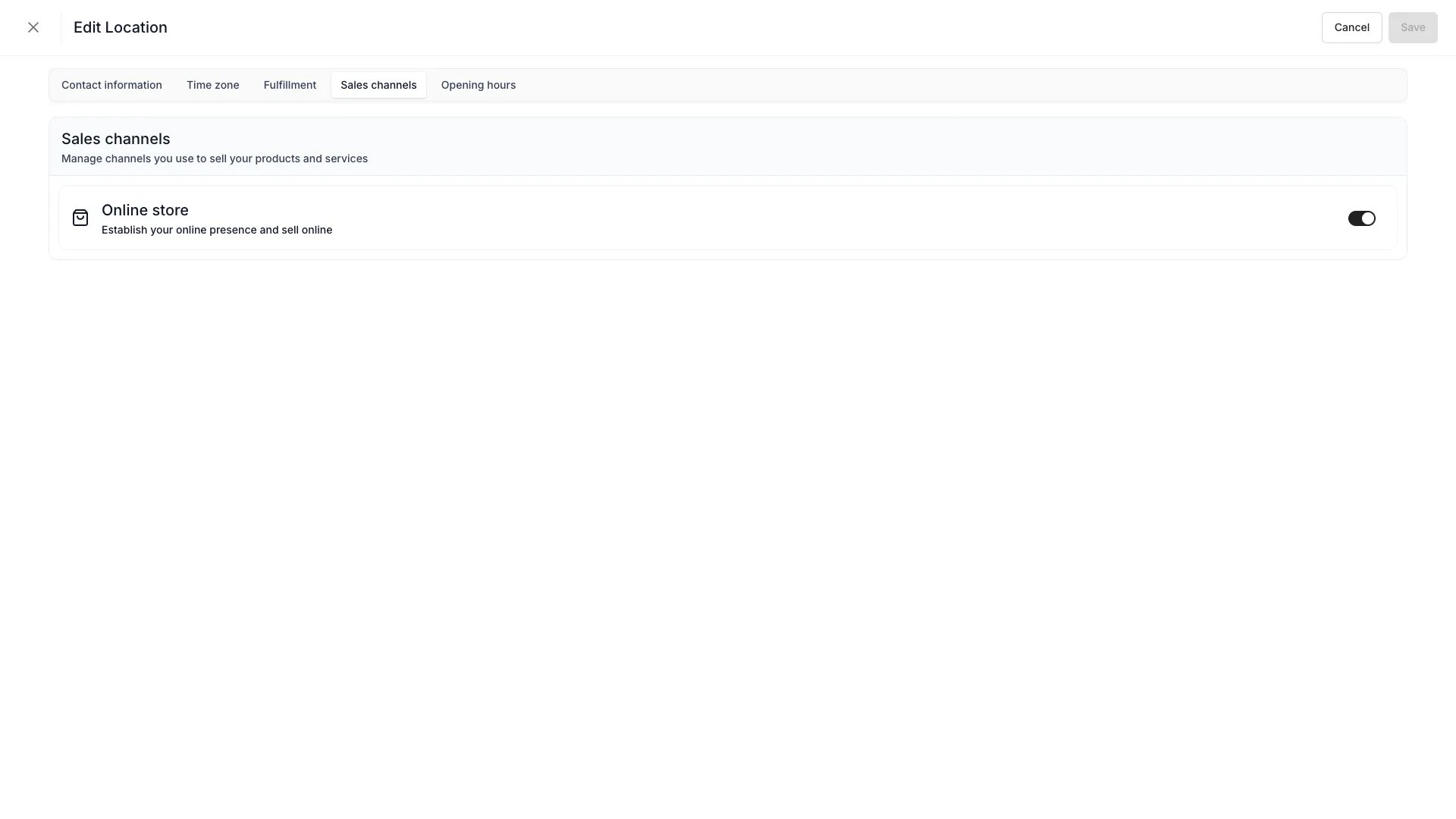
Fulfillment rules
Each Location has two independent rule blocks:- Order fulfillment — how orders leave the Location
- Order returns — how orders come back to the Location
For each purchase type and rule block, three methods can be toggled:
Read more: Fulfillment
Fulfillment hours
Fulfillment hours let you set separate pickup hours and return hours per Location, independent of opening hours. The storefront uses these as boundaries for booking start and end times — a customer cannot select a pickup time outside pickup hours, or a return time outside return hours. Each schedule (pickup and return) has three source modes:
Pickup hours and return hours are configured independently. A Location can follow opening hours for pickups while using a custom schedule for returns, or apply different offset buffers to each.
Fulfillment hours apply to the storefront only. Admin users can select any pickup and return time when creating or editing order line items — only stock availability is enforced.
Auto-assign
TheuseAutoAssign toggle controls whether the allocation engine can automatically route new orders to this Location. With auto-assign off, the Location only fulfills orders that explicitly target it.
Stock Items and Locations
Every Stock Item belongs to one Location at a time. When a Stock Item moves — through a transfer, a return at a different Location, or a manual reassignment — its Location field updates and that change is captured in the Stock Item’s Activity Log. Inventory tables can be filtered by Location, and pickers in checkout will only show inventory the customer can actually receive at their chosen pickup or shipping location.Multi-Location operations
A typical multi-Location setup looks like this:
The auto-assign and fulfillment rules together determine which Location is picked for any given order — staff can always override during order creation.
Channel availability per Location
The Online store toggle and the active state together determine where each Location appears:
Inactive Locations are hidden from new order creation but remain available for historical reporting. Their Stock Items can be transferred elsewhere before deactivation.
Transfers between Locations
Moving inventory between Locations is captured against each Stock Item with both source and destination IDs, and any transfer reservations show up on the Stock Item’s Activity Log. Native transfer workflows in Settings → Locations are evolving — until they ship, staff perform transfers by reassigning the Stock Item’s Location field directly. Read more: Common workflows — Inventory transfersRelationships
Developer Reference
Locations are exposed asservice-locations in the API.
API: Service Locations
Open the endpoint in the API reference.
Related articles
Locations setting
Configure Locations under Settings
Order Lifecycle
How Locations participate in fulfillment
Sales channels
Channels that Locations can be enabled for
Activity logs
Track Location changes and inventory movements