

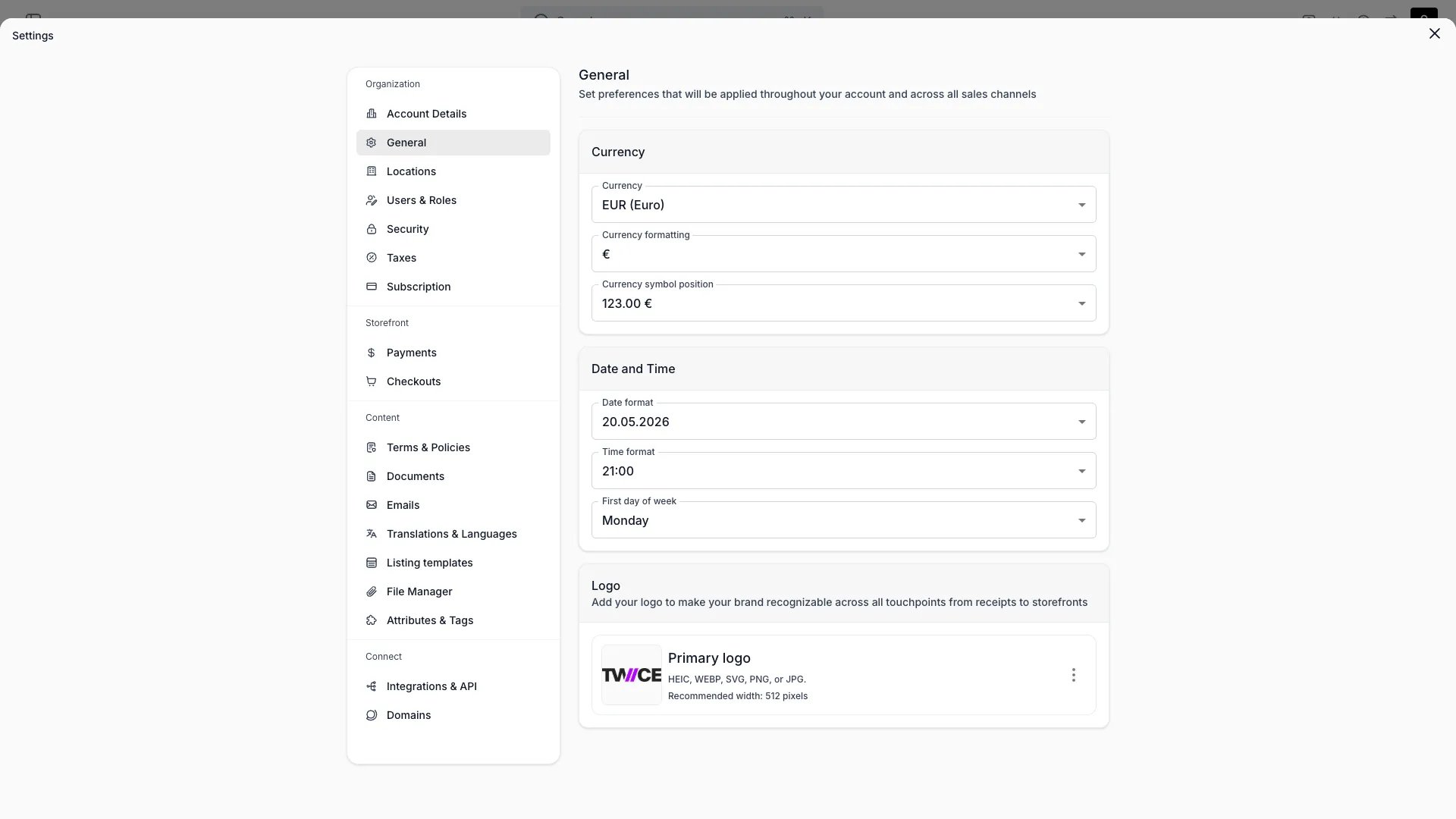
Settings > General
This view can look different dependent on your user role.
See Visibility and permissions for details.
See Visibility and permissions for details.
Primary purpose
General workspace defaults applied across the admin and customer-facing surfaces.Currency
Currency
Set your currency code, symbol, and how the symbol is positioned (prefix or suffix, with or without a space).
Formatting
Formatting
Choose your date and time format and which day the week starts on.
Timezone
Timezone
Set the account-level default timezone. The picker is a searchable dropdown — type to filter the list. This timezone is used as the fallback when a location does not have its own timezone configured, and appears on finance report exports.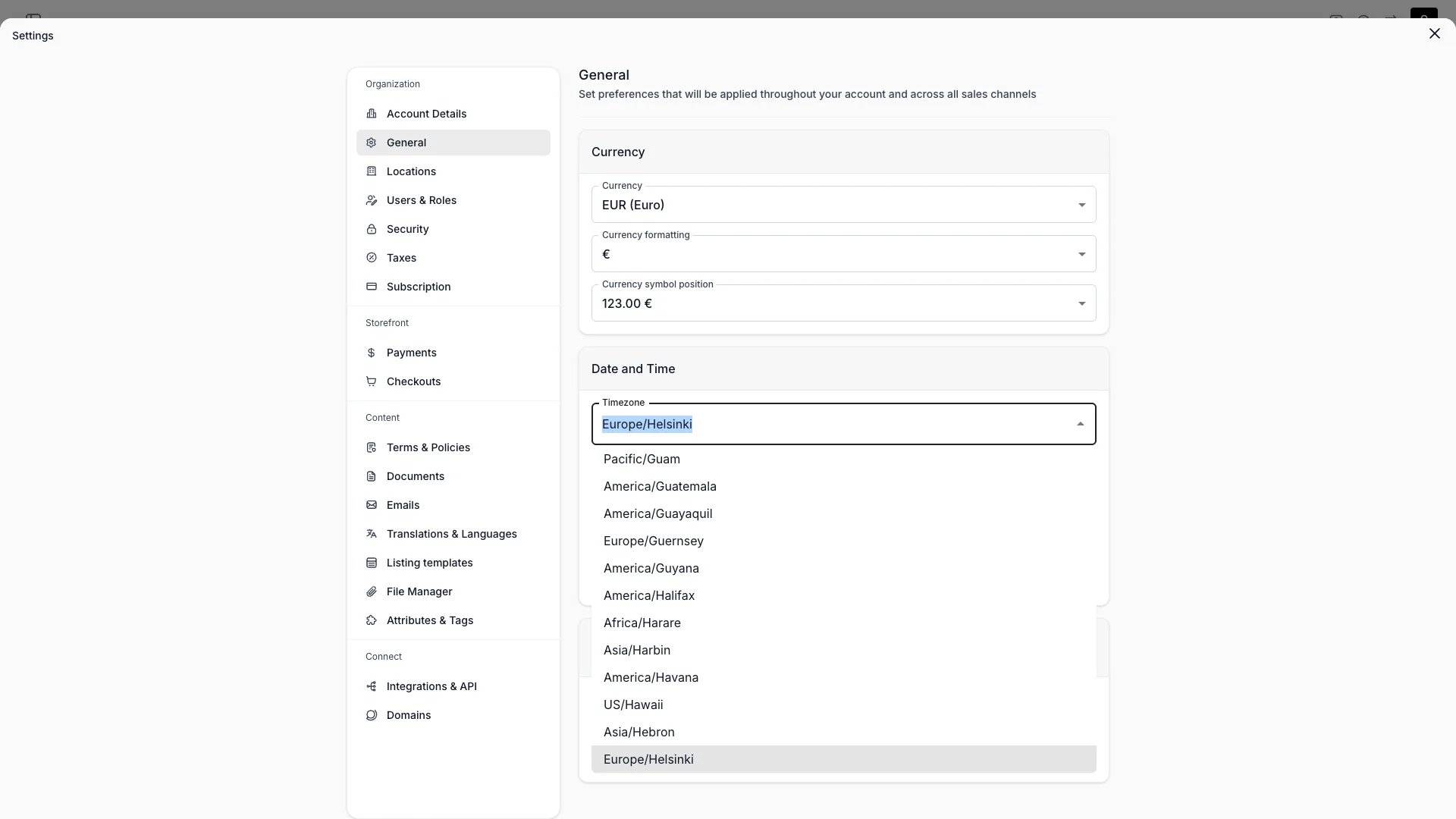
Logo
Logo
Upload your logo from the File Manager. Supported formats: HEIC, WEBP, SVG, PNG, JPG. A width around 512px works well.
Storefront colours and fonts are not set here — they live in the Theme Editor. Individual locations can override the account timezone in Locations settings.
Visibility and permissions
This page is gated byaccount_settings:general, in the four operations — , , and .
Owner and Admin hold every operation. Manager and Member do not hold it at all.
For what each operation means and the full role matrix, see Users & Roles.