

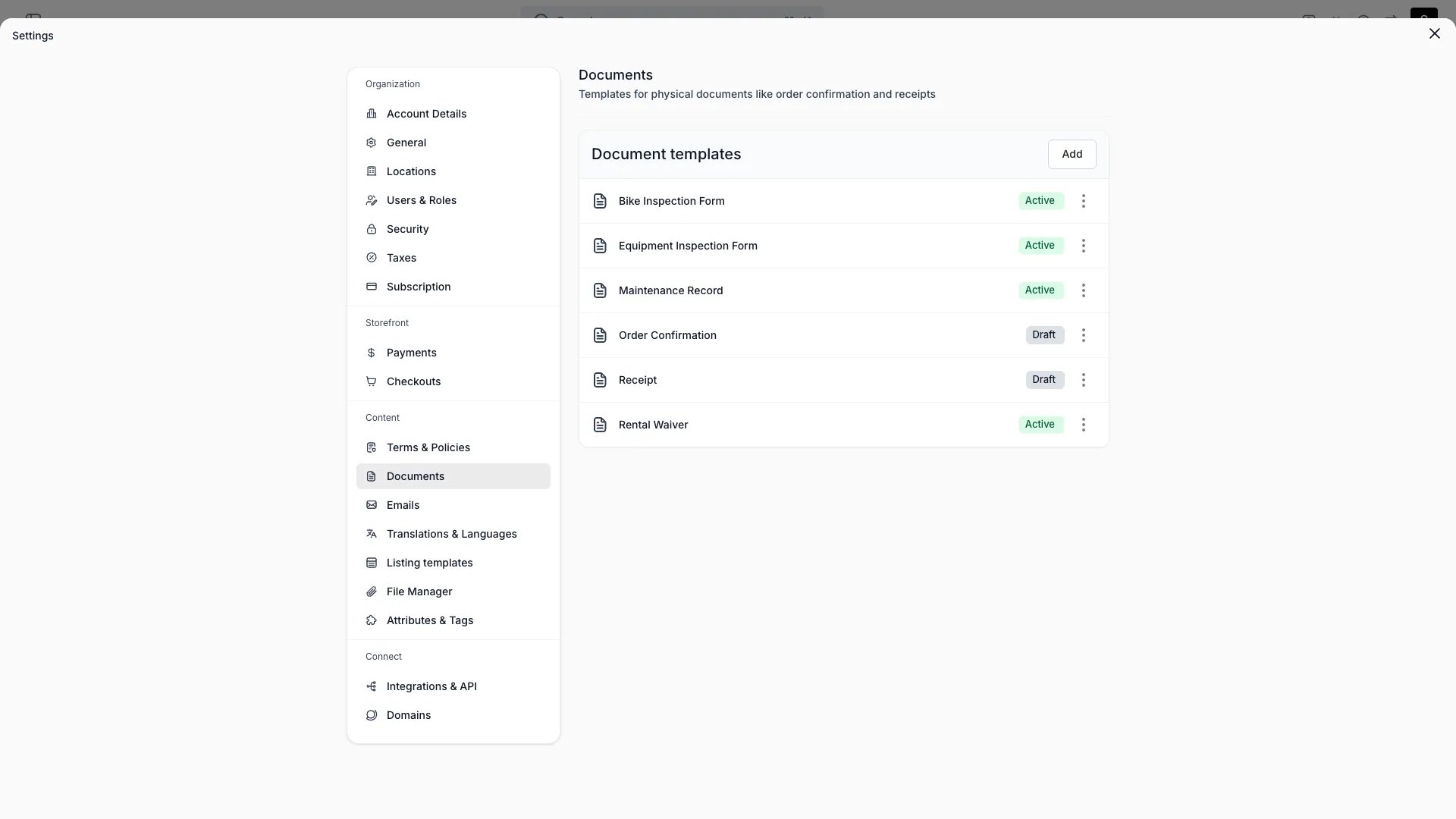
Settings > Documents
This view can look different dependent on your user role.
See Visibility and permissions for details.
See Visibility and permissions for details.
Primary purpose
Create document templates that TWICE renders for your records and customers.Template types
Template types
Build templates for an order (such as an invoice or receipt), a listing, a stock item, a customer, or a collection.
Content
Content
Author the template as HTML, then preview it rendered with sample data before publishing.
Per-language templates
Per-language templates
Each document template can have per-language content. Select a language in the template editor to write a translated version of the body.When rendering a document, the system resolves content in this order:
- Per-language override: the translated body for the requested language, if one exists.
- Template content: the body saved on the template itself (your source language version).
- Code default: for system templates (order confirmation, receipt), the built-in default in the requested language.
Defaults & visibility
Defaults & visibility
Mark one template per type as the default, choose which entity types can use it, and keep it draft or active.
Document numbering is applied automatically when a document is issued. It isn’t configured here, and it is separate from order numbering. Receipt and invoice numbers draw their own sequences and render bare; the format set in Settings → Orders applies to order references only.
Related concepts
Emails
Email templates with the same per-language support and language routing
Multi-Language Content
How translations work across your catalog, locations, and templates
Template variables
Document templates use Handlebars, the same syntax and helpers as email templates. Each template receives the resource it is built for: an order template receives the Order object, a listing template the listing. An order document attached to an email renders against the same order data and in the same language as the email carrying it, so a PDF and the email around it cannot disagree about a date, a price or an attribute. That data includes the order attribute variables{{orderAttributes}} and {{attributes.<key>}}.
The preview renders against sample data for the template type, and that sample carries no order attributes. Add the keys your template reads to the JSON under Test data in the template editor to see them render.
Visibility and permissions
This page is gated byaccount_settings:documents, in the four operations: , , and .
Owner and Admin hold every operation. Manager holds only view. Member does not hold it at all.
For what each operation means and the full role matrix, see Users & Roles.