

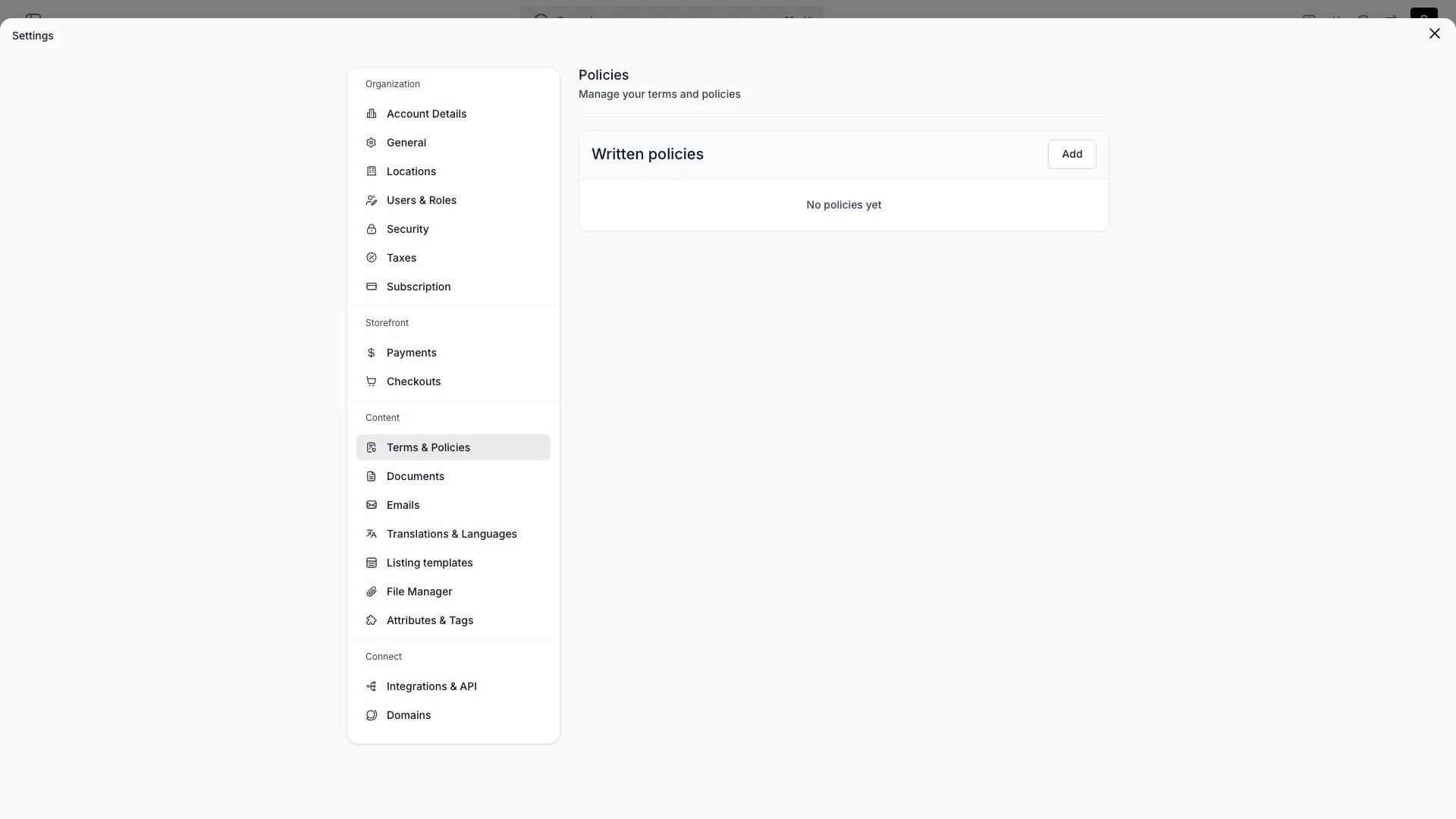
Settings > Terms & Policies
This view can look different dependent on your user role.
See Visibility and permissions for details.
See Visibility and permissions for details.
Primary purpose
Create the policy documents customers see — terms, privacy, return policy, or any others you need.Create a policy
Create a policy
Give the policy a name and choose its content type: inline content (write it in TWICE) or a link to an external URL you host elsewhere.
Status & preview
Status & preview
Keep a policy as draft while you write it and set it active to publish. Preview the rendered policy before publishing.
Where policies appear
Where policies appear
Active policies can be linked in the storefront footer and attached to a checkout as required consents.
Policies have no fixed types — name them whatever you need. They apply account-wide.
Visibility and permissions
This page is gated byaccount_settings:policies, in the four operations — , , and .
Owner and Admin hold every operation. Manager and Member do not hold it at all.
For what each operation means and the full role matrix, see Users & Roles.