

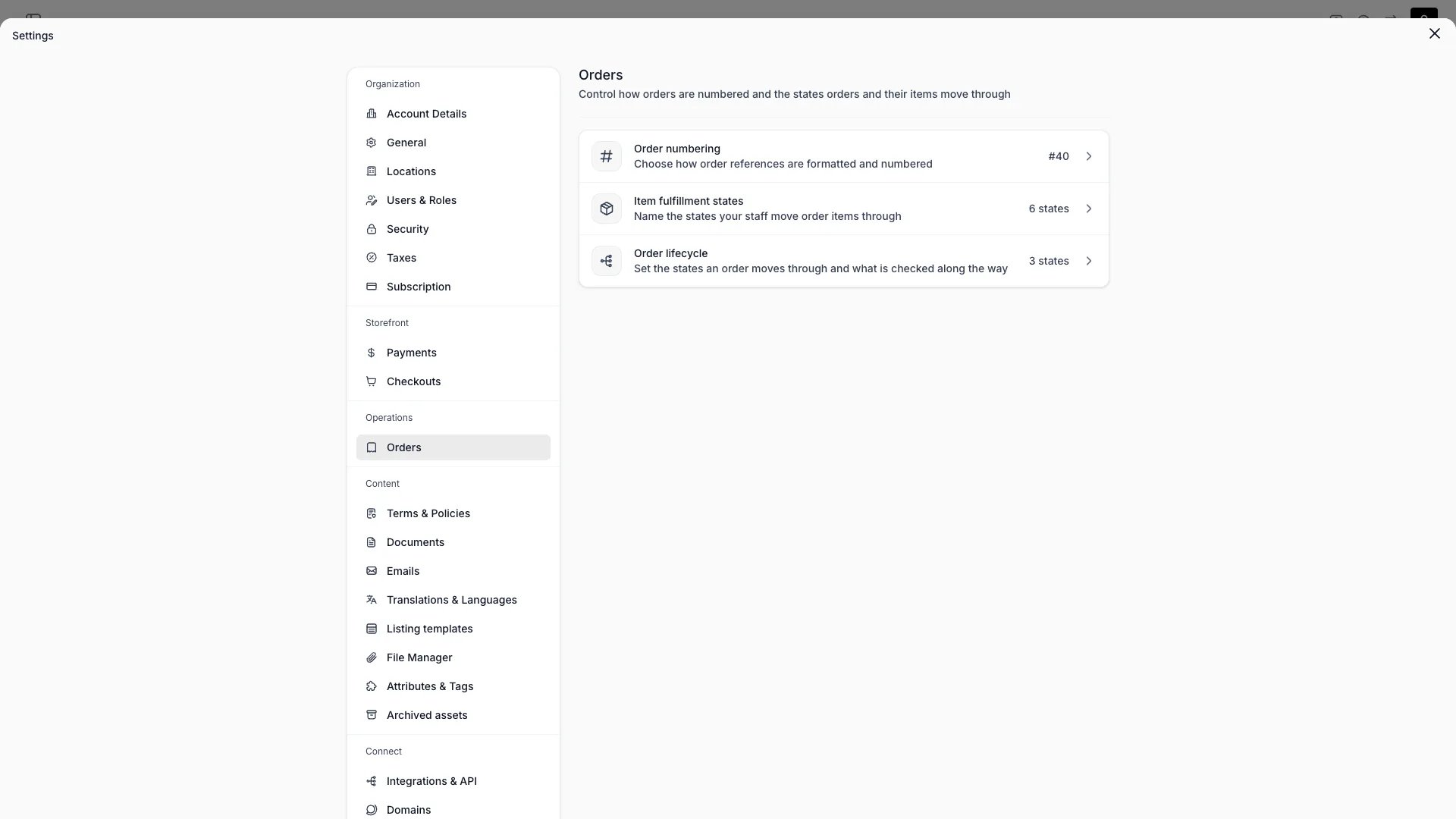
Settings > Operations > Orders
This view can look different dependent on your user role.
See Visibility and permissions for details.
See Visibility and permissions for details.
Primary purpose
Orders sits under Operations in Settings and holds four sections, each on its own page:
Each row previews its own setting, so the index answers the common question without a click.
Order numbering
Order numbering sets the account-wide format and sequence that every order reference is built from. Individual locations can override either half. Each order carries two values. The number is the raw sequence value,1042. The reference is what the number is rendered as (#1042, S-001042, or whatever your format produces), and it is the value shown in the admin, on emails and documents, and in the customer portal.
Both are allocated when the shopper confirms payment at checkout, before the payment is taken, so every retry of a declined card quotes the same reference.
Expect the sequence to skip a value. A number reserved for a checkout nobody finishes is not handed to the next order. Orders you create in the admin take their number when you create them.
Custom format
Custom format
Off by default, which numbers orders
#1, #2, #3. Turn it on to build the reference yourself from a prefix, a suffix, and a minimum number length.A custom format with every field left empty is not “no format” — it produces the bare number (42), and that is how you drop the # entirely.Format fields
Format fields
Prefix, suffix, and padding are capped so that the longest reference a format can produce still fits the Order reference field on the customer portal recovery form — a reference a customer cannot type back in would lock them out of their own order.
Next value
Next value
The number the next order receives, unless its location draws from its own sequence. Allocation hands out this value and then increments.Editing it restarts numbering from that point. This is a deliberate operation — usually paired with a new prefix, for example a yearly
2026- reset — and it re-issues numbers that existing orders may already carry, so change it only when you mean to.The form sends this value only when you actually edited it, so saving a prefix change never rewinds a counter that moved while the page was open.Next order preview
Next order preview
Below the fields, Next order renders the reference your current settings produce for the next value. It uses the same formatting the server uses when allocating, so the preview and the real reference cannot drift.
Worked examples
Order numbering is separate from document numbering. Receipt and invoice numbers draw their own sequences and render bare — a format set here never reaches them. See Documents.
Related concepts
Fulfillment lifecycle
The four fulfillment groups, and the states you define inside them
Order view
How an order reads on screen, and what each stock item says
Order lifecycle
Statuses, your own states inside them, and the checks on each move
Locations
Give a location its own prefix, its own sequence, or both
Emails
Render the reference in email and document templates with
{{reference}}Order Lifecycle (concept)
The statuses an order moves through after it has its number
Orders
The Reference column in the Orders table
Visibility and permissions
This page is gated byaccount_settings:orders, in the four operations — , , and .
Owner and Admin hold every operation. Manager and Member do not hold it at all.
For what each operation means and the full role matrix, see Users & Roles.