

Internal and external documents
Documents can be either internal or external, depending on who they are meant for.Internal documents
Used by staff for internal purposes such as store setup, sales instructions, or technical specifications. These files remain visible only to employees and are not shared with customers.- Example: Sales briefing sheet, technical data sheet, retail setup guide.
External documents
Shared automatically with customers when included in online listings, order confirmations, or delivery communications. These files help customers understand how to use or care for the product.- Example: User manual, warranty information, rental instructions.
Managing documents
Documents and files can be uploaded directly from your device or by scanning a QR code in the upload window. Staff in-store or in the field can attach relevant documents this way, such as updated user guides or photos. To rename a file, open the row actions menu and select Rename. The file’s storage location stays the same — only the display name changes.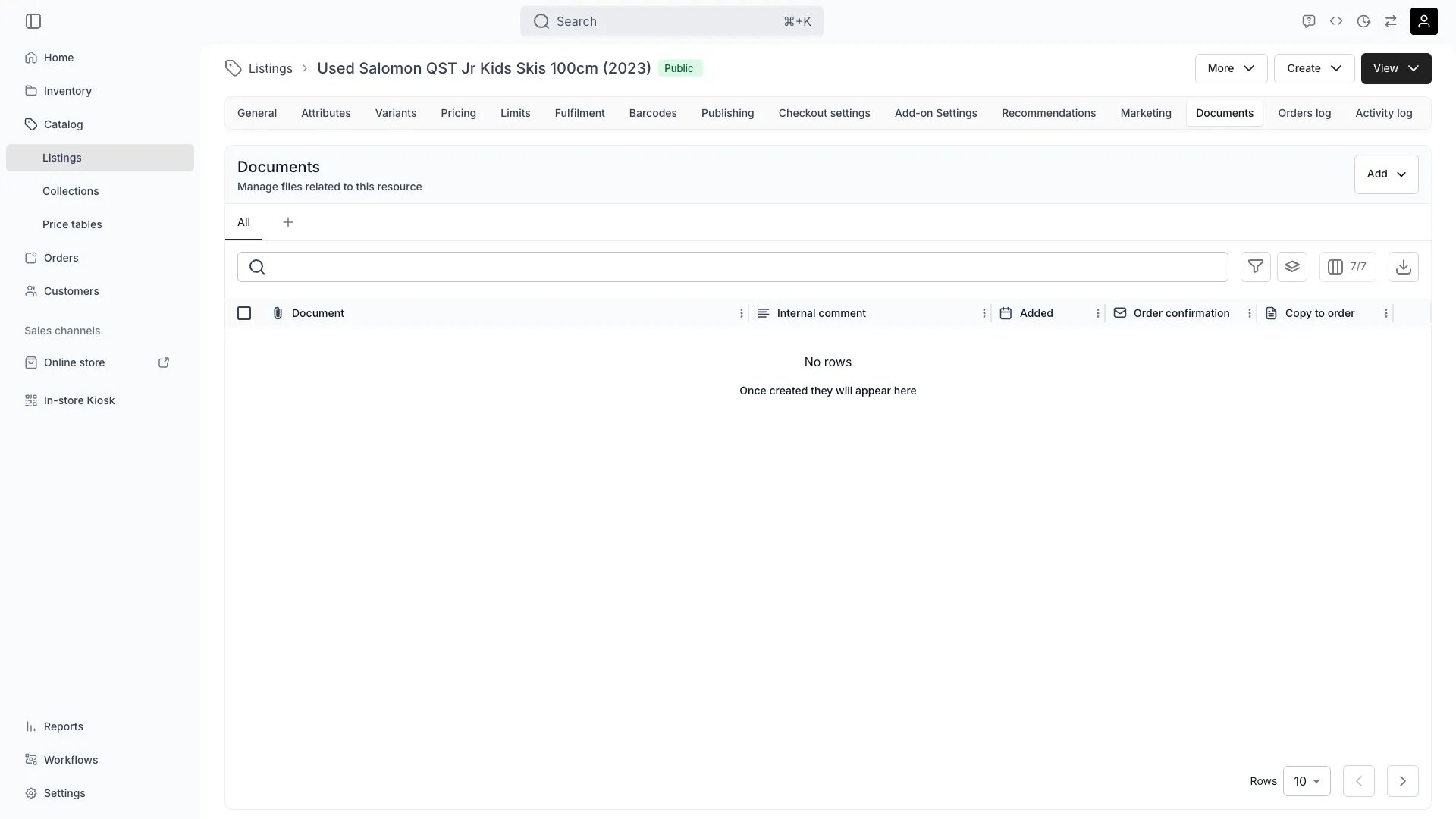
Sending documents to orders
Two flags control what happens to a document when the listing is ordered. They are independent — setting one does not set the other. Each flag has its own column in the documents table and its own entry on the row actions menu.
Each column shows a checkmark while its flag is on, and the row action turns into its counterpart — Remove from order documents and Detach from order confirmation — so the same entry switches the flag back off. Turning Copy to order on backfills: orders that already include this listing receive the document as well.
Custom email templates carry only their own attachments and ignore the confirmation flag.
The same two flags exist on SKU documents and stock item documents. See Order Documents for how copies land on an order.
Referencing documents in listings
Uploaded files can be stored for internal use or referenced directly from listing attributes. For example, an attribute named Product Manual might reference a file called user_manual.pdf. You can then:- Link it directly within the listing (visible to customers if marked external), or
- Manage it under Documents, where it’s stored and tracked centrally.
Common use cases
- Attaching product sheets for B2B listings.
- Providing usage or care guides for rental products.
- Adding media assets or marketing PDFs for retail displays.
Listing-level documents create transparency and consistency across sales channels — ensuring that every listing carries the right supporting information for both internal teams and customers.