

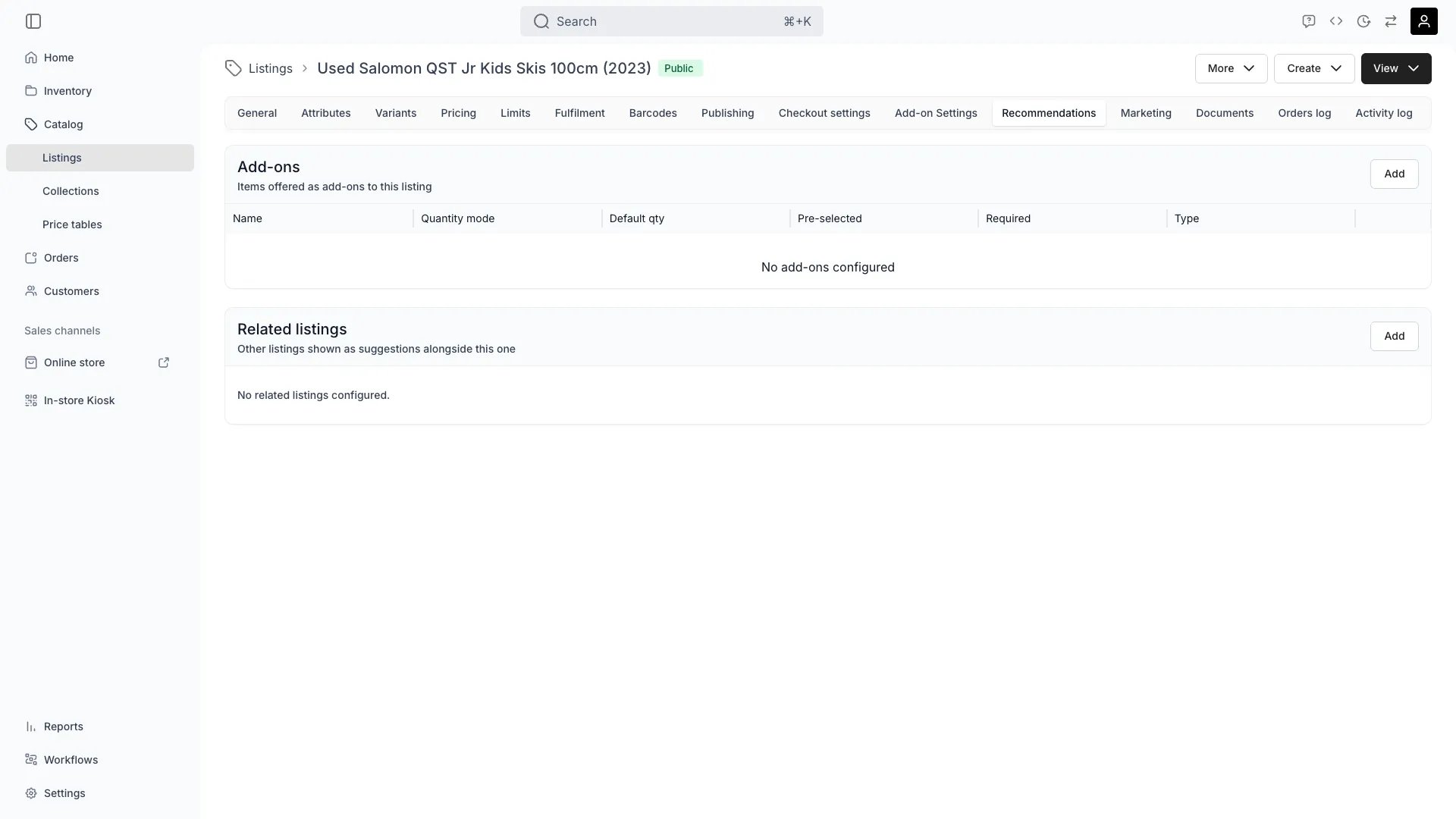
Catalog > Listings > [Listing] > Recommendations
This view can look different dependent on your user role.
See Visibility and permissions for details.
See Visibility and permissions for details.
Primary purpose
The Recommendations tab has two sections: Add-ons — other listings offered as add-ons when a customer orders this listing — and Related listings — a manually curated list of listings shown as recommendations on this listing’s storefront page.Add-ons
Add-ons
Attach another listing as an add-on with Add: pick the listing, then configure the link. Each add-on link has its own settings:
- Type (
purchaseType) — offer the add-on as a booking (Book) or as a purchase (Buy). The same listing can be attached twice, once per type. Add-ons priced as a percentage of the parent always use Buy. - Quantity mode (
quantityMode) — Selectable lets the customer choose the quantity; Fixed locks it to the default. - Default quantity (
defaultQuantity) — the quantity pre-filled (Selectable) or enforced (Fixed). - Pre-selected (
defaultSelected) — the add-on starts checked on the storefront; the customer can still remove it. - Required (
required) — the add-on is shown as included with the listing and cannot be deselected. - Default variant selection (
defaultVariantValueIds) — if the add-on listing has variants, pre-select which variant values are used.
Related concepts
Add-on Settings
Add-on Settings
How a listing behaves when sold as an add-on — add-on-only visibility and add-on pricing mode — is configured on that listing’s Add-on Settings tab.
Add-ons on Existing Orders
Add-ons on Existing Orders
Add-ons configured here also appear as suggestions when an operator attaches an add-on to an existing order from the order’s Line Items tab. See Order Line Items.
Visibility and permissions
This tab is gated bycatalog:listing, in the four operations — , , and .
All four system roles — Owner, Admin, Manager and Member — hold every operation on this.
For what each operation means and the full role matrix, see Users & Roles.