

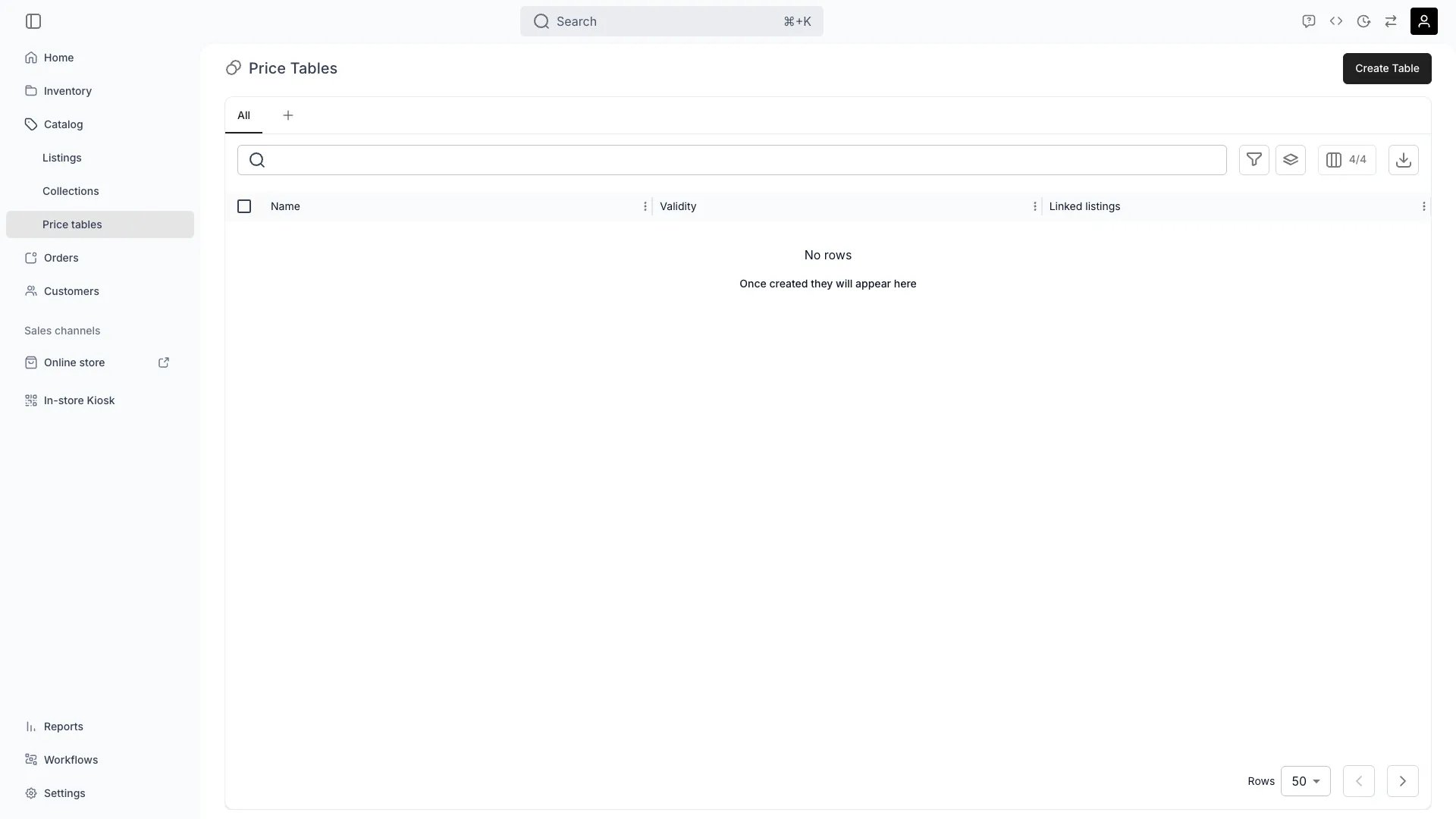
Catalog > Price Tables
This view can look different dependent on your user role.
See Visibility and permissions for details.
See Visibility and permissions for details.
Open in TWICE Admin
catalog/price-tables
Primary purpose
Price Tables allow you to define reusable pricing structures that multiple listings can connect to, ensuring consistent pricing logic across your catalog.Create Reusable Pricing
Create Reusable Pricing
Define that can be attached to one or more listings for consistent pricing logic.Read more: How to build a price table · Price Tables Key Concept
Manage Seasonal Pricing
Manage Seasonal Pricing
Set up date ranges to automatically apply seasonal rates (e.g., Winter Rental Pricing, Summer Sale Rates).
Per-variant Pricing
Per-variant Pricing
Adjust prices for specific variant values using rate multipliers on a Price Table’s variant overrides.
Update Centrally
Update Centrally
Edit pricing in one place and automatically apply changes across all linked listings.
Related concepts
Here are a few key concepts of TWICE Commerce that relate to Price Tables.Pricing Structure
Pricing Structure
Price Tables can include date ranges, variant pricing, and rate-based or fixed models (rental periods, daily rates, package prices).
How a price is selected
How a price is selected
There is no per-table priority. Rows from every table active for the booking are pooled, and the engine picks the longest-covering row, breaking ties by the lowest price — so a cheaper dated row of the same duration wins, not whichever table is “most specific”. See Price resolution.
Centralized Management
Centralized Management
All connected listings automatically inherit updates made to a shared Price Table, enabling instant catalog-wide pricing changes.
Visibility and permissions
This view is gated bycatalog:price_table, catalog:price_table_linked_listings, in the four operations — , , and .
Owner, Admin and Manager hold every operation. Member does not hold it at all.
For what each operation means and the full role matrix, see Users & Roles.
Related articles
Build a price table
The task end to end — duration tiers, linking, and what changes when you edit a shared table.