

Columns
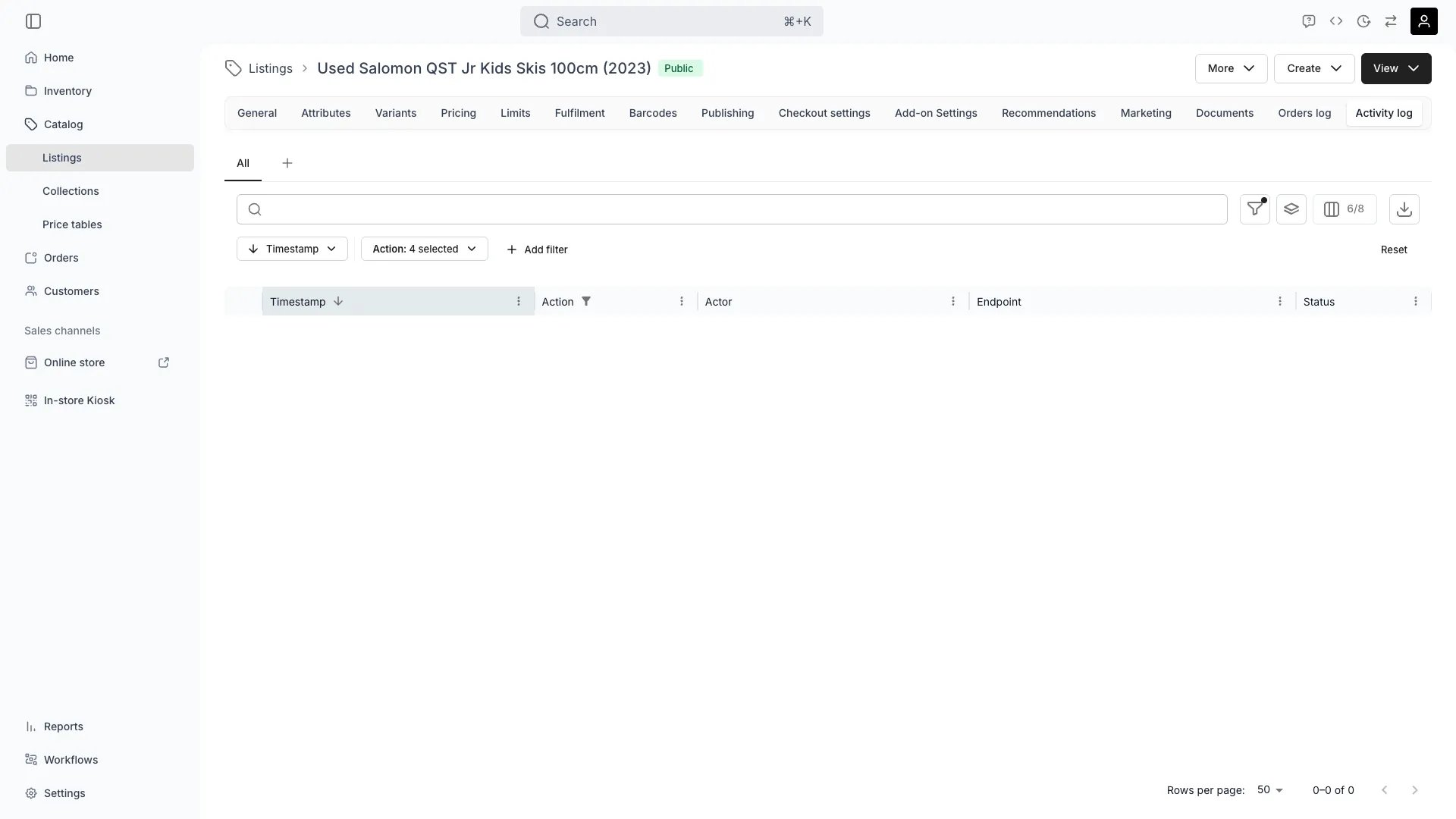
Each row in the activity log represents a single audit event. The table shows:
Expand any row to see the full audit payload — including the request body, response, and the diff between the previous and new state of the record.
Default view
When you first open the activity log, the table is pre-filtered to:- The last 24 hours of activity (you can widen this with the Timestamp filter)
- Write actions only —
Create,Update, andDelete.Readevents are hidden by default but can be enabled in the Action filter
Filters
The audit log supports a fixed set of filters that match what the underlying API can query efficiently:- Timestamp —
is,after,on or after,before,on or before - Action — multi-select across
Create,Update,Delete,Read - Resource type — multi-select (for example to see only
Pricing tablechanges) - Actor — exact email match for user accounts
- Endpoint — substring match on the URL path
What gets logged
Any write to the listing or one of its child resources produces an entry. Typical events include:- General tab edits (name, title, description, media, tags)
- Variant creation, edits, and deletion
- Pricing table changes and price overrides
- Publishing and channel visibility updates
- Fulfillment rule changes (stock item assignments, variant rules)
- Checkout settings updates
- Document uploads and deletions
API or System actor instead of a user email.
Use cases
- Trace when a listing went from
DrafttoPublicand who published it - Audit price changes before a campaign launches
- Investigate why a fulfillment rule stopped matching the expected stock items
- Provide a clear paper trail for compliance reviews