

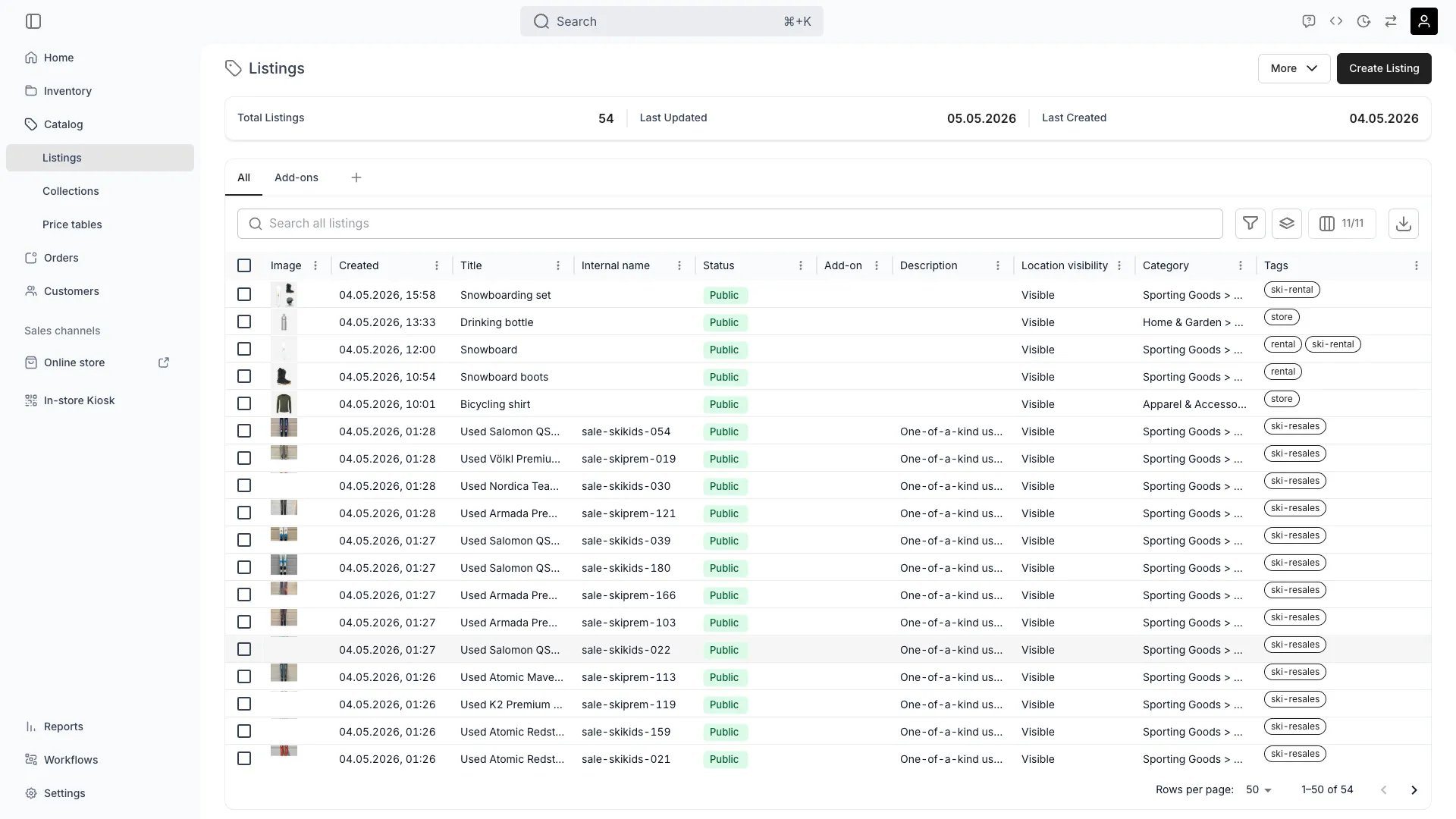
Catalog > Listings
This view can look different dependent on your user role.
See Visibility and permissions for details.
See Visibility and permissions for details.
Open in TWICE Admin
catalog/listings
Primary purpose
The Catalog view holds every listing in one table, so you can manage what you sell across all sales channels.Manage All Listings
Manage All Listings
View and manage all in one place, from standalone items to grouped offerings.Read more: Listings Key Concept
Create New Listings
Create New Listings
Create listings for rental, resale, or buyback with built-in support for pricing, deposits, and availability rules.Read more: Create Resale Listing
Organize with Collections
Organize with Collections
Group related listings into for better organization and customer navigation.Read more: Collections
Publish Across Channels
Publish Across Channels
Control which listings appear on which sales channels with real-time availability and automated pricing.Read more: Publishing Settings
Related concepts
Here are a few key concepts of TWICE Commerce that relate to the Catalog view.Listings vs Stock Items
Listings vs Stock Items
are customer-facing products, while are the physical inventory they reference.Read more: Listings
Dynamic Listings
Dynamic Listings
Create listings that automatically update based on available inventory, enabling individualized second-hand or refurbished item sales.
Table Features
Table Features
The catalog table supports all standard for efficient listing management.Read more: Data Tables
Visibility and permissions
This view is gated bycatalog:listing, catalog:collection, in the four operations — , , and .
All four system roles — Owner, Admin, Manager and Member — hold every operation on this.
For what each operation means and the full role matrix, see Users & Roles.