

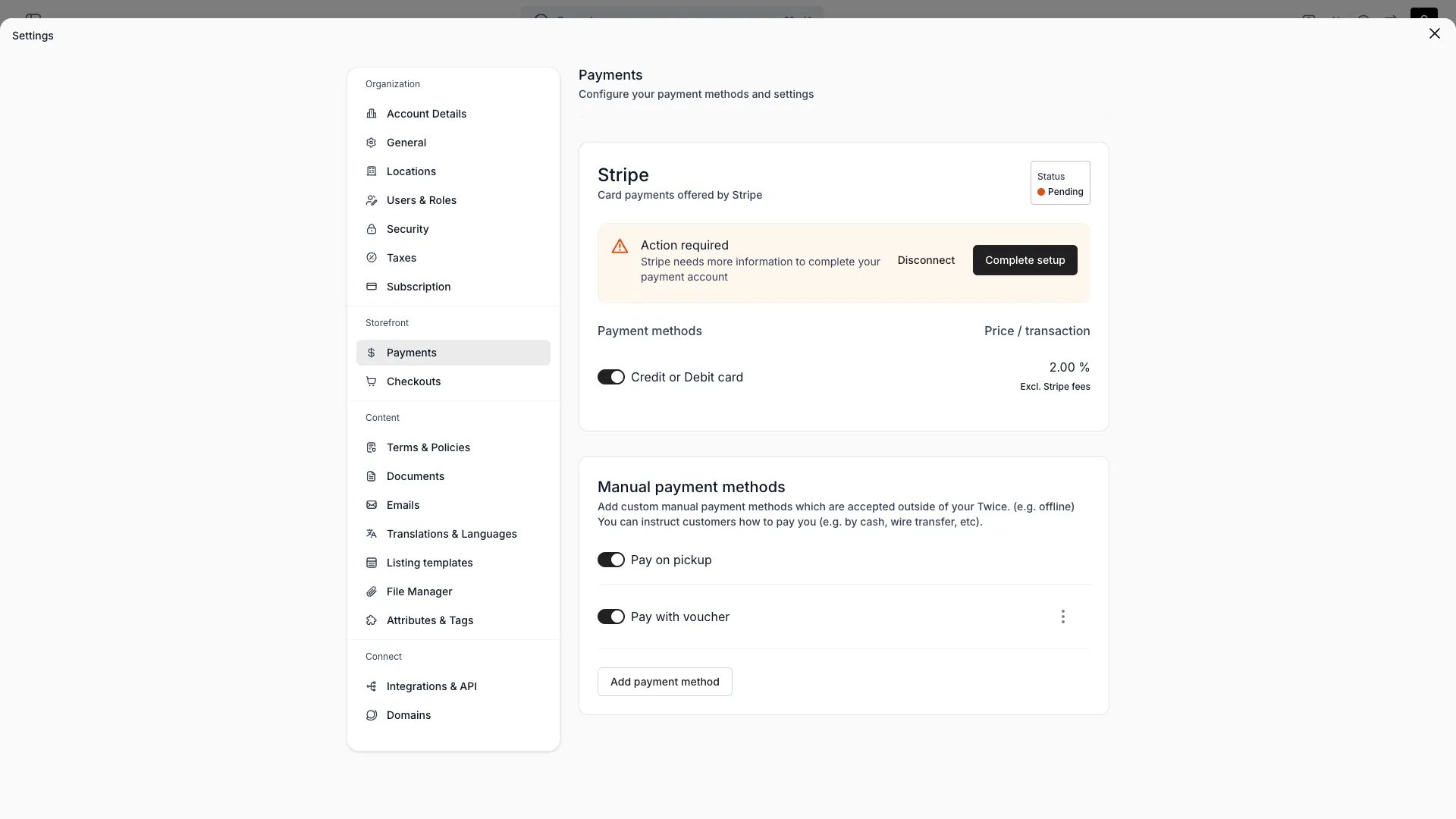
Settings > Payments
This view can look different dependent on your user role.
See Visibility & Permissions for details.
See Visibility & Permissions for details.
Primary Purpose
Connect the payment providers your store accepts and manage their setup.Stripe
Stripe
The standard provider, available to every store. Connect through TWICE’s Stripe platform — no separate Stripe account is needed — and enable the card methods you want to accept.Apple Pay and Google Pay activate automatically when Stripe card payments are enabled — there is no separate toggle. TWICE registers your storefront domains with Stripe for Apple Pay verification in the background. Customers see the wallet button at checkout when their device and browser support it.
Apple Pay does not appear in embedded (iframe) checkouts. Google Pay is unaffected.
Manual methods
Manual methods
Add offline payment methods (for example bank transfer, cash, or pay on pickup) with a label and description, and enable or disable each.
Stripe and manual/offline methods are available on every plan. Two further providers are enabled for selected merchants only and are off by default — Adyen (connect your own Adyen account) and SumUp (in-person payments on a SumUp Solo terminal). Contact support if you need either.Capture timing and security deposits are configured per checkout and per order, not here — see Checkouts and Security Deposits.
Visibility and Permissions
This page is gated byaccount_settings:payment, in the four operations — , , and .
Owner and Admin hold every operation. Manager holds only view. Member does not hold it at all.
For what each operation means and the full role matrix, see Users & Roles.