

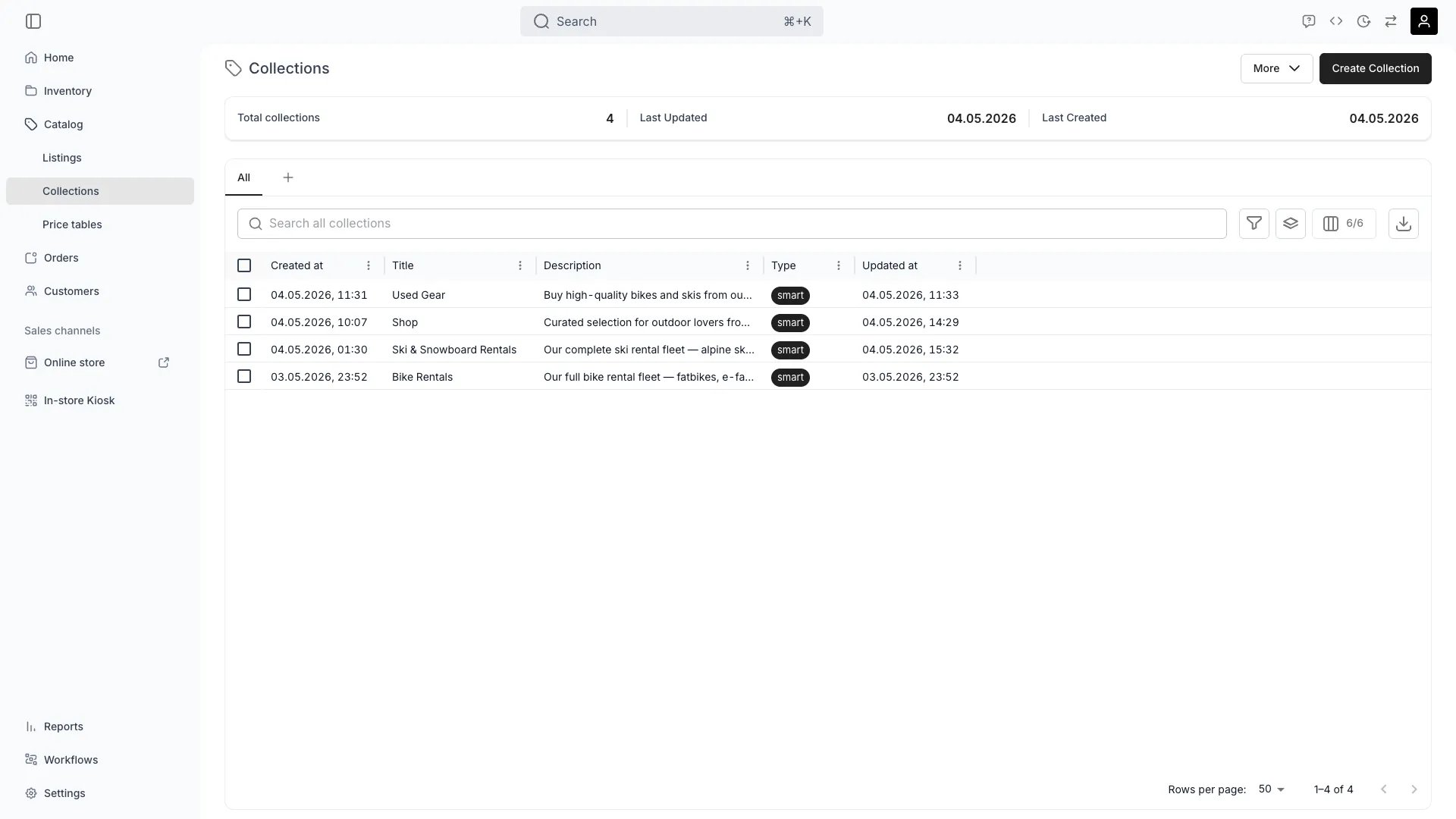
Catalog > Collections
This view can look different dependent on your user role.
See Visibility and permissions for details.
See Visibility and permissions for details.
Open in TWICE Admin
catalog/collections
Primary purpose
Collections group listings into categories that make your online store easier to browse — manually curated or automatically populated by rules.Manual collections
Manual collections
Build curated sets by selecting listings individually for complete editorial control (e.g., “Editor’s Picks”, “New Arrivals”, “Bestsellers”).Read more: How to build a collection
Smart collections
Smart collections
Create dynamic that automatically include listings based on tags, attributes, or categories.Read more: Collections Key Concept
Organize by season or campaign
Organize by season or campaign
Group listings for seasonal promotions or marketing campaigns.
Publish per sales channel
Publish per sales channel
Switch a collection off the online store or off the admin’s order browser without archiving it, and switch it back on when the season comes round again.Read more: Collection publishing
Related concepts
Manual vs Smart Collections
Manual vs Smart Collections
Manual collections give you complete control over which listings appear. Smart collections automatically update based on rules you define using tags, attributes, or categories.
Multi-collection membership
Multi-collection membership
Listings can belong to as many collections as you want, allowing flexible cross-categorization.
Visibility and permissions
This view is gated bycatalog:collection, in the four operations — , , and .
All four system roles — Owner, Admin, Manager and Member — hold every operation on this.
For what each operation means and the full role matrix, see Users & Roles.
Related articles
Build a collection
The task end to end — manual versus smart membership, and how a rule resolves.