

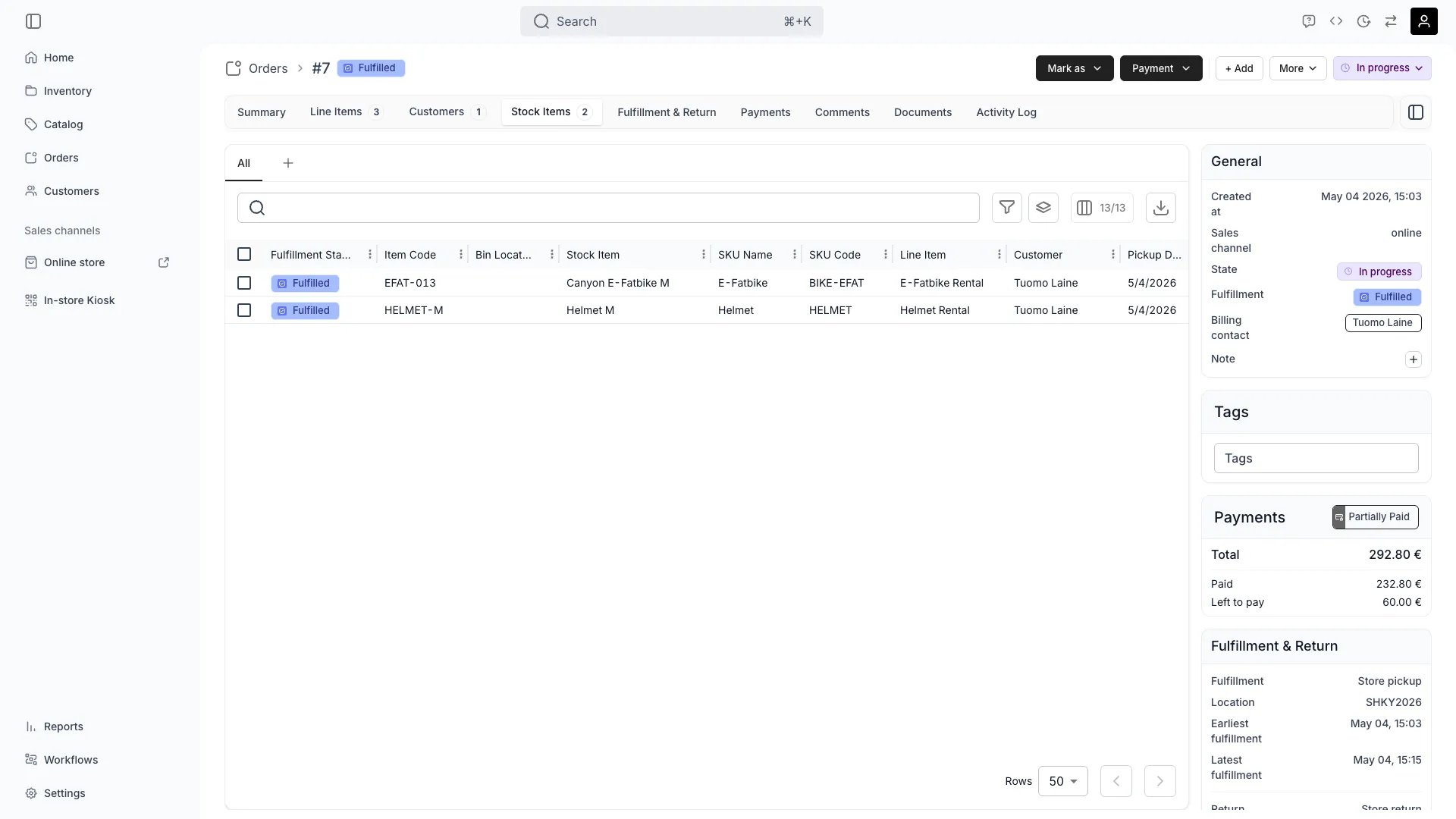
Orders > [Order] > Stock Items
This view can look different dependent on your user role.
See Visibility and permissions for details.
See Visibility and permissions for details.
Open in TWICE Admin
orders/[order-id]/stock-items
Primary purpose
The Stock Items tab shows which specific inventory items have been assigned to fulfill this order.View Assigned Items
View Assigned Items
See which are allocated to each listing in the order.
Manage Item Assignment
Manage Item Assignment
Assign specific items from inventory, swap items, or use fallback suggestions when needed.Read more: Assign and swap stock items
Track Item Status
Track Item Status
Monitor whether assigned items are ready, need preparation, or require maintenance before fulfillment.
Handle Returns
Handle Returns
Process item returns, check condition, and update inventory status after return inspection.
Related concepts
Here are a few key concepts of TWICE Commerce that relate to Order Stock Items.Serialized Fulfillment
Serialized Fulfillment
Each order is fulfilled with specific tracked items, enabling precise accountability and lifecycle tracking.
Auto-Assignment
Auto-Assignment
TWICE can automatically assign optimal items based on availability, location, and fulfillment rules.
Visibility and permissions
This tab is gated byorders:order_stock_items, in the four operations — , , and .
All four system roles — Owner, Admin, Manager and Member — hold every operation on this.
For what each operation means and the full role matrix, see Users & Roles.
Related articles
Assign and swap stock items
Auto-assign, the candidate list, swapping by click or by scan.
Resolve stock item conflicts
When an assigned unit has lost its reservation.