

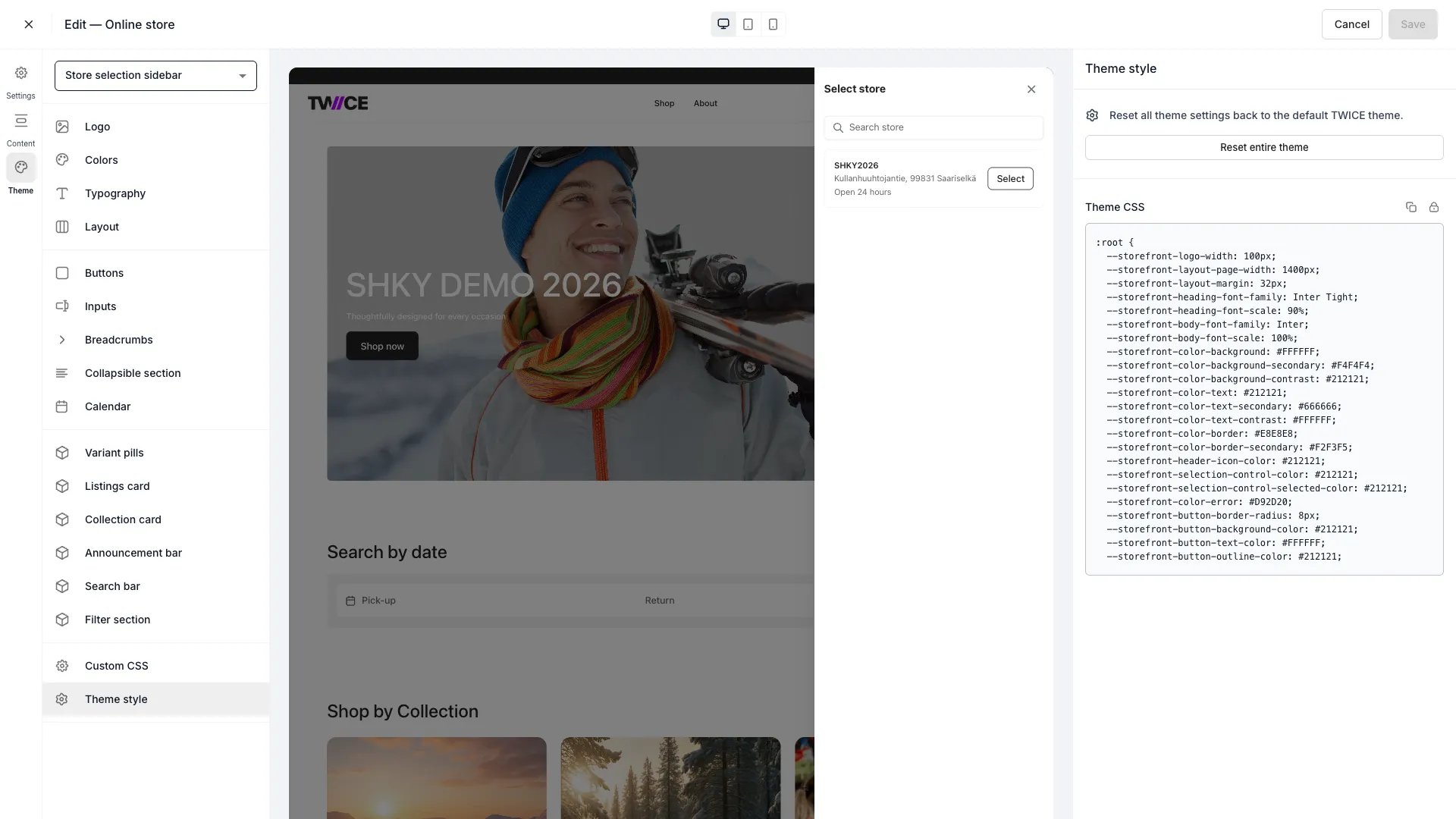
Theme Editor > Theme style
Reset entire theme
Click Reset entire theme to revert all settings across every panel back to the default TWICE Commerce theme. This is a single action that affects colours, typography, layout, buttons, inputs, calendar, listing cards, and all other theme settings.Theme CSS
The CSS block shows a:root rule with every theme variable and its current value. You can:
- Copy — click the copy icon to copy all variables to your clipboard.
- Unlock — click the lock icon to switch to edit mode.
- Edit — modify variable values directly in the text field. Use standard CSS syntax.
- Apply changes — parse the edited CSS and update the corresponding theme settings.
Editing a CSS variable in this panel updates the same setting as the corresponding visual panel. For example, changing
--storefront-button-border-radius here has the same effect as moving the Corner radius slider in the Buttons panel.Related articles
Custom CSS
Add custom CSS rules to your storefront.
Colors
Define the storefront colour palette.