

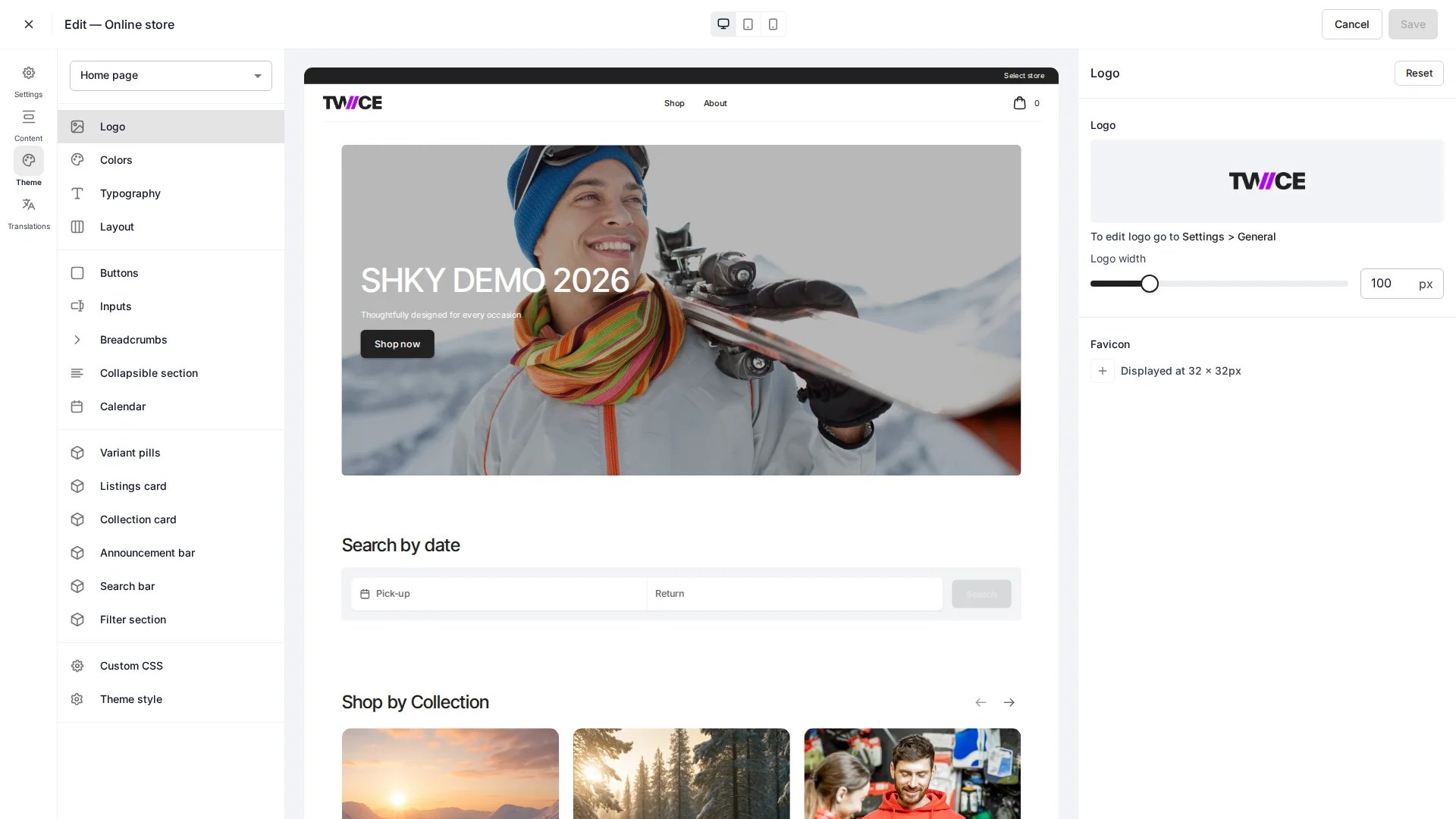
Theme Editor > Logo
Settings
Logo width
Upload the logo image itself under Settings → General. This panel controls the display width only.
Favicon
Upload a custom favicon to replace the default browser tab icon for your online store. The favicon displays at 32 × 32 pixels. To set a favicon, click the + button and select an image from the file manager. The uploaded image appears as a preview. To remove it, click the × button on the preview — the storefront reverts to the browser’s default icon. The favicon is injected as a<link rel="icon"> tag on every storefront page.
CSS variables
Related articles
Layout
Control page width and margins.
Colors
Define the storefront colour palette.