

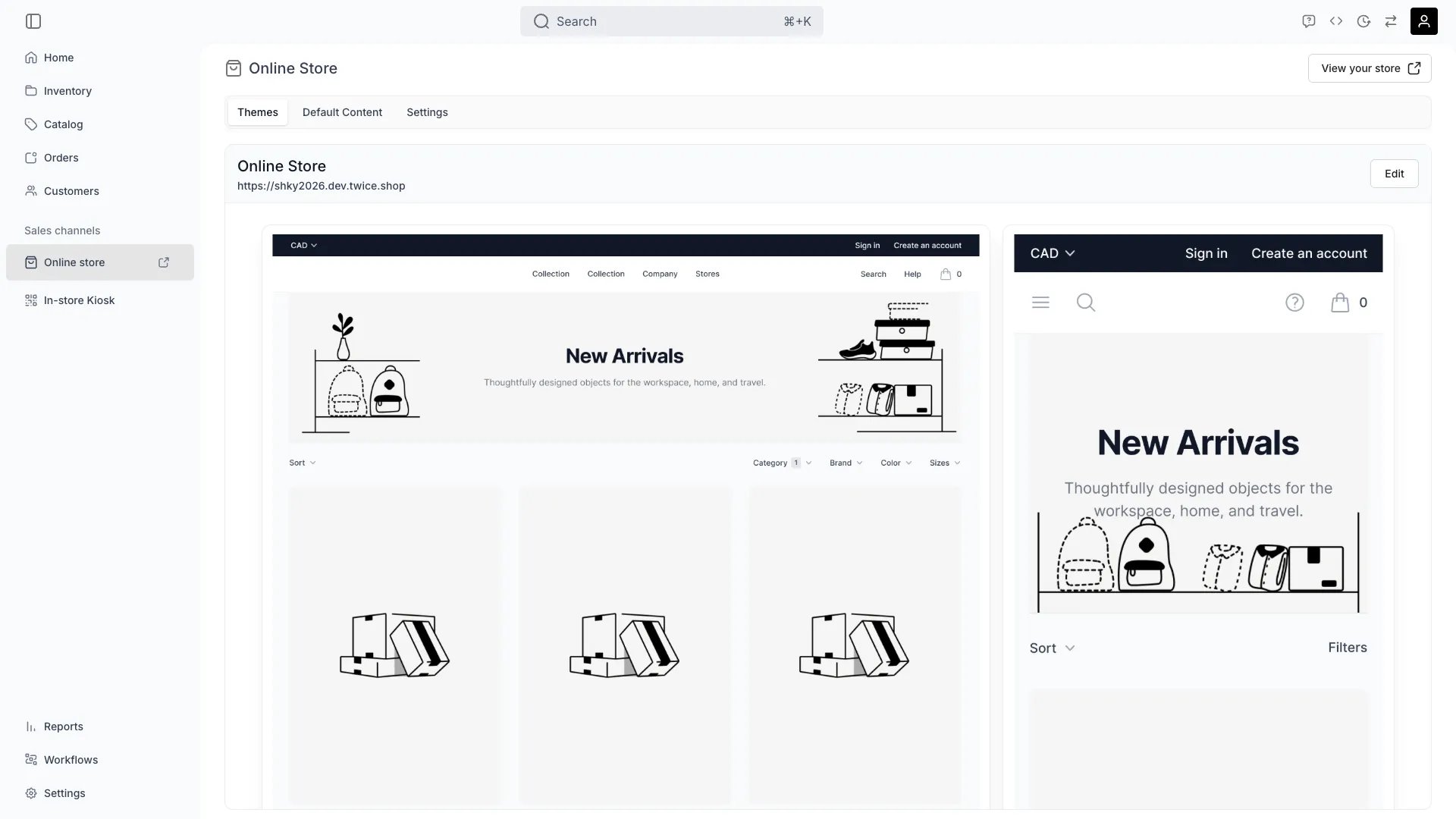
Sales Channels > Online Store > Themes
This view can look different dependent on your user role.
See Visibility and permissions for details.
See Visibility and permissions for details.
Primary purpose
The Themes tab shows a single card for your online store: desktop and mobile preview images with your storefront URL. Click Edit to open the storefront editor. There is no theme library — no list of themes to preview, duplicate, switch between, or publish, and no drafts. Each account has exactly one storefront configuration.One storefront configuration
One storefront configuration
Your account has a single storefront configuration covering settings, content, theme, and translations. The editor edits it directly.
Edit in the storefront editor
Edit in the storefront editor
Click Edit to customise colours, typography, layout, and individual page templates in the visual editor. Saving writes changes directly to the live storefront.
Visibility and permissions
This view is gated byonline_store:editor, in the four operations — , , and .
All four system roles — Owner, Admin, Manager and Member — hold every operation on this.
For what each operation means and the full role matrix, see Users & Roles.
Related articles
Design the storefront
What to do after you press Edit.