

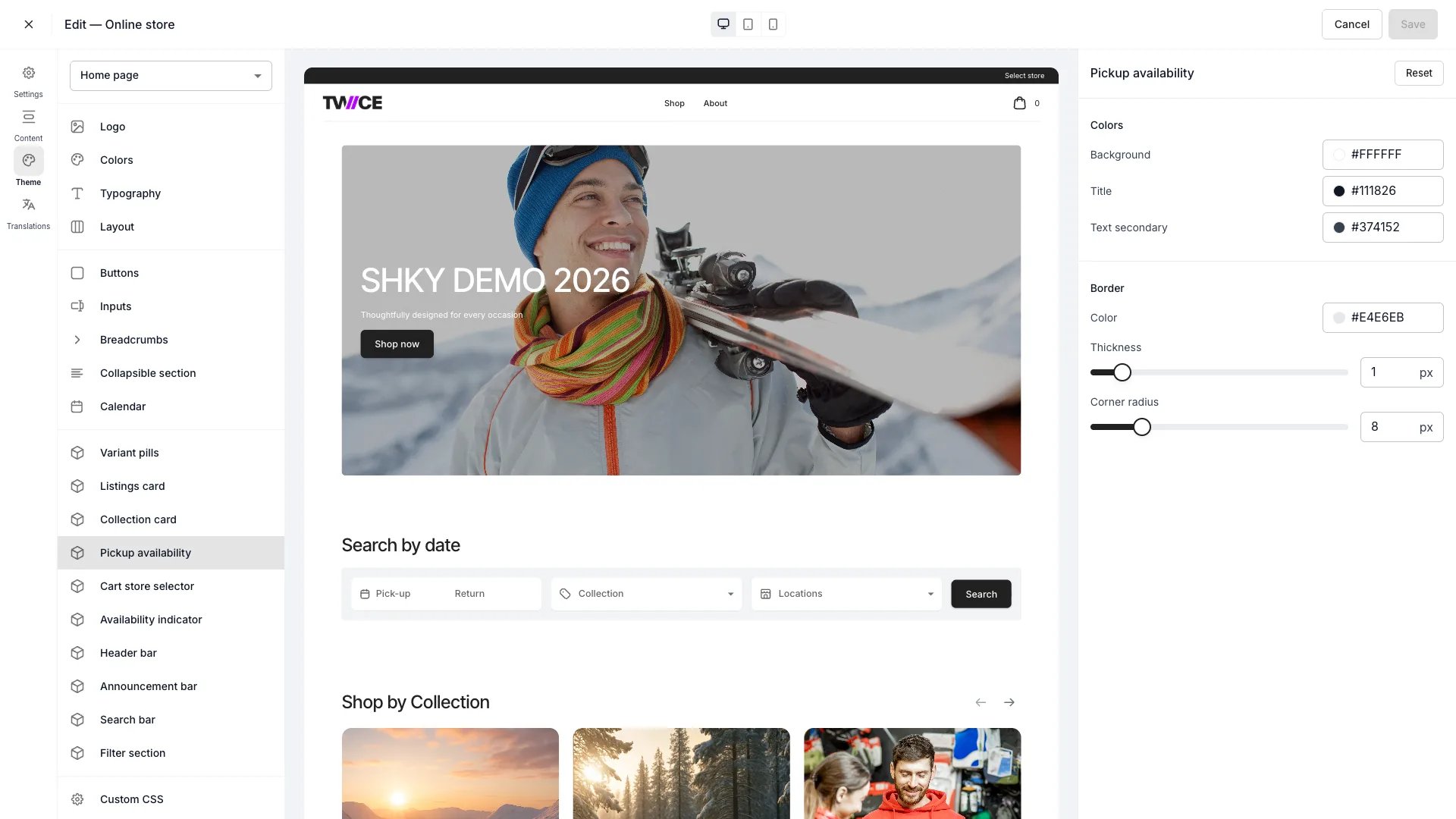
Theme Editor > Pickup availability
This panel controls the card’s colours and border only. What the card shows — the hide toggle, Show item counts, and Show other locations — is configured in the Pickup availability block on the Listing page. The status dot inside the card is styled in the Availability indicator panel.
Colors
Border
CSS variables
Related articles
Availability indicator
Style the status dot inside the card.
Listing page
Configure what the pickup availability block shows.