

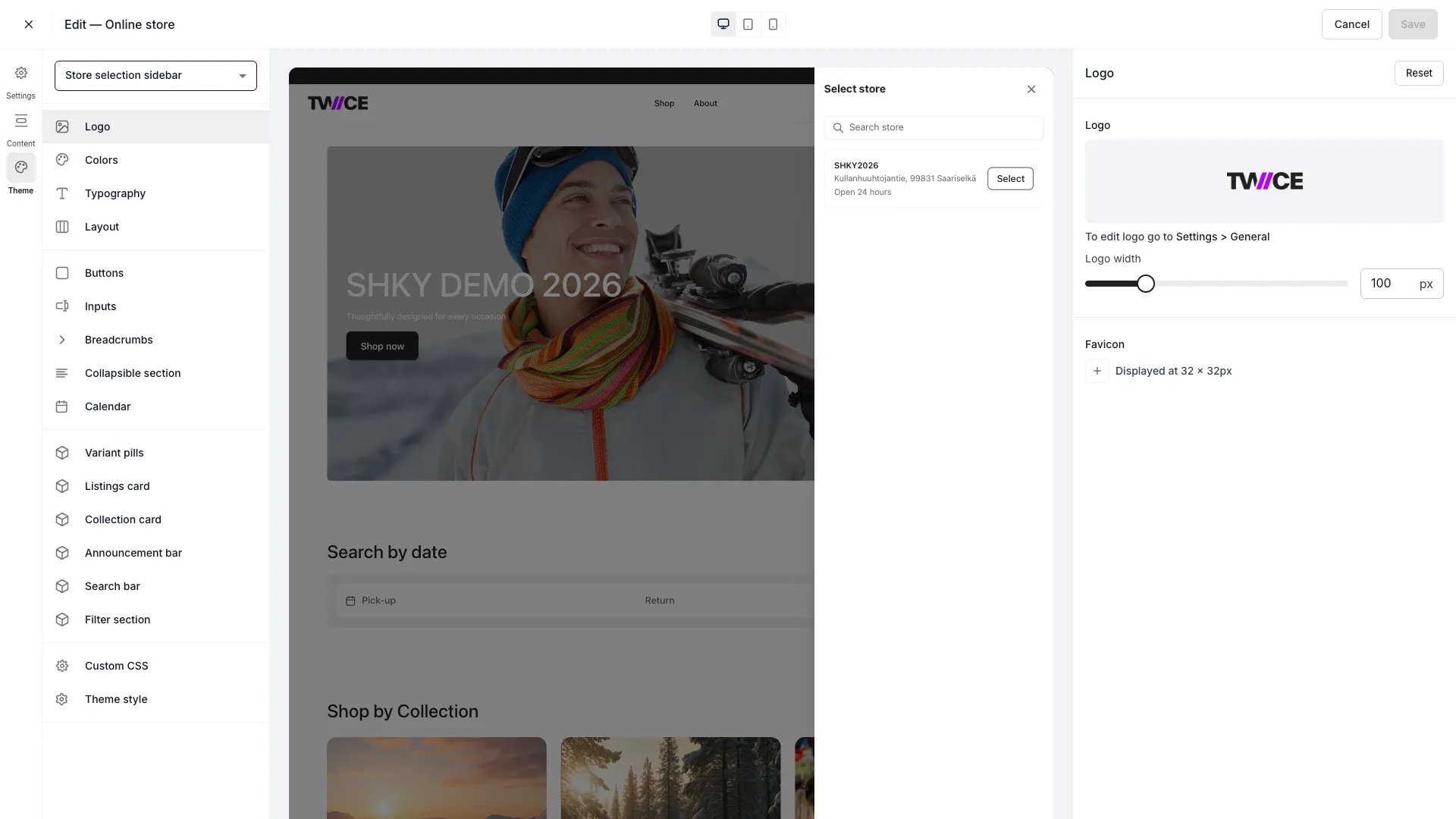
Theme Editor > Theme settings
Categories
Theme settings are organised into four sections:Header
Global design tokens that affect the overall storefront appearance.Components
Styles for interactive UI elements.Cards
Styles for card-like UI surfaces and other visual blocks.Settings
Advanced theme tools.How it works
Each category panel has a Reset button that reverts only that category’s settings to the defaults. To reset everything at once, use the Reset entire theme button in the Theme style panel. Changes preview in real time but are not stored until you save. Save in the editor top bar writes them directly to the live storefront — there is no separate draft or publish step. Closing the editor with unsaved changes opens a dialog where you save or discard them.Related articles
Theme Editor overview
Learn about the full Theme Editor.
Theme style
View and edit all theme CSS variables.