

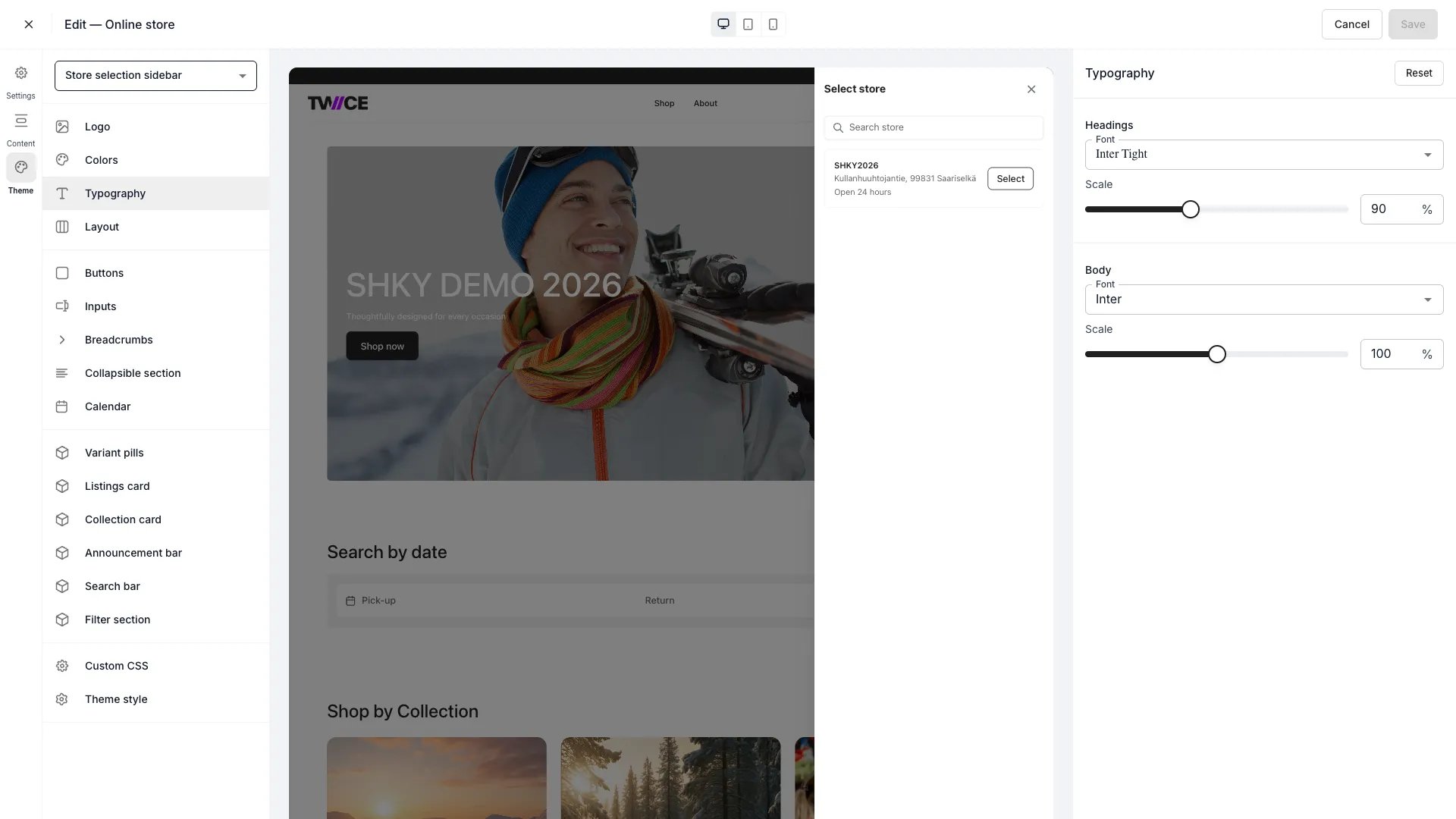
Theme Editor > Typography
Headings
Body
The font scale adjusts all sizes proportionally — individual heading levels (H1, H2, H3) and body text sizes are not configurable independently. Set scale to 100% for the default sizing.
CSS variables
Related articles
Colors
Define the storefront colour palette.
Layout
Control page width and spacing.