

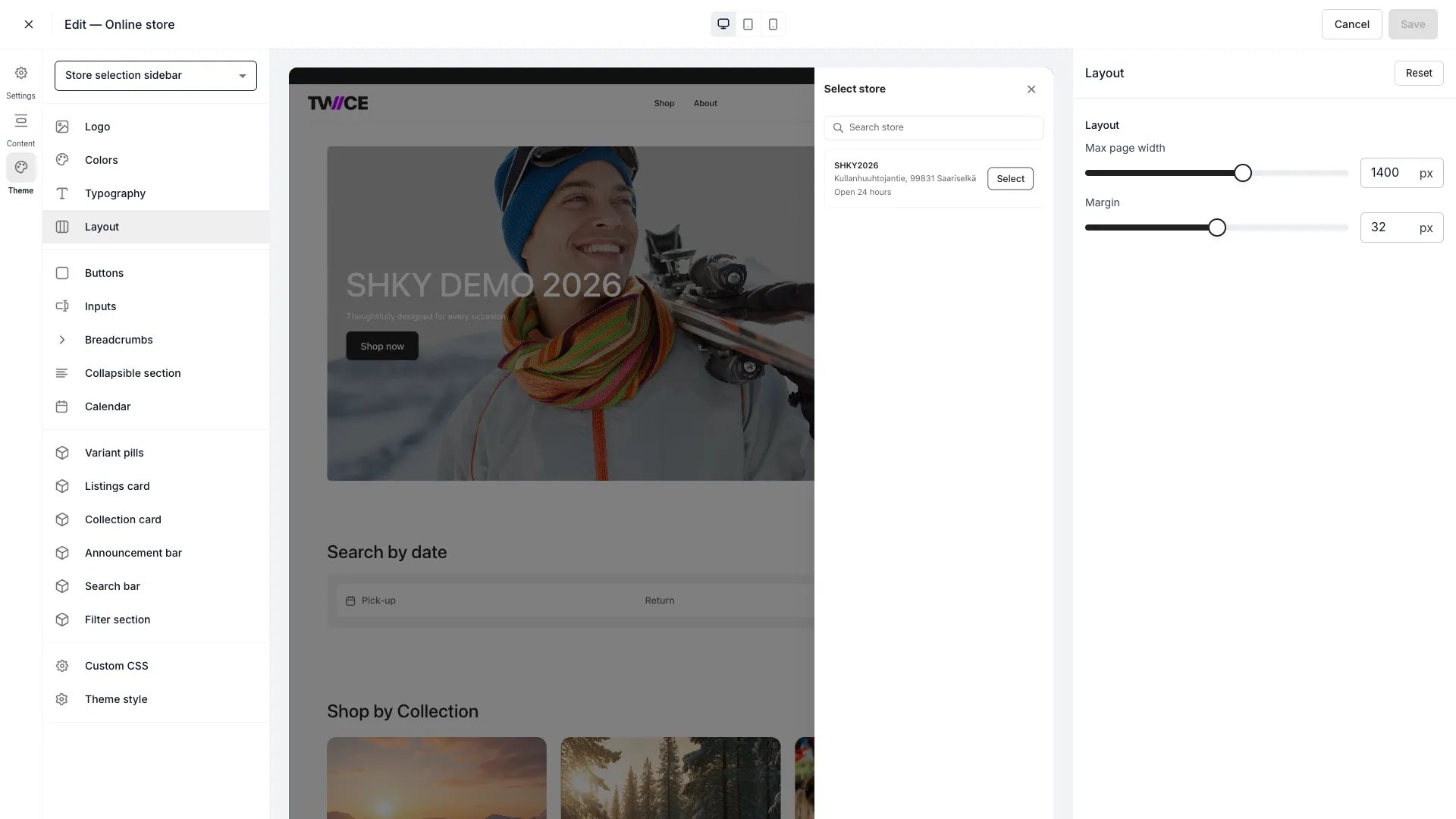
Theme Editor > Layout
Settings
On viewports narrower than the max page width, content fills the available space minus the margin. The max page width only constrains the layout on wider screens.
CSS variables
Related articles
Typography
Configure fonts and text sizing.
Listings card
Configure listing card layout and appearance.