

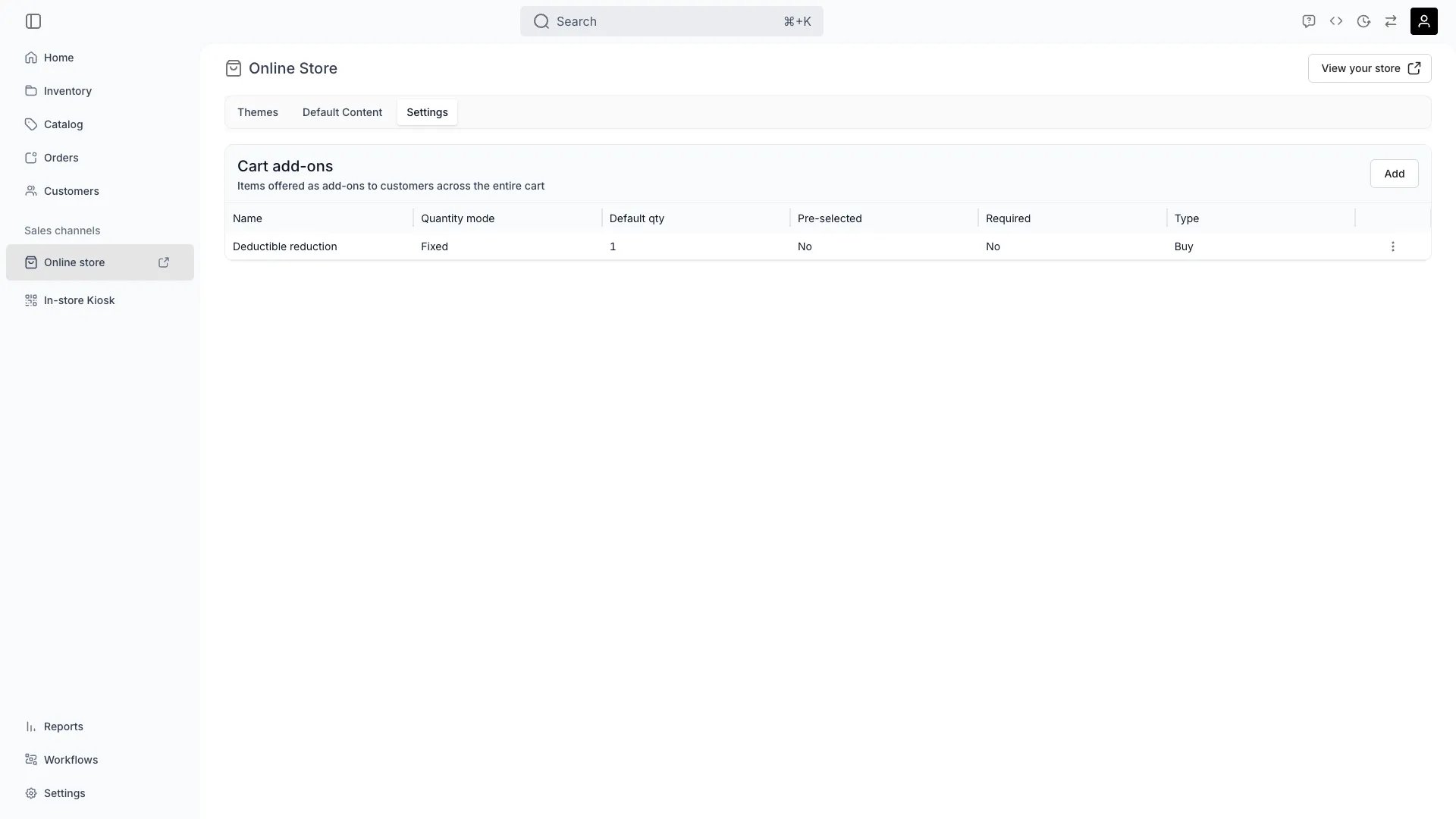
Sales Channels > Online Store
This view can look different dependent on your user role.
See Visibility and permissions for details.
See Visibility and permissions for details.
Open in TWICE Admin
sales-channels/online-store
Primary purpose
The Online Store is your direct-to-consumer sales channel — a customizable storefront for selling and renting your products. From here you manage themes, storefront settings, and translations.Themes
Themes
Pick and customise the visual theme of your storefront. See Themes.
Translations
Translations
Translate storefront content and override system strings directly in the theme editor’s Translations mode. You can translate authored content (hero text, page copy, meta fields), override built-in UI strings (navigation, cart, search), and customise shared commerce strings — all per language. See Theme Editor and Settings - Translations.
Store settings
Store settings
Manage domain, language, currency, and other store-level configuration on this page.
Related concepts
Multi-channel inventory
Multi-channel inventory
Online store inventory syncs in real time with all other sales channels.
Unified orders
Unified orders
Orders from the online store land in the same orders table as orders from other channels.
Visibility and permissions
This view is gated byonline_store:editor, online_store:settings, in the four operations — , , and .
online_store:editor— all four system roles hold every operation.online_store:settings— Owner, Admin and Manager hold every operation. Member does not hold it at all.