

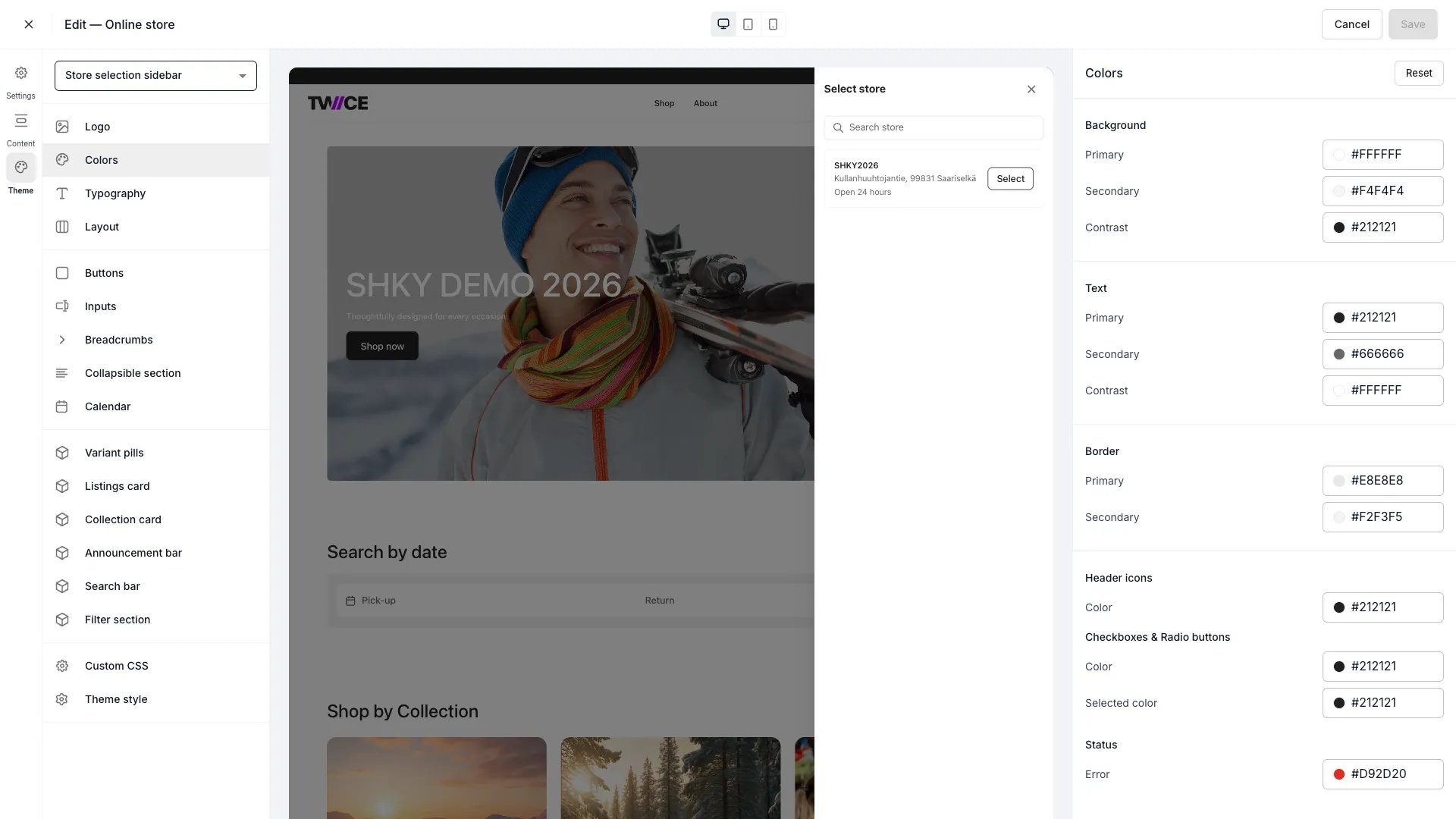
Theme Editor > Colors
#111826). Click the swatch to open the colour picker, or type a hex code directly.
Background
Text
Border
Checkboxes and radio buttons
Status
CSS variables
Every colour maps to a CSS variable you can reference in Custom CSS:Related articles
Header bar
Customize header background, text, icon, and border colours.
Typography
Configure font families and sizing.
Custom CSS
Override any style with custom CSS.