

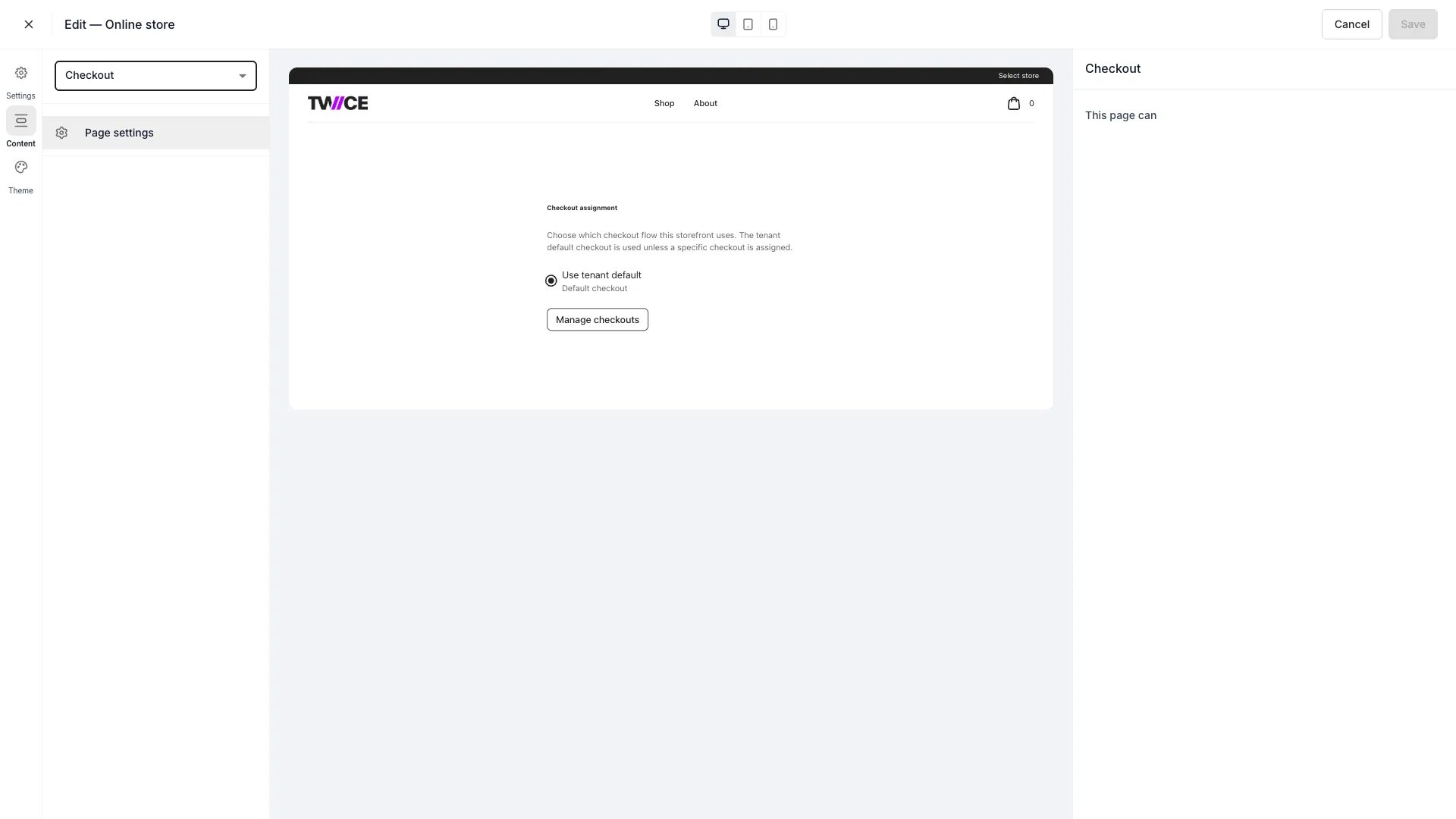
Theme Editor > Checkout page
The checkout flow and styling — steps, fields, consents, payment methods, confirmation, and the checkout’s own theme — are configured separately in Settings → Checkouts, not here. Each checkout has its own theme so it can differ from the storefront.
Per-location checkout assignment
The Checkout page in the theme editor is where you assign different checkout configurations to different Locations. Add a location override to map one or more locations to a specific checkout. When a customer selects a location on the storefront, the checkout resolves based on a fallback chain: location assignment, then storefront default, then tenant default. Only active checkouts and locations with the online store channel enabled are available for assignment.Related articles
Checkout steps & sections
Build the checkout flow.
Checkout styling
Style the checkout.
Checkouts overview
Manage checkout configurations and location assignments.