

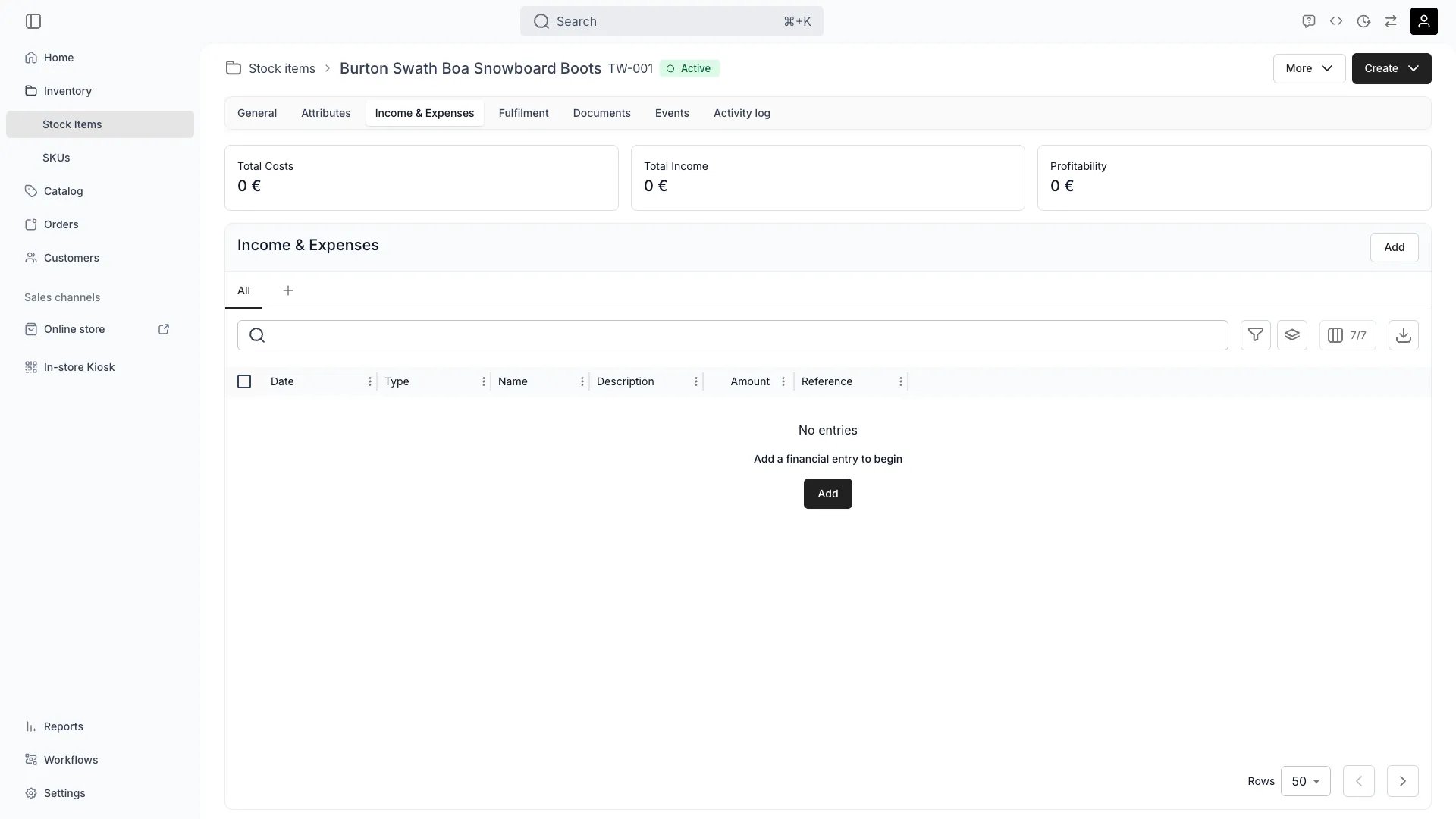
Inventory > Stock Items > [Item] > Income & Expenses
This view can look different dependent on your user role.
See Visibility and permissions for details.
See Visibility and permissions for details.
New to Stock Items? Understand how Stock Items differ from SKUs - Stock Item vs SKU.
Primary purpose
The Income & Expenses tab automatically tracks all revenue and costs associated with a stock item, enabling performance analysis and profitability measurement.Track Automatic Income
Track Automatic Income
Income flows in automatically from , recording all revenue generated by this item.Read more: Order Lifecycle • Listing Fulfillment
Record Manual Income
Record Manual Income
Add one-time income events or adjustments that occur outside the regular order flow, such as insurance claims or compensation.
Track Automatic Expenses
Track Automatic Expenses
Expenses are automatically recorded from system-defined attributes like purchase price, or from reservation events and maintenance tickets.Read more: Track Maintenance Costs Per Item
Add Manual Expenses
Add Manual Expenses
Record costs that are independent and not necessarily connected to another event like a reservation, such as repairs, maintenance, shipping, or other exceptional expenses.
Analyze Profitability
Analyze Profitability
View cumulative income vs expenses to understand the item’s lifecycle profitability and return on investment.Read more: Calculate Custom Inventory Value
Related concepts
Here are a few key concepts of TWICE Commerce that relate to Income & Expenses tracking.Item-Level vs SKU-Level Tracking
Item-Level vs SKU-Level Tracking
Income and expenses aggregate per . For item-level profitability, assign each item a unique stock code.To view income and expenses per SKU Code, navigate to Inventory → SKUs and analyze the Income & Expenses tabs there.Read more: Stock Codes
Automatic Revenue Recording
Automatic Revenue Recording
Revenue from rentals, sales, and services is automatically linked to stock items through order processing, ensuring accurate tracking without manual entry.
Visibility and permissions
This tab is gated byinventory:stock_item_cost, in the four operations — , , and .
Owner, Admin and Manager hold every operation. Member does not hold it at all.
For what each operation means and the full role matrix, see Users & Roles.