

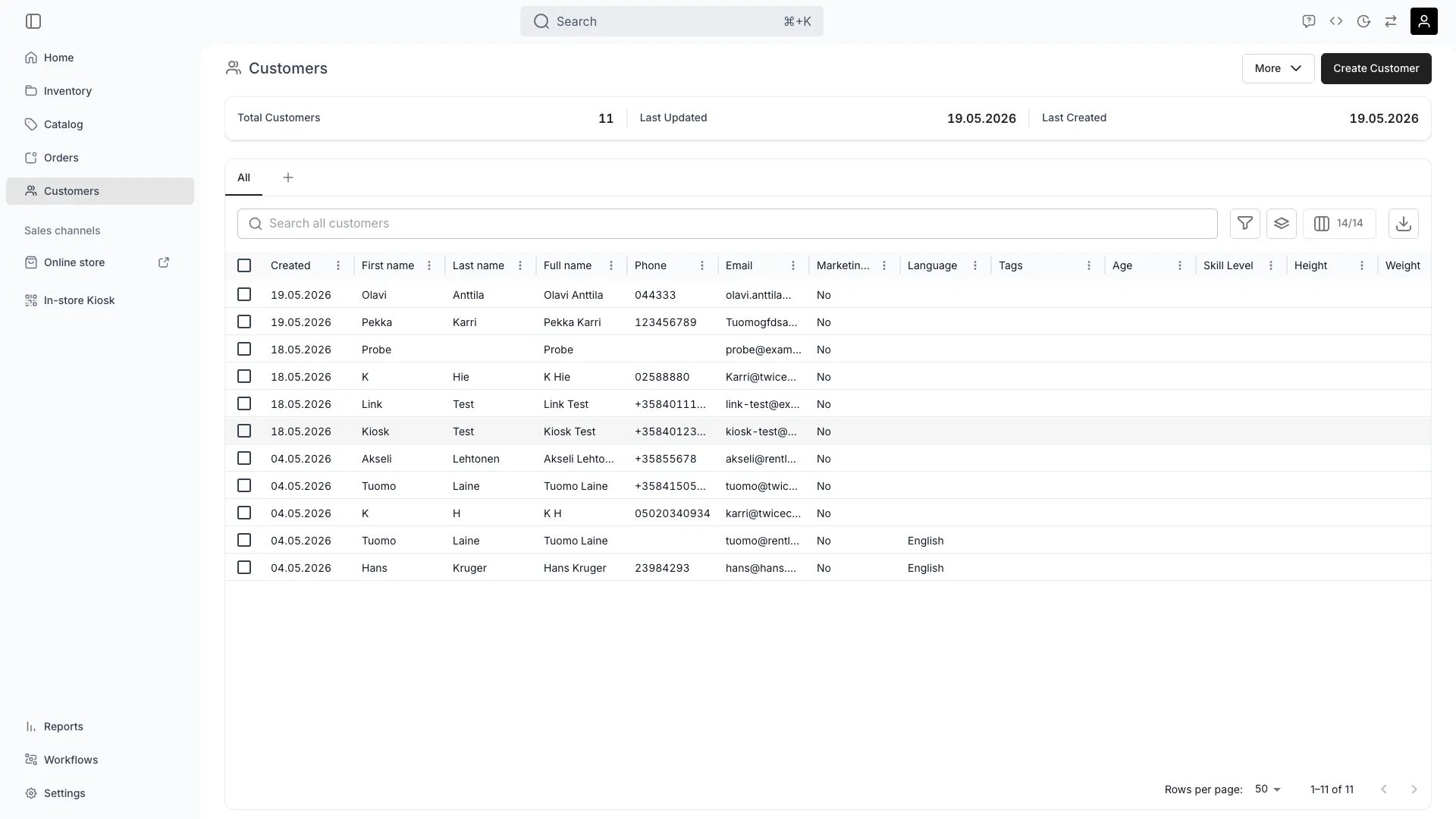
Customers > Overview
This view can look different dependent on your user role.
See Visibility and permissions for details.
See Visibility and permissions for details.
Open in TWICE Admin
customers
Primary purpose
The Customers view holds every customer profile, with the order history and contact details behind each one.View All Customers
View All Customers
Browse and search all in your system.Read more: Customer Profiles
Manage Customer Data
Manage Customer Data
Update customer information, preferences, and custom attributes to maintain accurate records.
Track Order History
Track Order History
View complete order history and customer lifecycle value for each customer.
Organize with Customer Groups
Organize with Customer Groups
Segment customers into for targeted communication and special pricing.Read more: Customer Groups
Related concepts
Here are a few key concepts of TWICE Commerce that relate to customer management.Customer Profiles
Customer Profiles
Each stores contact information, preferences, and complete transaction history.Read more: Customer Profiles
Customer Groups
Customer Groups
Use to segment your audience and provide personalized experiences.Read more: Customer Groups
Table Features
Table Features
The customers table supports all standard for efficient customer management.Read more: Data Tables
Visibility and permissions
This view is gated bycustomers:customer, in the four operations — , , and .
All four system roles — Owner, Admin, Manager and Member — hold every operation on this.
For what each operation means and the full role matrix, see Users & Roles.
Related articles
Create a customer
The fields, and attaching a customer to an order.
Import customers
Bringing an existing list in from a CSV.
Segment customers
Tags, attributes and saved views.
Export customers
Getting a segment out to your email tool.