

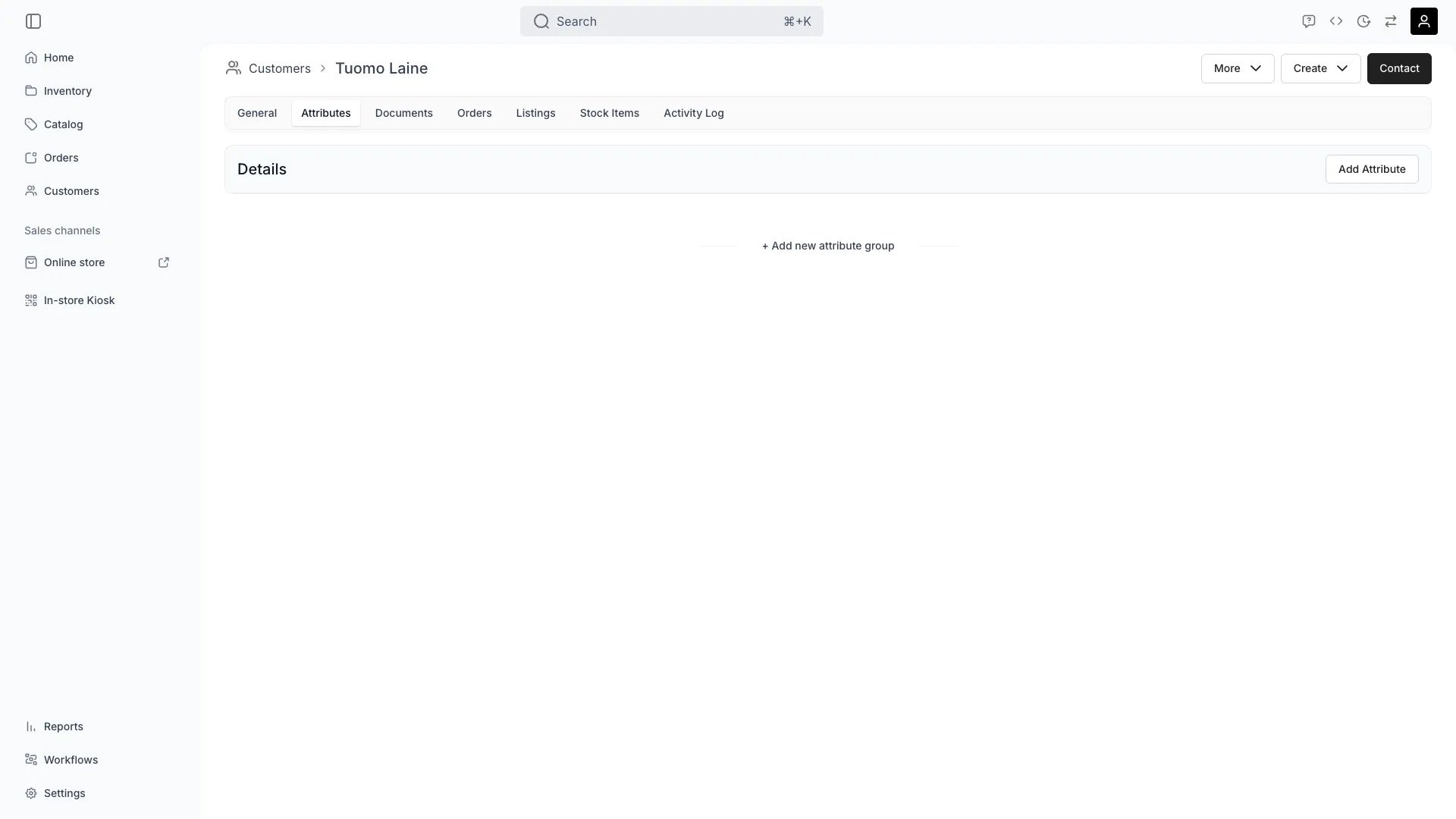
Customers > [Customer] > Attributes
This view can look different dependent on your user role.
See Visibility and permissions for details.
See Visibility and permissions for details.
Primary purpose
The Attributes tab stores custom field values for the customer — anything beyond the default profile fields. Use it to capture loyalty tier, certification status, dietary requirements, language preference, or any other data your operations need.Custom profile fields
Custom profile fields
Add fields that matter to your business — verification status, membership level, tax-exempt flags, internal notes.
Segmentation
Segmentation
Filter customers by attribute values to build segments for reporting and communications.
Workflows
Workflows
Use attribute values as triggers or conditions in Workflows.
Related concepts
Attributes & Attribute Groups
Attributes & Attribute Groups
Learn how attributes are defined in Attributes and Attribute Groups.
Customer Groups
Customer Groups
Combine attribute-based segments with Customer Groups for richer targeting.
Visibility and permissions
This tab is gated bycustomers:customer_attributes, in the four operations — , , and .
All four system roles — Owner, Admin, Manager and Member — hold every operation on this.
For what each operation means and the full role matrix, see Users & Roles.