

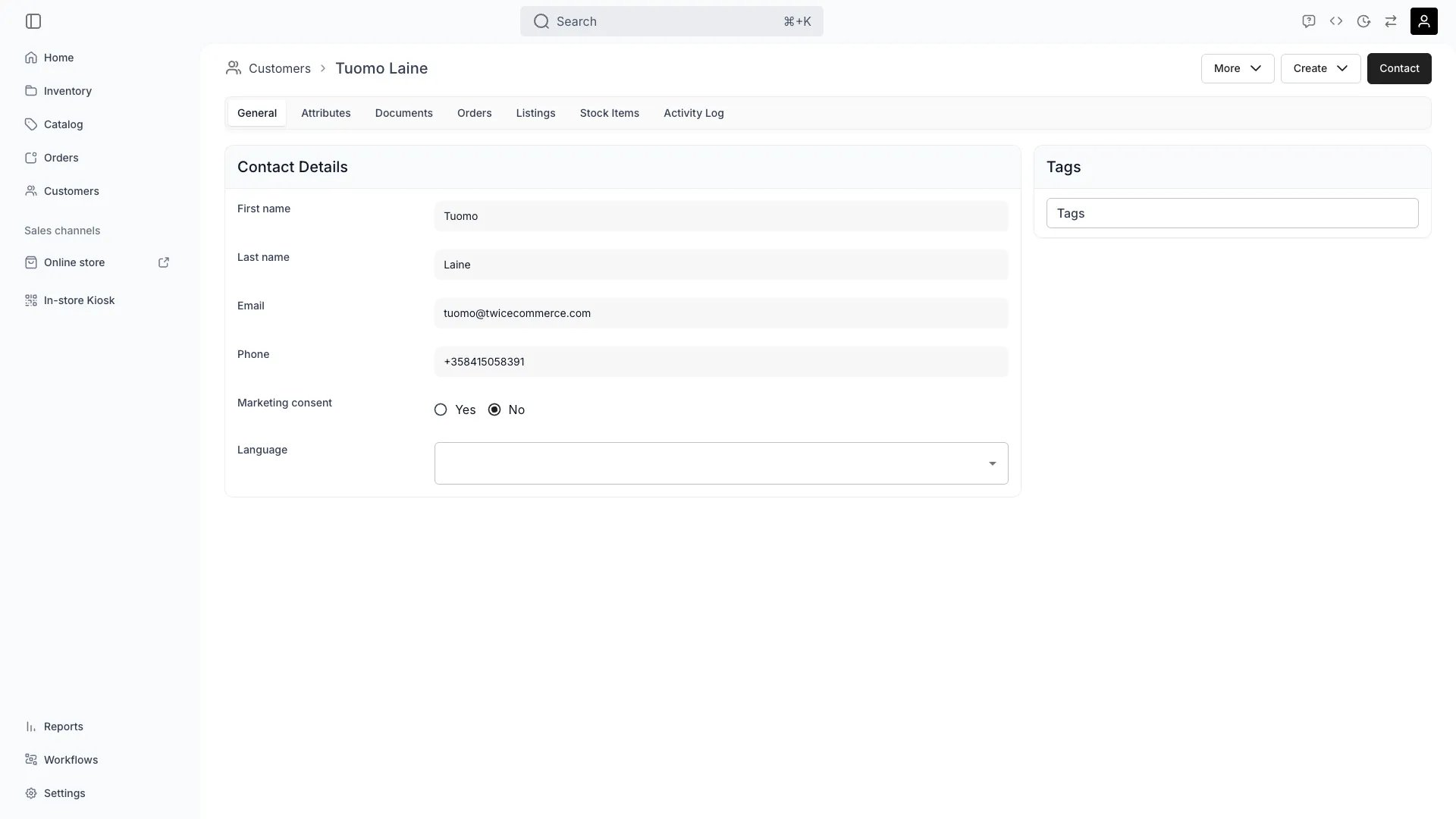
Customers > [Customer] > General
This view can look different dependent on your user role.
See Visibility and permissions for details.
See Visibility and permissions for details.
Open in TWICE Admin
customers/[customer-id]/general
Primary purpose
The General tab contains core customer information including contact details, account status, and profile data.Manage Contact Information
Manage Contact Information
Update customer name, email, phone number, and addresses for communication and fulfillment.
Set Account Status
Set Account Status
A customer is active (appears in lists and assignment flows) or archived (retained in the system but hidden from default views).The status follows the record’s archive state rather than a field you set: archive the customer to make it archived, and unarchive it — from the banner on the customer’s page or from Settings → Archived assets — to make it active again. Archiving first scans the customer’s open orders, active subscriptions, and open invoices. See Archiving and Deletion.
Manage Profile Fields
Manage Profile Fields
Edit built-in profile fields — customer type, company name, tax ID, date of birth, and communication language. Custom are managed on the separate Attributes tab.
Track Customer Groups
Track Customer Groups
Assign customers to for segmentation and personalization.
Related concepts
Here are a few key concepts of TWICE Commerce that relate to Customer General.Customer Accounts
Customer Accounts
A profile is built and maintained from the admin side and from checkout, which matches an existing record by email. See Collect customer data at checkout.
Data Privacy
Data Privacy
Customer data is protected according to privacy regulations, with appropriate access controls and retention policies.
Visibility and permissions
This tab is gated bycustomers:customer_general, in the four operations — , , and .
All four system roles — Owner, Admin, Manager and Member — hold every operation on this.
For what each operation means and the full role matrix, see Users & Roles.