

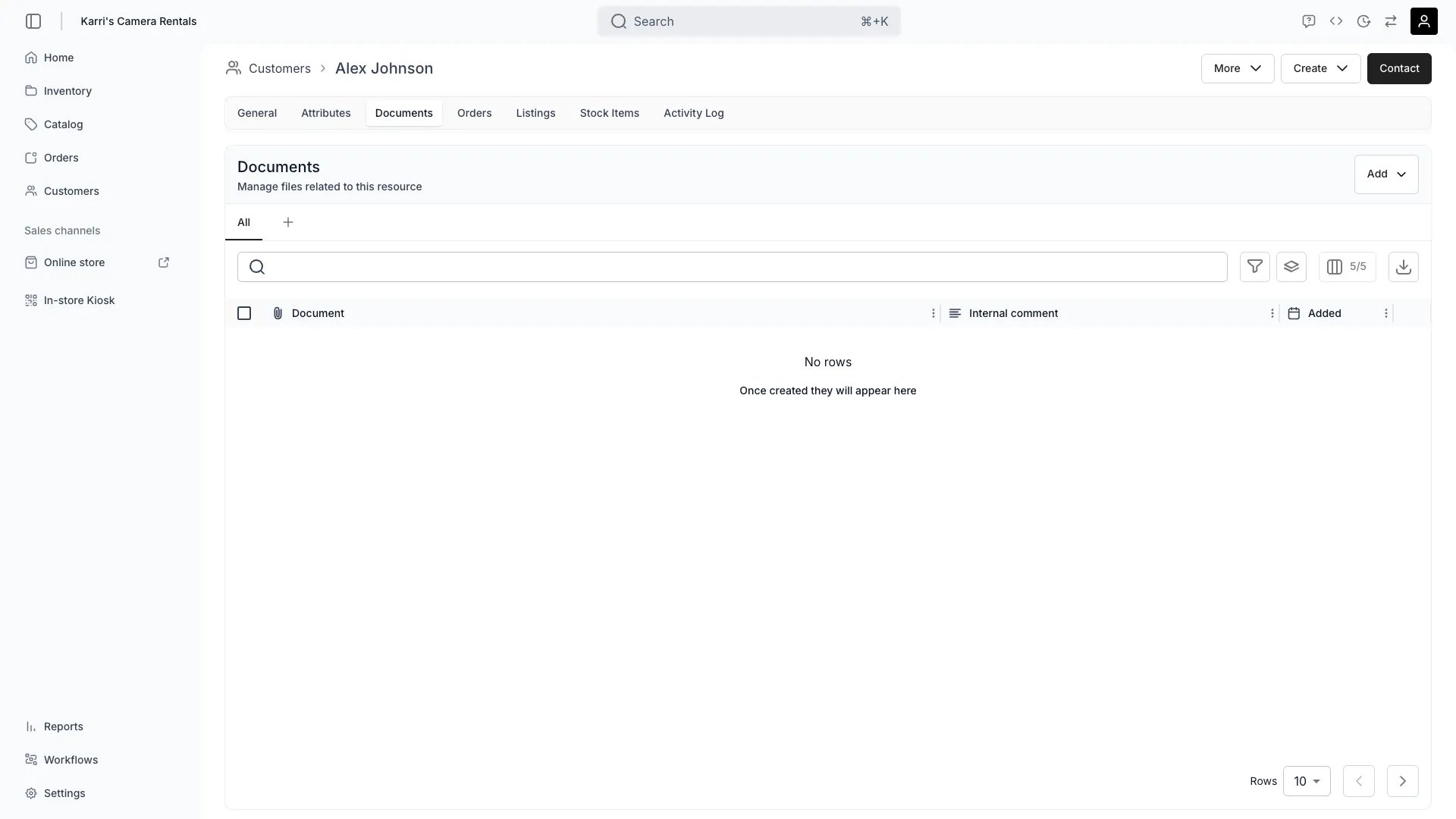
Customers > [Customer] > Documents
This view can look different dependent on your user role.
See Visibility and permissions for details.
See Visibility and permissions for details.
Open in TWICE Admin
customers/[customer-id]/documents
Primary purpose
The Documents tab allows you to attach and manage files related to the customer such as contracts, ID verification, or agreements.Upload Documents
Upload Documents
Attach contracts, agreements, identification, or compliance documentation to customer profiles.
Verify Identity
Verify Identity
Store ID documents or verification records for KYC compliance or age verification requirements.
Organize Files
Organize Files
Categorize documents by type and add descriptions for easy retrieval and audit purposes.
Rename Files
Rename Files
Rename any uploaded file from the row actions menu. The file’s storage location stays the same — only the display name changes.
Maintain Compliance
Maintain Compliance
Keep required documentation accessible for regulatory compliance and audit requests.
Related concepts
Here are a few key concepts of TWICE Commerce that relate to Customer Documents.Data Security
Data Security
Customer documents are stored securely with encryption and access controls to protect sensitive information.
Retention Policies
Retention Policies
Document retention follows your business policies and regulatory requirements for data management.
Visibility and permissions
This tab is gated bycustomers:customer_documents, in the four operations — , , and .
All four system roles — Owner, Admin, Manager and Member — hold every operation on this.
For what each operation means and the full role matrix, see Users & Roles.
Related articles
Verify customer identity
Identity documents, and the retention decision to make first.
Handle a data request
Deleting a document as part of an erasure request.