

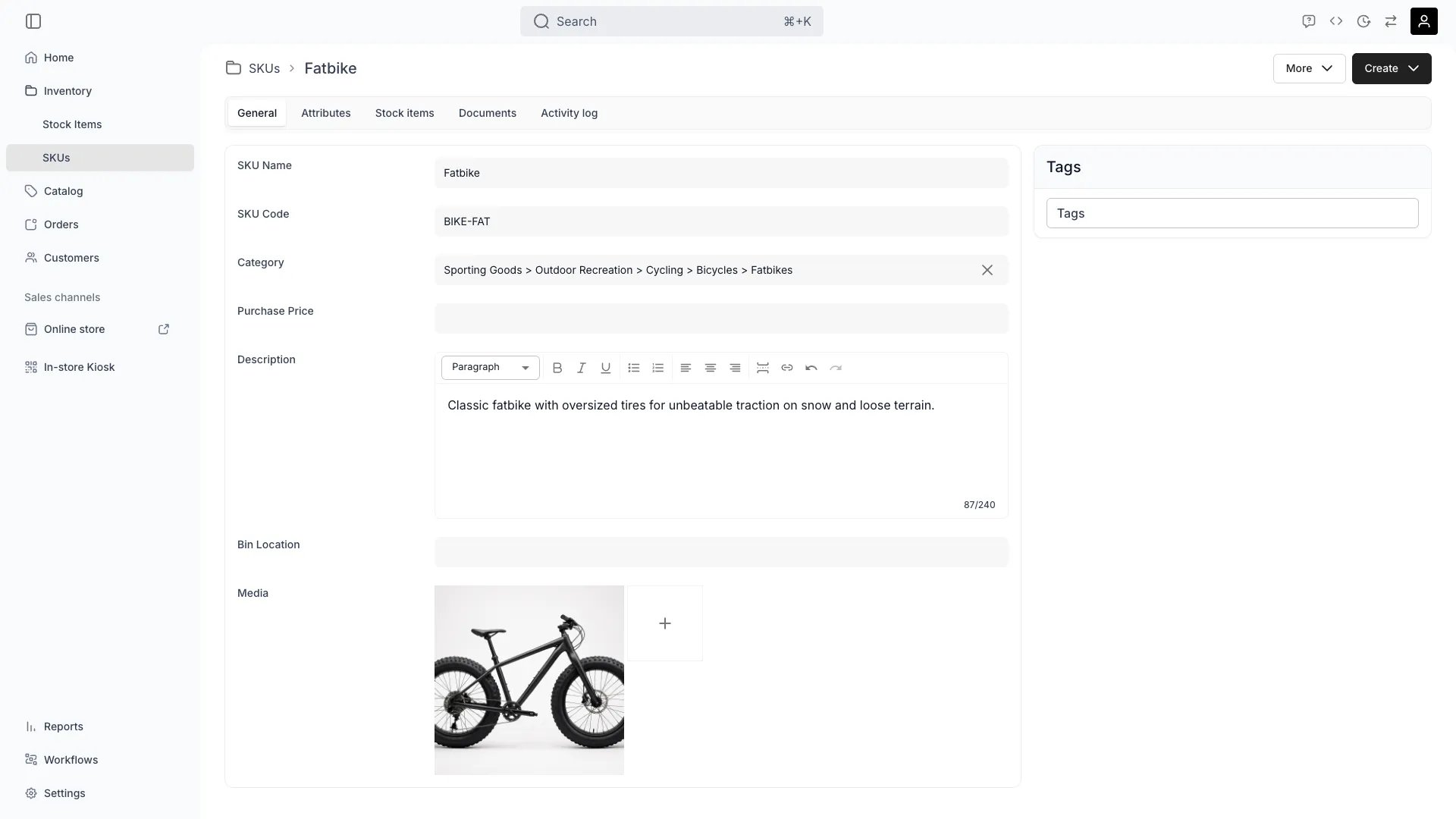
Inventory > SKUs > General
This view can look different dependent on your user role.
See Visibility and permissions for details.
See Visibility and permissions for details.
New to SKUs? Understand how Stock Items differ from SKUs - Stock Item vs SKU.
Primary purpose
The General tab allows you to define the core information and settings for a SKU that will be inherited by all linked stock items.Define SKU Identity
Define SKU Identity
Set the SKU name, code, and description that identify this SKU across your operations and reporting.
Set Category & Attributes
Set Category & Attributes
Assign categories and define custom attributes at the SKU level. All stock items linked to this SKU automatically inherit these attributes, so you enter them once.Read more: How SKUs Apply Attributes
Related concepts
Here are a few key concepts of TWICE Commerce that relate to the General tab.SKU as Template
SKU as Template
SKUs act as templates—define attributes, categories, and settings once, and all linked stock items inherit them automatically. This eliminates repetitive data entry while maintaining individual item tracking.Read more: SKU Concept
SKU vs Stock Item
SKU vs Stock Item
A is a product-level template, while each maintains its own unique identity, usage history, and lifecycle data.Read more: Stock Items
Attribute Inheritance
Attribute Inheritance
Attributes defined on a SKU cascade down to all linked stock items. Update the SKU attribute once, and all items reflect the change—ideal for managing large inventories.Read more: Attributes
Visibility and permissions
This tab is gated byinventory:sku_general, in the four operations — , , and .
All four system roles — Owner, Admin, Manager and Member — hold every operation on this.
For what each operation means and the full role matrix, see Users & Roles.