

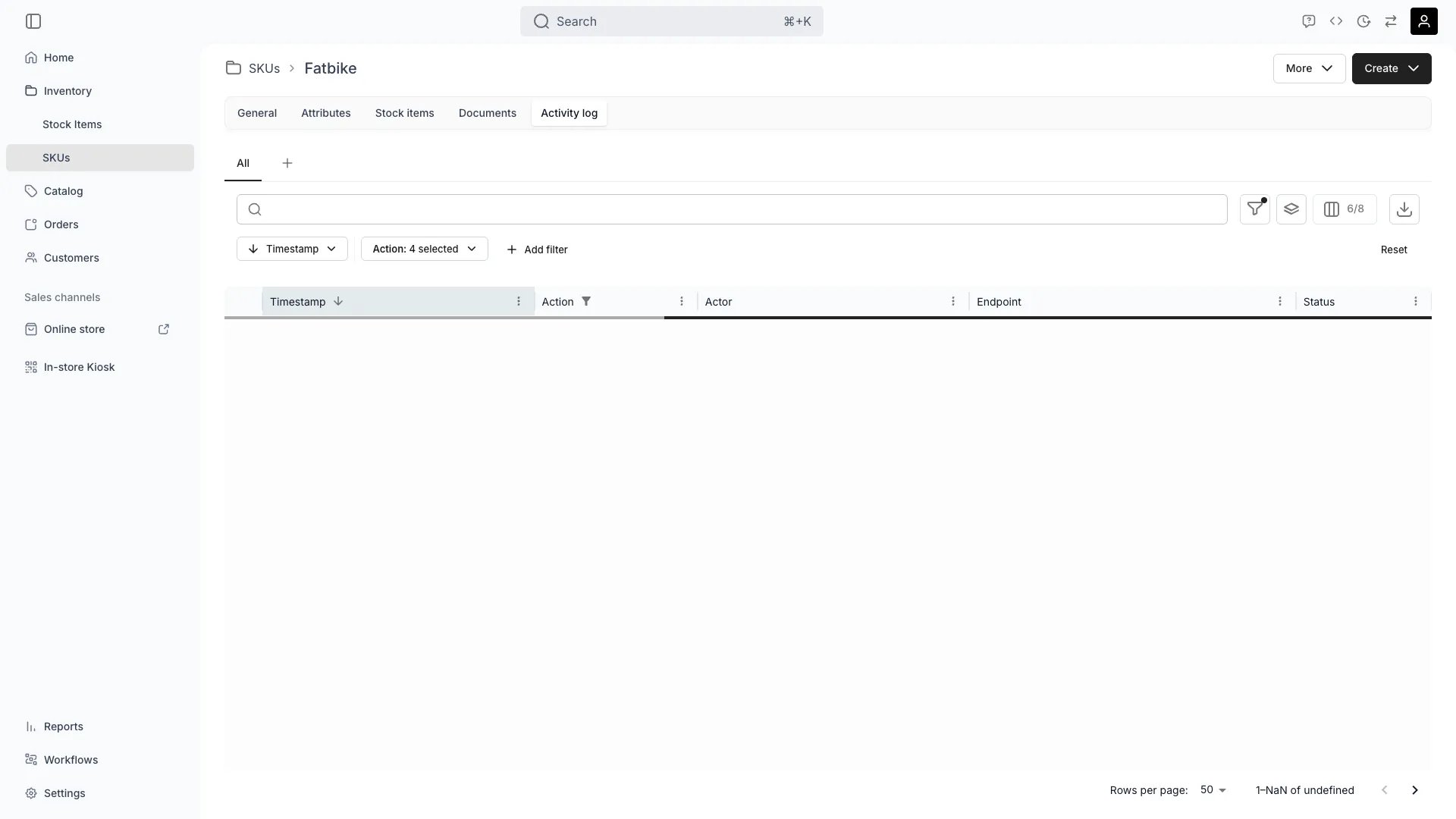
Inventory > SKUs > Activity Log
This view can look different dependent on your user role.
See Visibility and permissions for details.
See Visibility and permissions for details.
New to SKUs? Understand how Stock Items differ from SKUs - Stock Item vs SKU.
Primary purpose
TWICE automatically collects activity logs for this SKU, storing all view and edit/add/delete events with full user attribution and change details.Track User Access
Track User Access
See which user accounts have viewed or accessed this SKU, ensuring transparency and data privacy compliance.
Monitor SKU Changes
Monitor SKU Changes
View every modification made to this SKU—changes to attributes, category, name, settings—including what changed, when, and who made the change.
Auditability & Compliance
Auditability & Compliance
Maintain an immutable audit trail for regulatory compliance, showing complete accountability for all actions on this SKU.
Change Attribution
Change Attribution
Know exactly which team members performed specific actions, helping with accountability and troubleshooting.
Related concepts
Here are a few key concepts of TWICE Commerce that relate to Activity Log at the SKU level.Immutable by Design
Immutable by Design
Activity logs are uneditable by nature—once logged, entries cannot be modified or deleted. This makes them compliant for audit and regulatory requirements.
Automatic Collection
Automatic Collection
TWICE automatically collects all activity—views, edits, additions, deletions—without requiring any manual tracking or configuration.Read more: Activity Logs Concept
Account-Level Visibility
Account-Level Visibility
In addition to SKU-level logs, you can access an account-wide activity log from the top navigation bar to see all activity across your entire TWICE account.
Item-Level Logs
Item-Level Logs
For detailed activity logs of individual stock items linked to this SKU, navigate to Inventory → Stock Items → Activity Log.Read more: Stock Item Activity Log
Visibility and permissions
This tab is gated byinventory:sku, in the four operations — , , and .
All four system roles — Owner, Admin, Manager and Member — hold every operation on this.
For what each operation means and the full role matrix, see Users & Roles.
Related articles
Item Activity Log
View activity logs for individual stock items
Activity Logs Concept
Understand how TWICE tracks all system changes