

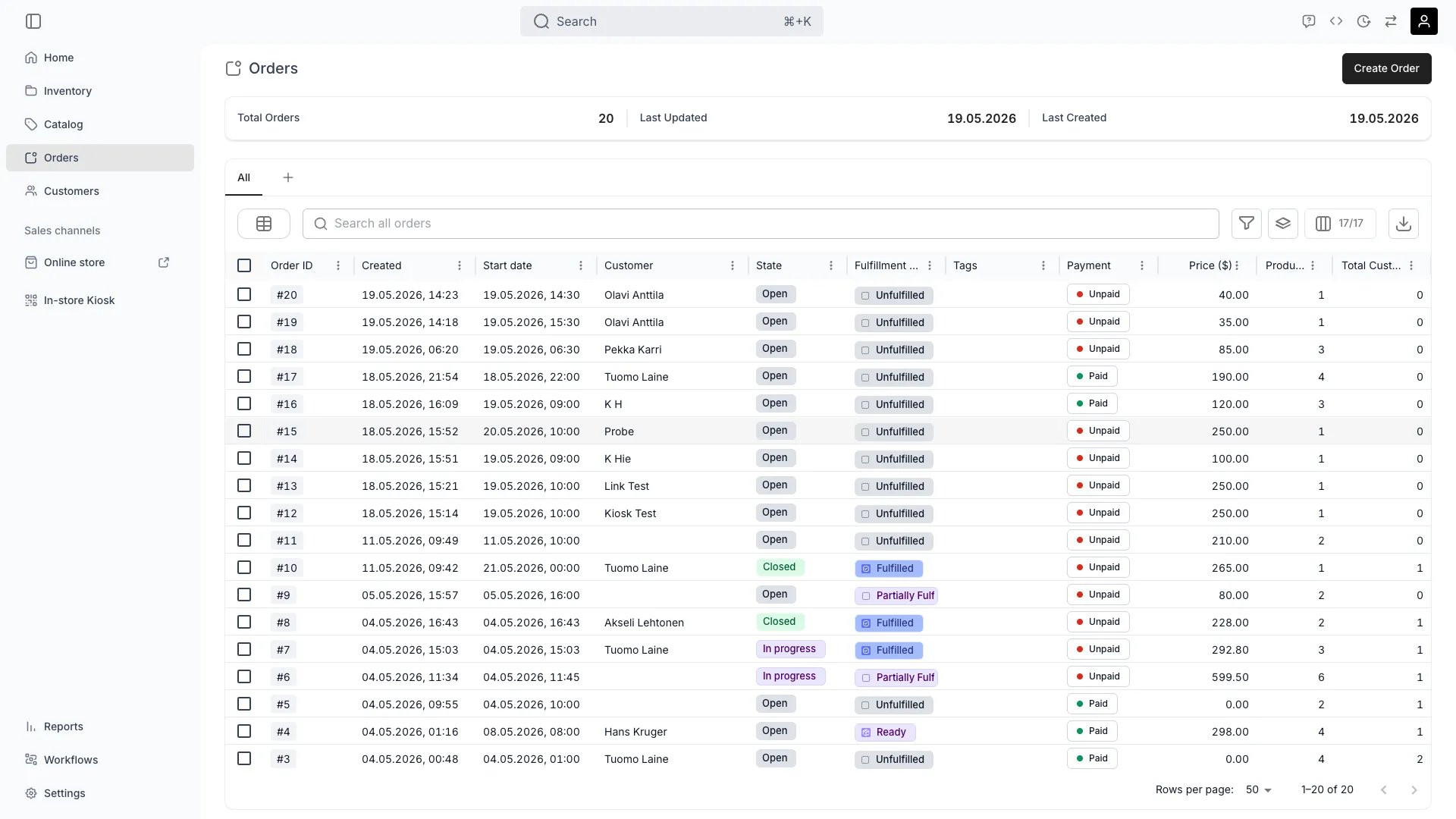
Orders
Open in TWICE Admin
orders
Prerequisites
Decide before you start:
- Whether money has been taken. Nothing refunds automatically at any point in this sequence.
- Whether the customer keeps anything. Treat a part-cancelled order as an edit rather than a cancellation.
- Whether you need it out of the table, or only finished. Close it for the second, archive it for the first.
The walkthrough
1
Get anything physical back first
Take back anything already marked Fulfilled before you stand the order down. Archiving releases future holds, and it cannot release an item recorded as being with the customer.Handle that as a return rather than a cancellation.
2
Decide what a part-cancellation should leave on the record
Choose what the record should say where the order goes ahead minus some items:
Skip both for a whole-order cancellation, because archiving releases the holds itself.
3
Settle the money
Issue the refund now, while the order is still editable. See Refund an order. Refunds do still work on a closed order, so doing it first means you are not reopening anything.Release a deposit separately by not capturing it, or capture what you are keeping. See Take payment and deposits.
No cancellation policy computes a refund for you. Decide what to give back yourself, on your own terms, and apply it by hand.
4
Close it
Set the status chip to Completed, the last state a fresh account carries. Read the dialog, which lists what closing does: checkout links stop working, scheduled payment collections stop, the order can no longer be edited, and subscriptions on it are cancelled.Close on its own to finish an order without cancelling it, either because it ran its course or because you want it done but still in the table. Closing does not release future holds, so take the next step as well for a cancellation.
5
Decide when subscriptions on it stop billing
Set Cancel subscriptions immediately where the order carries subscriptions. Closing cancels them, and this checkbox decides whether that happens today or after the notice period, during which they keep billing. Leave it off to honour the notice period, which is the default.
6
Archive it, if it should leave the table
Archive the order to make it a cancellation. Archiving is separate from closing: it takes the order out of the Orders table without deleting it, and releases what closing leaves held.Expect the confirmation to ask you to acknowledge that archiving an open order closes it first. On a selection mixing open and closed orders, archive only the closed ones instead.
7
Check the two consequences before you confirm
Check what archiving does to the links and the holds:
Review and restore from Settings → Archived assets. Nothing is archived automatically.
8
Know what you can undo
Remember that asymmetry. Unarchiving gives you the record back rather than the reservations, so reassign the stock on an unarchived order, which shows conflicts until you do.
How do I know it worked?
- The units are free again for the dates the order held, and available to other customers.
- The money is settled, refunded or knowingly kept.
- The order reads Completed, and is gone from the Orders table if you archived it.
- The record survives. Nothing here deletes an order; it is still readable, with its activity log showing who stood it down and when.
Troubleshooting / common pitfalls
I archived the order and the stock is still not free
I archived the order and the stock is still not free
Cause: the items were fulfilled. Archiving releases future holds, and an item marked Fulfilled is recorded as being with the customer, so no future hold exists to release.What to do: mark those items Returned or Excluded as appropriate, then check availability again.
I unarchived an order and it is full of conflicts
I unarchived an order and it is full of conflicts
Expect this. Archiving released the order’s holds deliberately, and unarchiving makes it live again without recreating them, so every assigned unit points at a reservation that no longer exists.What to do: reassign each unit. Resolve a stock item conflict covers the routine, including telling a merely-missing hold apart from a unit something else has taken in the meantime.
The customer says their payment link stopped working
The customer says their payment link stopped working
Cause: archiving revoked it. Still-active links are revoked when the order is archived, and revocation is one-way.What to do: unarchive the order and issue a new link if it is going ahead after all. The old one does not come back, and payments taken before the revocation stand.
Closing cancelled the customer's subscription and I did not intend that
Closing cancelled the customer's subscription and I did not intend that
Cause: closing cancels an order’s subscriptions, which the dialog says when the order has any.What to do: check the subscription’s state on the order before assuming the worst. Whether it ended today or at the end of the notice period depends on the Cancel subscriptions immediately checkbox, which is off by default. See Subscriptions.
I want the order gone entirely, not archived
I want the order gone entirely, not archived
Archive it, because that is as far as it goes for an order by design: the financial and fulfilment record is kept.What to do: treat a data-erasure obligation as a customer-data question rather than an order one. See Archiving and Deletion.
Related articles
Handle a return
When items are with the customer and have to come back first.
Refund an order
Sending the money back before you close.
Archiving and Deletion
How archiving behaves across every asset type.
Order Lifecycle
What each stage allows.