
Order management built for businesses where "sold and shipped" is only one of many scenarios. TWICE tracks every order from creation through fulfillment, payment, and the operational steps in between.
Commerce isn't just selling. Some orders ship and never come back. Others have a return date, a condition check, and a second life ahead of them. Some orders bring products into your inventory instead of sending them out. TWICE handles all of these from one order management system.
.avif)
.avif)
Rental orders track duration, pickup, return, and everything that happens during the rental period. TWICE manages availability in real time so the same unit can serve multiple customers across a season without conflicts or manual calendar work.
Sale orders handle the straightforward side of commerce: a customer buys a product, you fulfill it, ownership transfers. TWICE gives sale orders the same operational depth as rentals — line item tracking, fulfillment workflows, payment handling, and documentation — without the complexity you don't need.
An order moves through a clear sequence of operational steps. Receive it, confirm it, prepare the items, collect payment, hand them over, and close the order when everything is settled. TWICE tracks each step independently. Payment, stock assignment, and line item fulfillment all have their own states, so an order with five items doesn't stall because one of them is waiting on a decision.
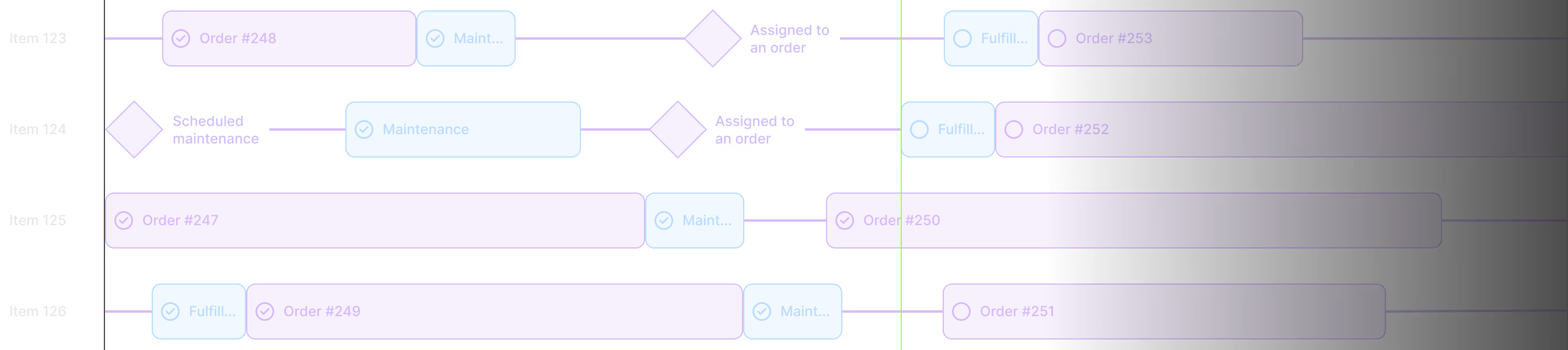
Orders arrive from your online store, the admin panel, or a third-party channel. TWICE validates inventory availability at checkout so confirmed orders don't create conflicts.
TWICE auto-assigns the most suitable stock items to each line item based on location, availability, and fulfillment rules. The system does the matching so your team doesn't have to sort through inventory manually. If the selection needs to change, override it with a few clicks.
TWICE lets you accept payments online at checkout, send payment links for pre-configured carts, and record payments that happen in person. Charge a deposit when required and structure the rest however your business needs it — balance at pickup, installments over time, or full payment upfront.
Mark items as ready, packed, shipped, or handed over — depending on your fulfillment method. For pickups, TWICE tracks when items go out. For deliveries, track shipping status. For rentals, TWICE manages both the outbound handover and the scheduled return.
Attach contracts, condition reports, delivery photos, or any supporting file directly to the order. Categorize documents by type and choose which ones are shared to customers and which ones are internal.
When an order is complete, TWICE archives it. If something needs adjusting, process full or partial refunds directly from the order. TWICE links every refund to the original transaction and updates the payment state automatically.
Order management isn't just data — it's the daily work of reviewing, prioritizing, fulfilling, and communicating. TWICE gives your team the tools to do that work faster and with fewer mistakes, whether you're processing ten or thousand orders a day.
.avif)
Every team member works differently. TWICE lets each user filter, sort, and save their own order views based on what matters to their role. Views persist across sessions, so the right information is ready every morning.
Speed up fulfillment by scanning stock items directly into orders. TWICE matches scanned items to line items automatically, reducing manual entry and eliminating the typos that come with it.
Every change to an order is logged automatically. Internal notes let your team add context, flag issues, or leave instructions for the next person handling the order. The full history stays with the order, so anyone can pick up where someone else left off.
TWICE keeps customer communication tied to the order. Configure automated emails for confirmations, fulfillment updates, return reminders, and payment receipts. Send manual emails directly from the order view when a situation needs a personal touch.
“If we didn’t have such good tools, it would be much more difficult for me to run the business on my own.”
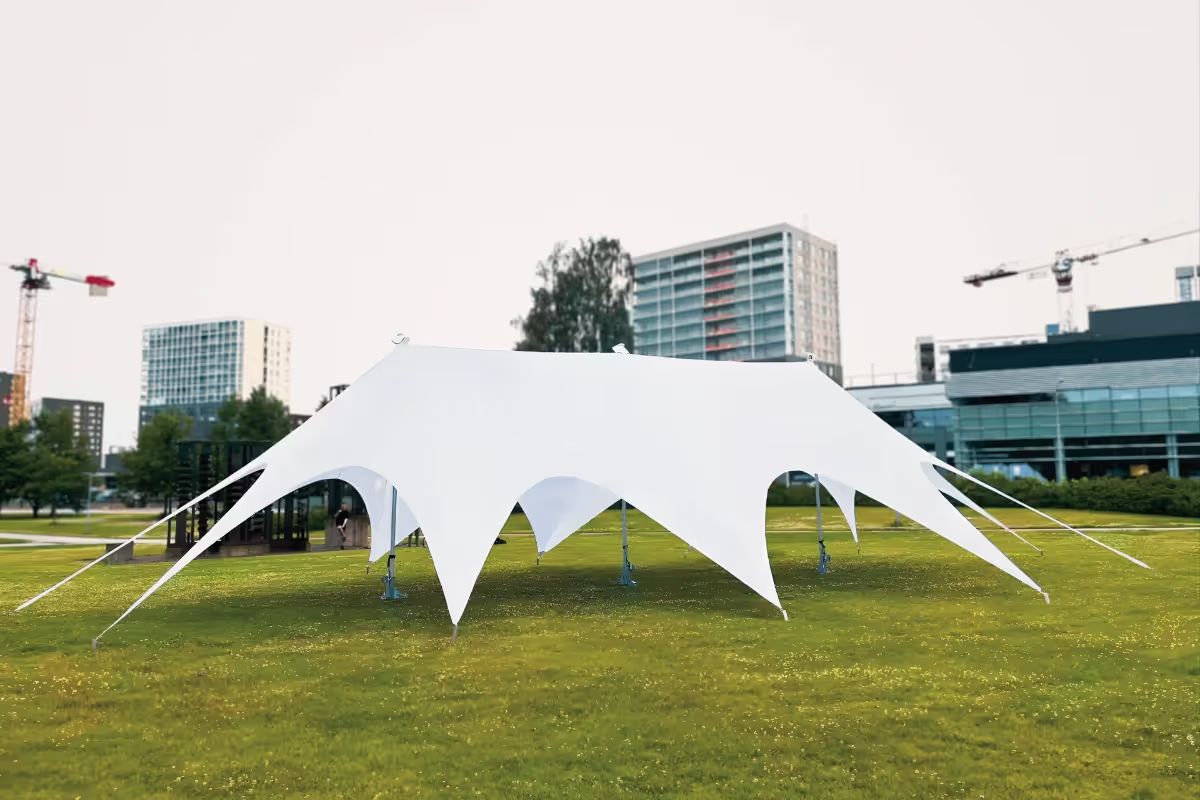
TWICE supports rental orders, sale orders, buyback orders, and (internal) maintenance orders. Each type has its own lifecycle and fulfillment logic. Rental orders track duration and return. Sale orders handle permanent transfers. Buyback orders manage purchasing items from customers back into your inventory. Maintenance orders track service and repair work. All four run from the same system, with the same reporting and operational tools.
Yes. TWICE doesn't require separate tools for different transaction types. You can run rental and sale orders side by side — even on the same listing. Inventory, pricing, fulfillment, and payment logic adapt based on the order type, but everything is managed from one interface.
Every line item on an order has its own fulfillment state. If an order has five items and three are ready, you can fulfill those three while the remaining two stay pending. TWICE tracks each line item independently, so partial fulfillment is a native part of how orders work — not a workaround.
Yes. TWICE lets you modify active orders — add or remove line items, adjust pricing, change dates, reassign stock items, and update customer details. Changes are logged in the activity log so your team has a clear record of what changed and when.
TWICE lets you configure automated emails at each stage of the order lifecycle — confirmation, fulfillment, return reminders, payment receipts. You decide which events trigger notifications and what the messages say. For situations that need a personal response, send emails manually directly from the order view.
Book a tailored demo with our team.