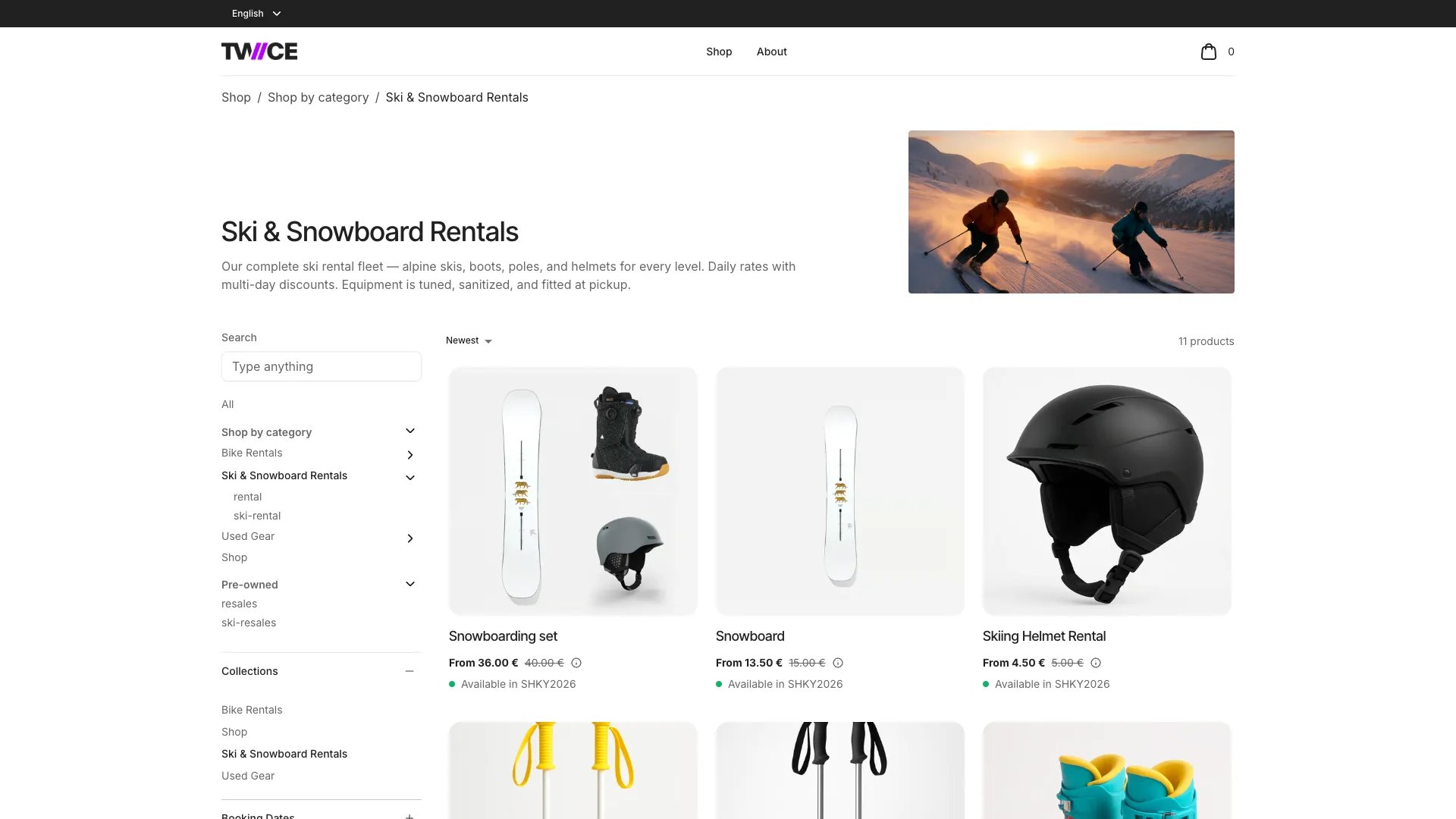
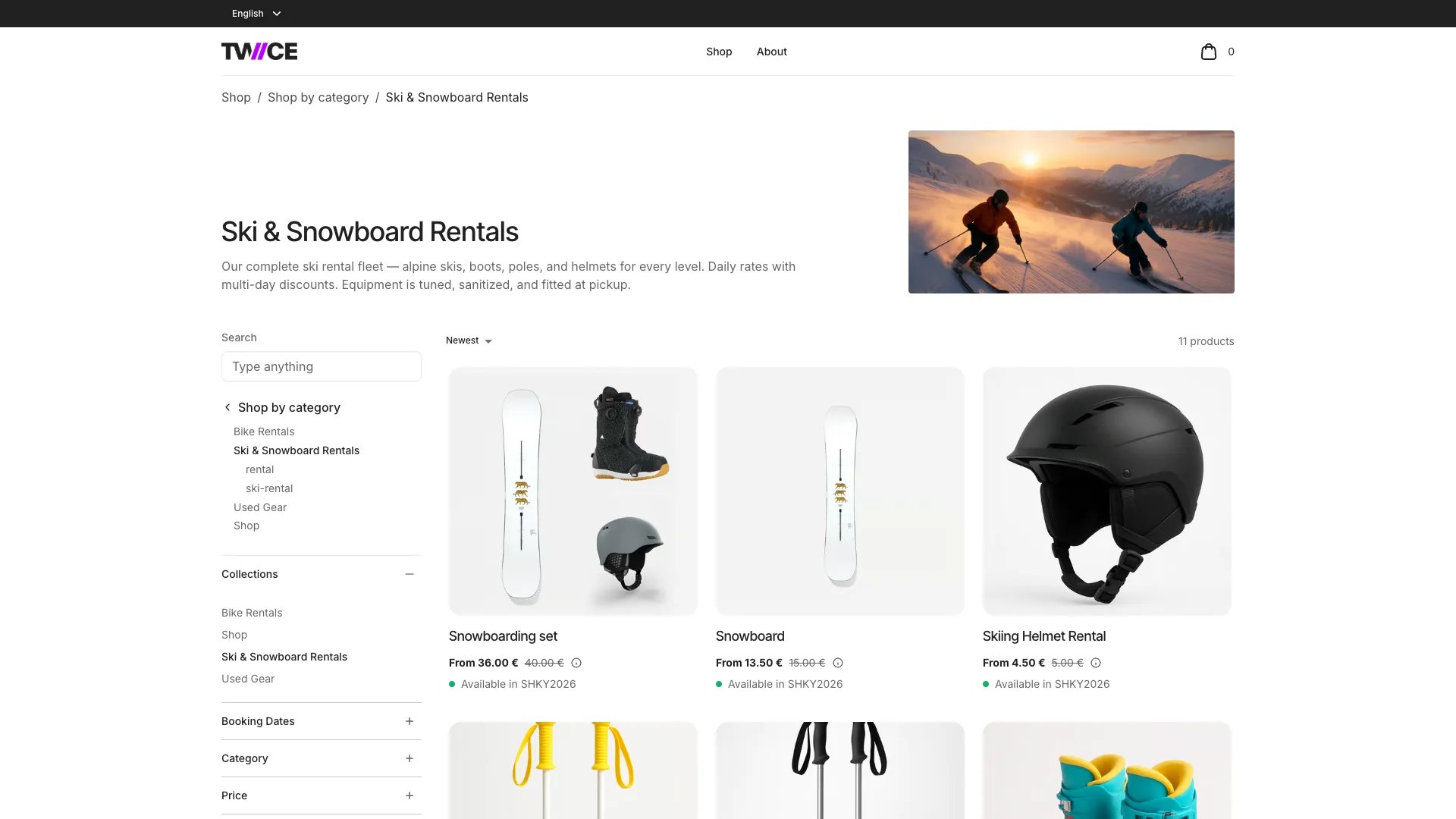
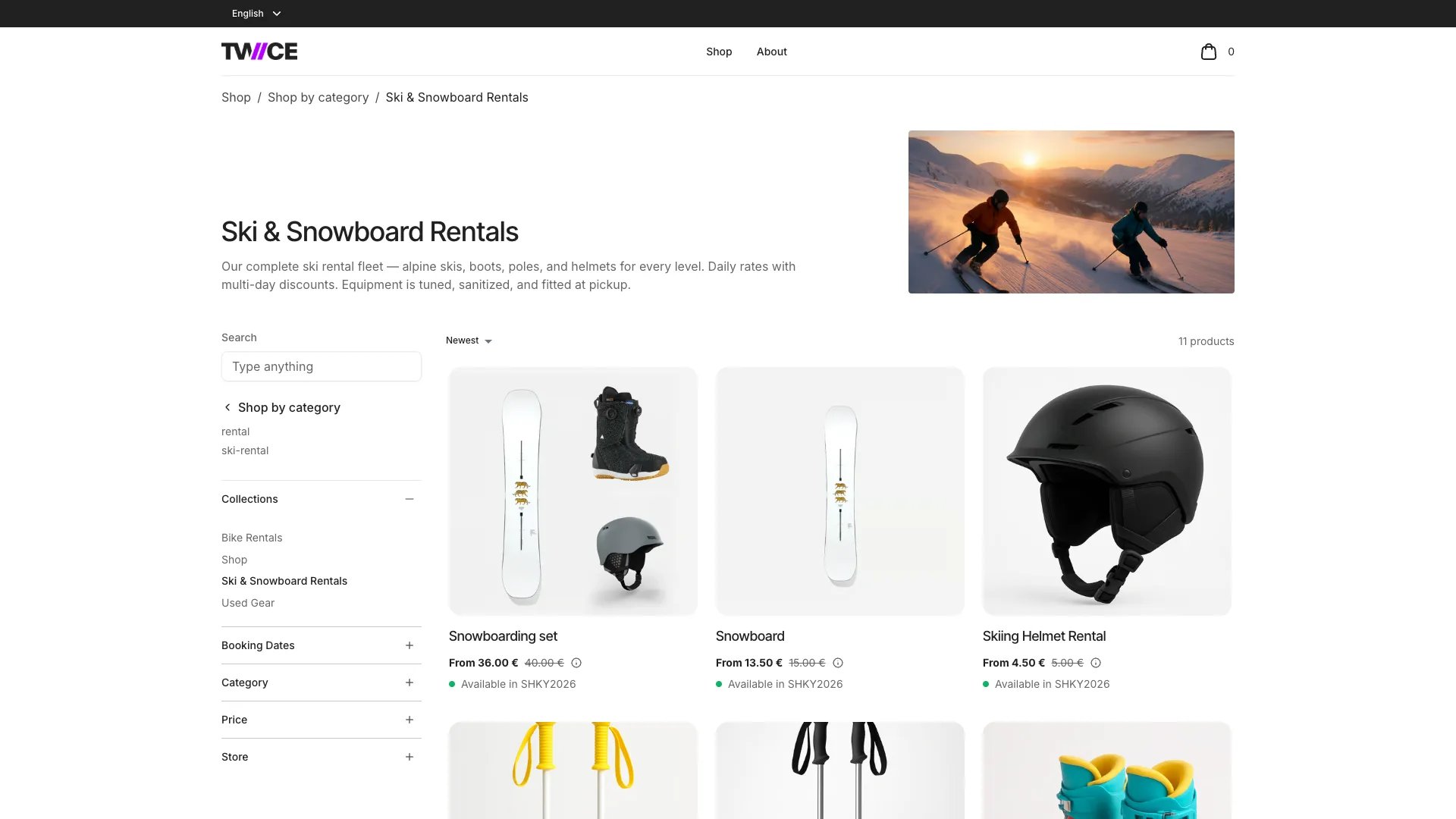
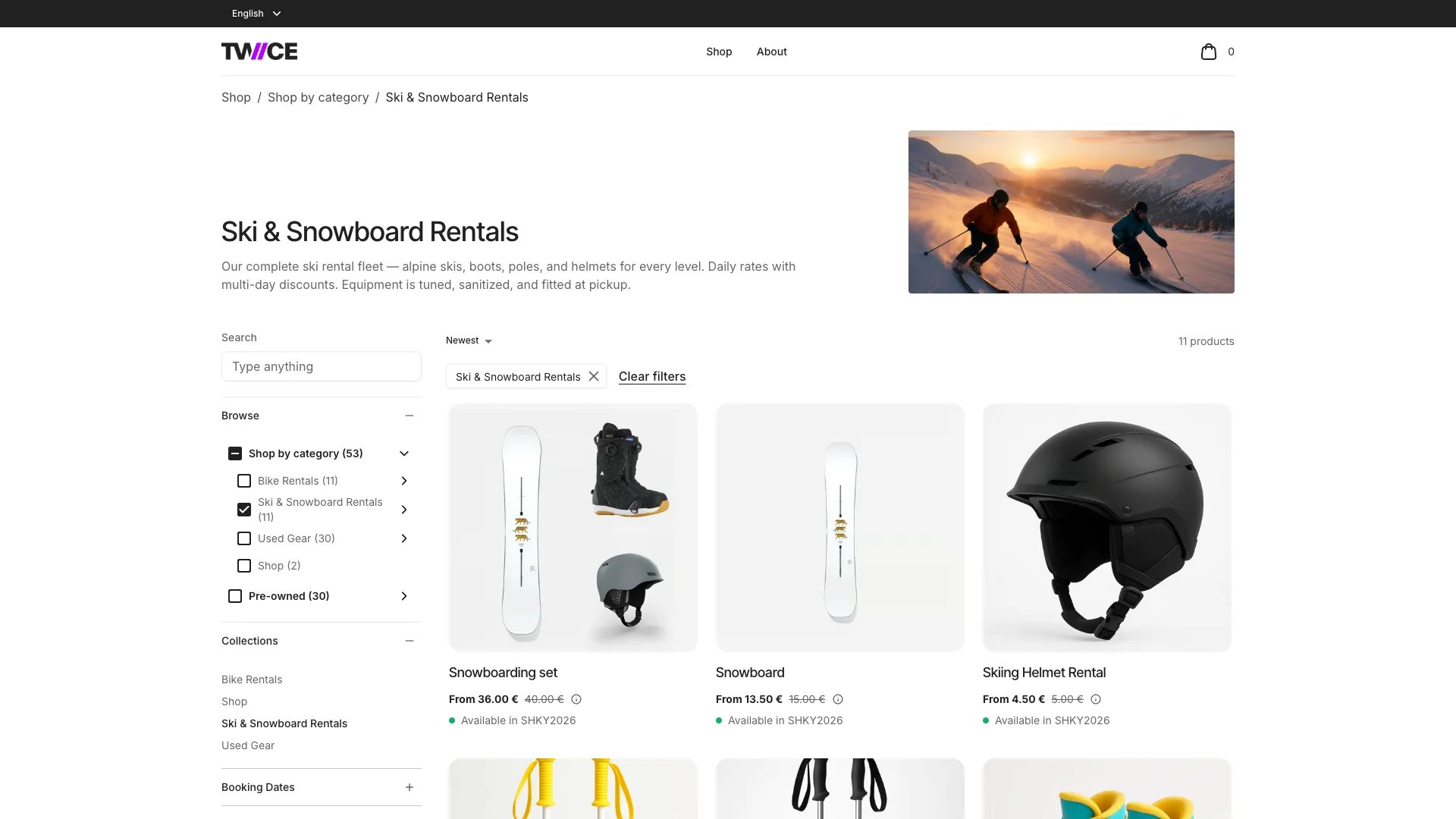
Pick a sidebar style in Display under Category trees on the Collection page of the theme editor, and a header menu in Type under Shop link. The two are set apart from each other, so a store can run a mega menu in the header and a checkbox tree in the sidebar at the same time. Click through the tabs to see what each one puts in front of a shopper. The sidebar shots are all the same page, the Ski & Snowboard Rentals group, so only the setting changes between them. The store has two trees: Shop by category, holding Bike Rentals, Ski & Snowboard Rentals, Used Gear and Shop, and Pre-owned.

Choose a sidebar style

The Ski & Snowboard Rentals page with Expandable menu in the sidebar, both trees listed and the open branch showing its groups
Every tree in full, opened down to the page the shopper is on and folded everywhere else. Pick it for trees short enough to read in one go, with a handful of groups per level.
A menu style sits in its own block at the top of the sidebar. Checkbox tree sits among the filters instead, in a section headed Browse. See Category tree styles in the shop sidebar for what each style does at every position in a tree.

Choose a header menu

The storefront home with the Shop mega menu open, a column per tree and their first-level groups beneath
A panel across the header with one column per tree, capped by Links per column. Pick it when the header is the main way into your catalog and each tree has few enough first-level groups to read at a glance.
The header picks its own trees, apart from the ones the sidebar shows. See Category trees in the header for where each link leads and how the menus take keyboard input. On a phone the sidebar moves into the Filter and sort drawer and the header items into a drawer behind the menu icon. Both detail pages below show what that looks like.

Category tree styles in the shop sidebar

What each sidebar style does at every position in a tree.

Category trees in the header

The menus the Shop link and your own navigation items open.

Build a category tree

Build a tree and pick the trees your store shows.

Category tree

How groups and levels narrow your listings.

Theme editor: Collection page

The page where the sidebar and its filters are set.