

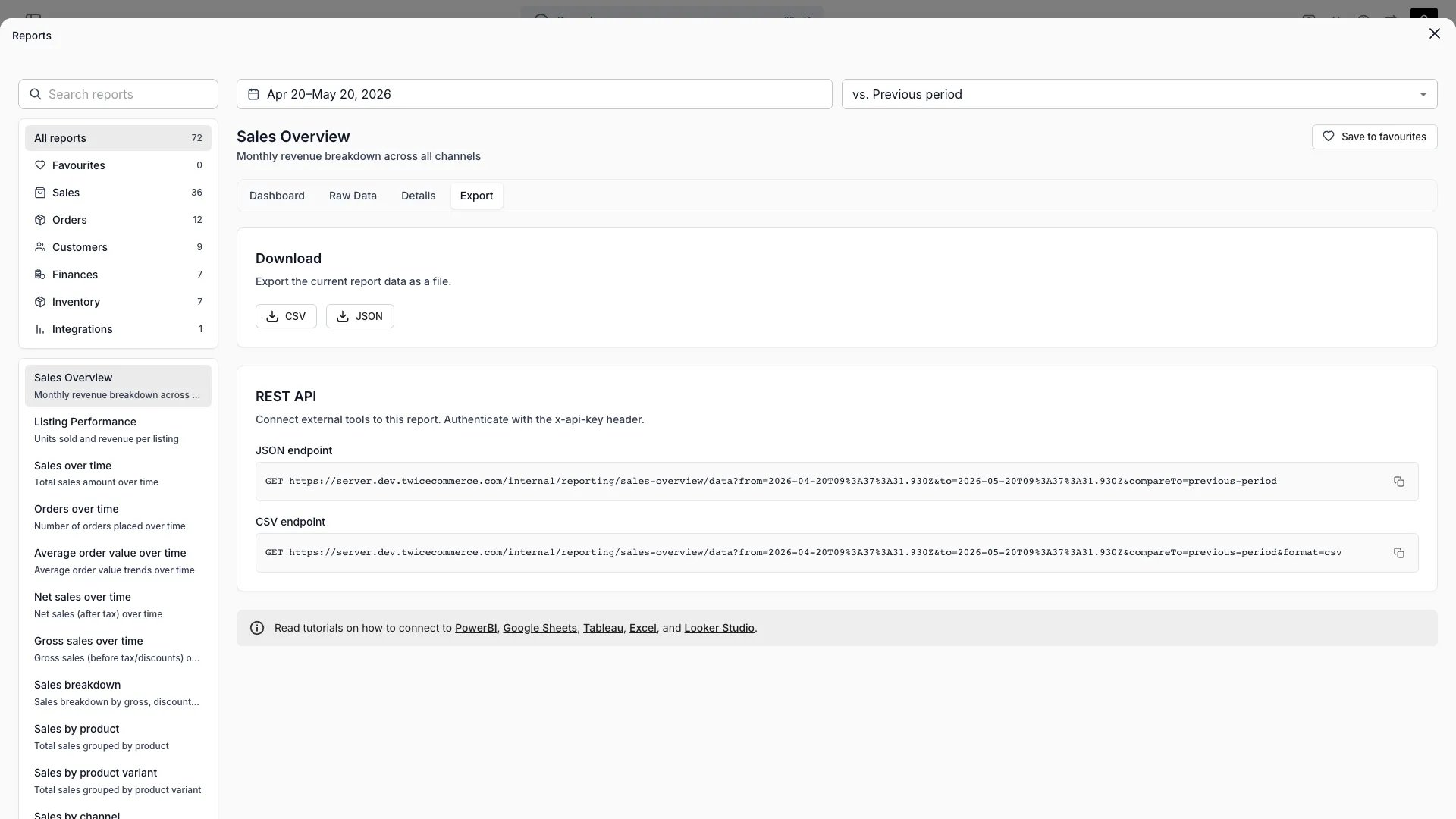
Reports > Sales overview > Export
Open in TWICE Admin
reports
Prerequisites
Before you start:
- The sheet. Set it up in Connect Google Sheets and let the script run once.
- Tableau Desktop, and Tableau Cloud or Tableau Server if you want scheduled refresh.
The walkthrough
1
Connect to the sheet
In Tableau Desktop, choose Connect → To a Server → Google Drive, sign in with the Google account that owns the sheet, and select the spreadsheet.
2
Relate the two tabs
Drag the
Revenue tab to the canvas, then drag Payments next to it. Set the relationship to Row_ID (Revenue) = Revenue_Row_ID (Payments).3
Check the field types
Set
Create_Date, Start_Date, End_Date and Payment_Date to Date, and every Amount_ field to Number (decimal). Set Row_ID and Order_ID to String.4
Publish with an extract
Choose Server → Publish Data Source, keep the data source as an extract, and embed the Google credentials so the refresh can run without you.
5
Schedule the refresh
Open the published data source in Tableau Cloud, go to its Extract Refreshes tab, choose New Extract Refresh, and pick a time after the sheet’s own trigger has run.
How do I know it worked?
- A sheet summing
Amount_Total, filtered toStarted_In_Period=Yes, matches the Revenue report in the admin for the same period and currency. - The data source’s refresh history in Tableau Cloud shows a completed scheduled refresh.
Troubleshooting / common pitfalls
The refresh fails with an authentication error
The refresh fails with an authentication error
The embedded Google credentials expired or belong to someone who lost access to the sheet. Edit the data source’s connection in Tableau Cloud and sign in again with an account that can open the sheet.
The workbook shows yesterday's numbers
The workbook shows yesterday's numbers
Tableau refreshed before the sheet did. Move the extract refresh to at least an hour after the sheet’s Apps Script trigger.
A field is missing after a refresh
A field is missing after a refresh
The tax columns follow the tax rates in the period, so
Tax_Rate_2 can come and go. Build views on Amount_Excl_Tax and Amount_Total.Related articles
Connect Google Sheets
The sheet this workbook reads.
Pull your data into a BI tool
The endpoints, the file format and the data model.
Finance reports
Every ledger column, and how each number is derived.