

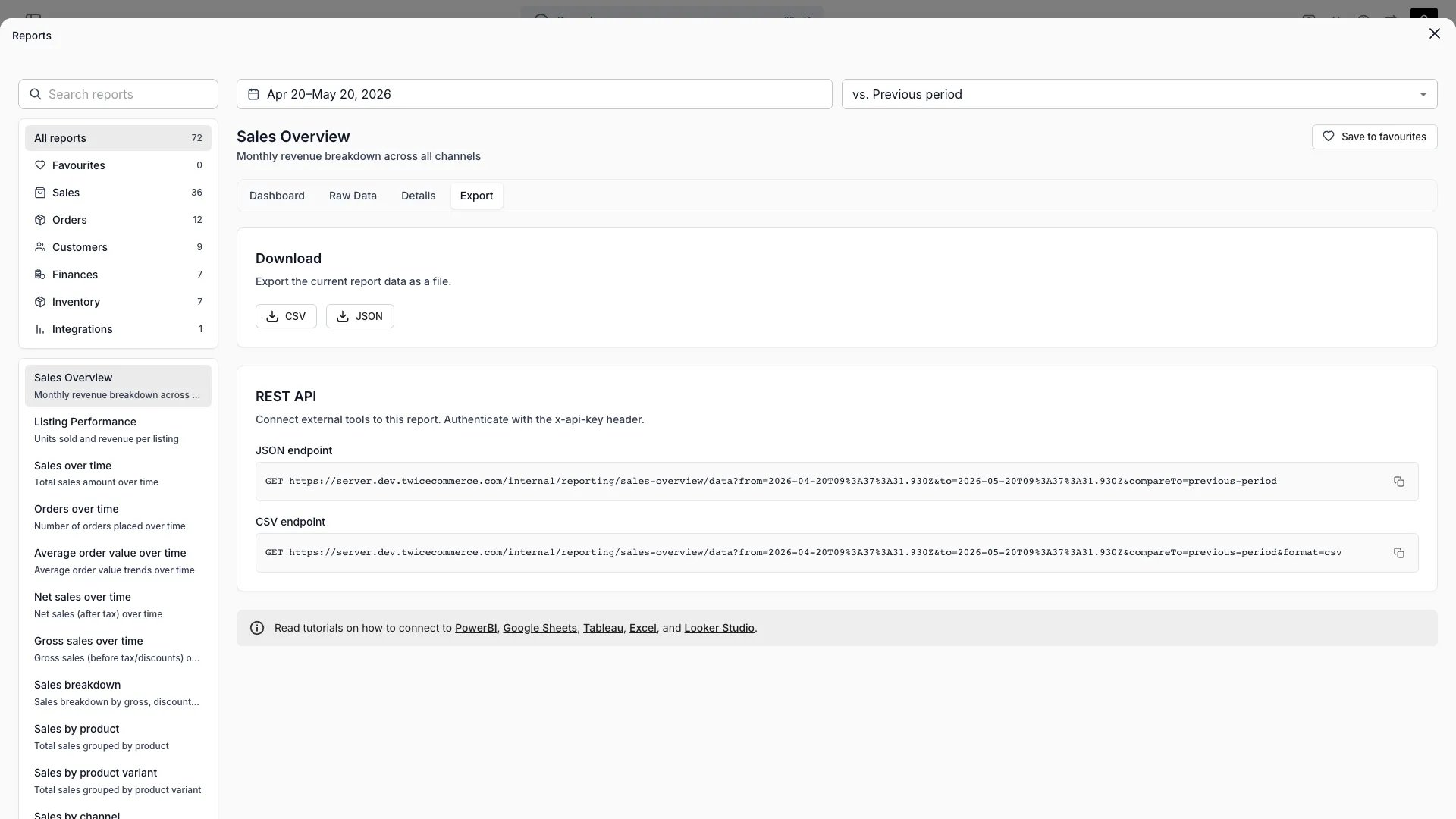
Reports > Sales overview > Export
Open in TWICE Admin
reports
Prerequisites
Before you start:
- Power BI Desktop, and a Power BI service workspace if you want scheduled refresh.
- The ledger endpoints and file format from Pull your data into a BI tool. This guide uses them without repeating them.
- Your currency code and the first date you want history from.
The walkthrough
1
Store the key in a parameter
Open Power BI Desktop and select Transform data to open the Power Query editor. Choose Manage Parameters → New Parameter, name it
TwiceApiKey, set Type to Text, and paste the key into Current Value.2
Add the revenue ledger query
Choose New Source → Blank Query, open Advanced Editor, and replace its contents with the query below. Change
currency and FromDate to yours. Rename the query Revenue.The fixed base URL with RelativePath and Query is what lets the Power BI service refresh the query. A URL assembled as one string refreshes in Desktop and fails in the service.3
Connect anonymously
Choose Edit Credentials when Power Query asks how to connect, pick Anonymous, and select Connect. The key travels in the header, so no other sign-in applies.
4
Add the payments ledger query
Duplicate the
Revenue query, rename the copy Payments, and change RelativePath to internal/reporting/payments/export. Replace the typed columns with Payment_Date as type date and Amount_Total as type number.5
Relate the two tables
Select Close & Apply, then open the Model view. Drag
Payments[Revenue_Row_ID] onto Revenue[Row_ID] to create a many-to-one relationship.6
Publish and set the credentials in the service
Publish the report to a workspace. In the service, open the semantic model’s Settings, go to Data source credentials, select Edit credentials, and choose Anonymous with the privacy level Organizational. Tick Skip test connection if the dialog offers it.
7
Schedule the refresh
Turn on Scheduled refresh in the same settings and add the times you want. The source is on the public internet, so no gateway is needed.
"en-US" culture reads 202.42 as a number on a computer set to a comma-decimal locale, such as Finnish. The tax columns are left untyped, because their number follows the tax rates in the period.
Load more than 100,000 rows
Split the history into one call per year and append the results. Keep it to five years or fewer per refresh, the export rate limit described in Pull your data into a BI tool.Typed step from the first query to the end of this one.
How do I know it worked?
- The
Revenuetable shows one row per order line, andAmount_Totalis a number column. - A card summing
Amount_Totalfiltered toStarted_In_Period = "Yes"matches the Revenue report in the admin for the same period and currency. - The semantic model’s Refresh history in the service shows a completed scheduled refresh.
Troubleshooting / common pitfalls
The service says the dataset includes a dynamic data source
The service says the dataset includes a dynamic data source
The query builds its URL as one string. Rewrite it with the fixed base URL and the
RelativePath and Query options, as in the query above, and publish again.Amounts load as text, or as 20242 instead of 202.42
Amounts load as text, or as 20242 instead of 202.42
The column was typed with your computer’s locale. Keep the
"en-US" culture argument in Table.TransformColumnTypes, and delete any Changed Type step Power Query added on its own.Refresh fails with "The column 'Tax_Rate_2' of the table wasn't found"
Refresh fails with "The column 'Tax_Rate_2' of the table wasn't found"
A step refers to a tax column the new period does not have. Remove tax columns from every typing or renaming step, and type them in the report layer if you need them.
Refresh fails with 429 Too Many Requests
Refresh fails with 429 Too Many Requests
The refresh made more than five export calls in one minute. Cut the number of yearly calls, or schedule the
Revenue and Payments models apart.Refresh fails with 401 after it worked before
Refresh fails with 401 after it worked before
Someone deleted or replaced the API key. Put the new key in the
TwiceApiKey parameter, in Desktop or under the semantic model’s Parameters in the service.Related articles
Pull your data into a BI tool
The endpoints, the file format and the rate limits.
Connect Excel
The same queries in Excel’s Power Query.
Finance reports
Every ledger column, and how each number is derived.
API keys
Creating and deleting keys.