> ## Documentation Index
> Fetch the complete documentation index at: https://www.twicecommerce.com/docs/llms.txt
> Use this file to discover all available pages before exploring further.
# Settings - Subscription
> View and manage your TWICE Commerce subscription — current plan, usage, billing, and invoices.
export const userRoleDefinition = "What a user can see and do. Each user has one built-in system role — Owner, Admin, Manager, or Member — and can also be assigned any number of custom roles you create with specific permissions. Effective access is the combination of all their roles.";
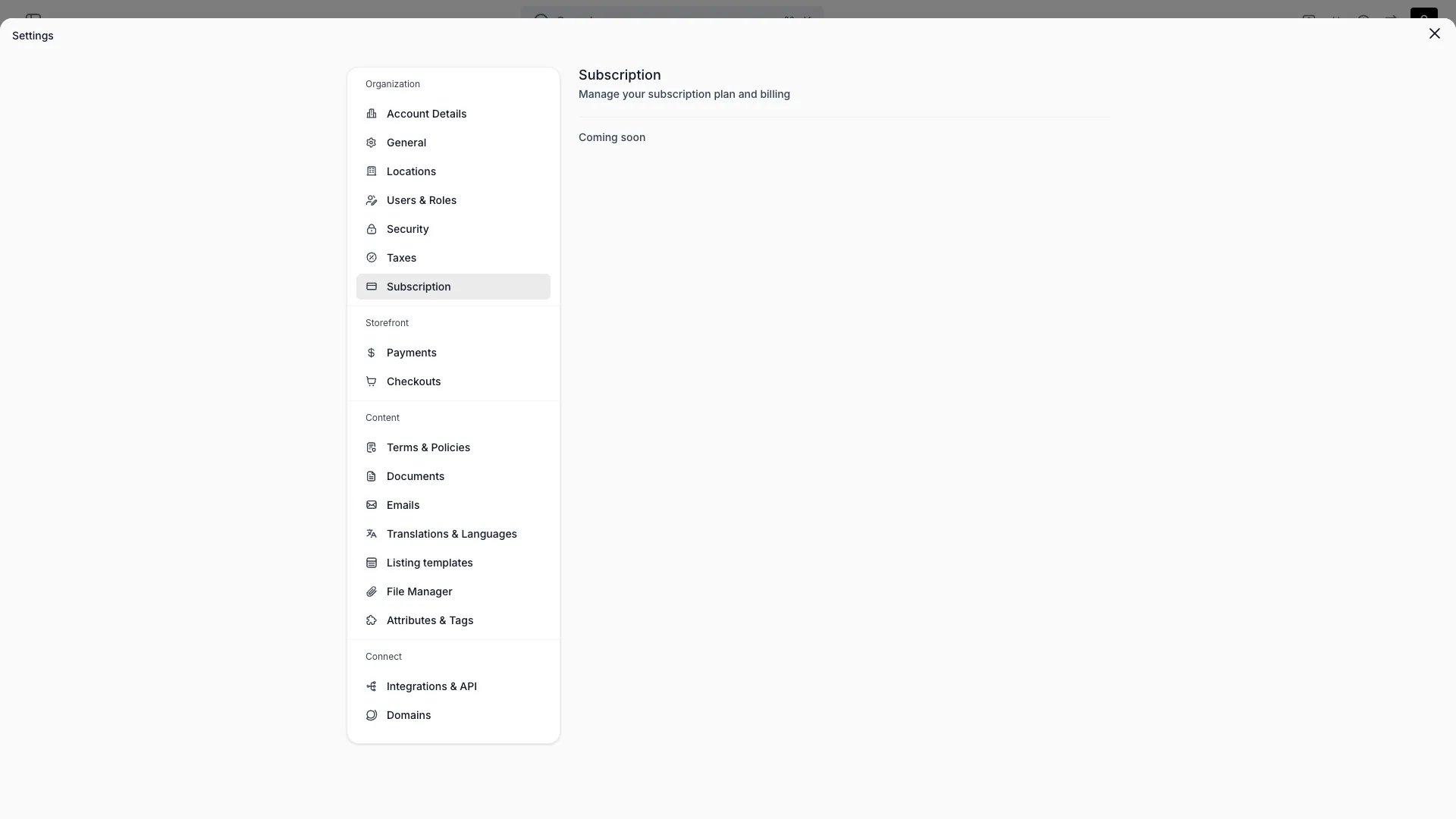 This view can look different dependent on your user role.
See [Visibility & Permissions](#visibility-and-permissions) for details.
## Primary Purpose
View and manage your TWICE Commerce subscription — current plan, usage, billing, and invoices.
**Pay by invoice** is available on the **Standard** and **Enterprise** plans. See [plans](/docs/twice-commerce-overview#pricing).
See your active plan, included features, and usage against any plan limits.
Update your billing details, payment method, and billing email. Download past invoices from this view.
Change plan at any time. Pro-rated charges apply to plan upgrades.
## Visibility and Permissions
Access to this view is controlled by your user role.
| Feature | Owner | Admin | Manager | Member |
| ------------- | :---: | :---: | :-----: | :----: |
| View settings | ✓ | ✓ | ✗ | ✗ |
| Edit settings | ✓ | ✗ | ✗ | ✗ |