> ## Documentation Index
> Fetch the complete documentation index at: https://www.twicecommerce.com/docs/llms.txt
> Use this file to discover all available pages before exploring further.
# Settings - Locations
> Add and configure the locations you operate from — address, hours, sales channels, and fulfillment rules.
export const userRoleDefinition = "What a user can see and do. Each user has one built-in system role — Owner, Admin, Manager, or Member — and can also be assigned any number of custom roles you create with specific permissions. Effective access is the combination of all their roles.";
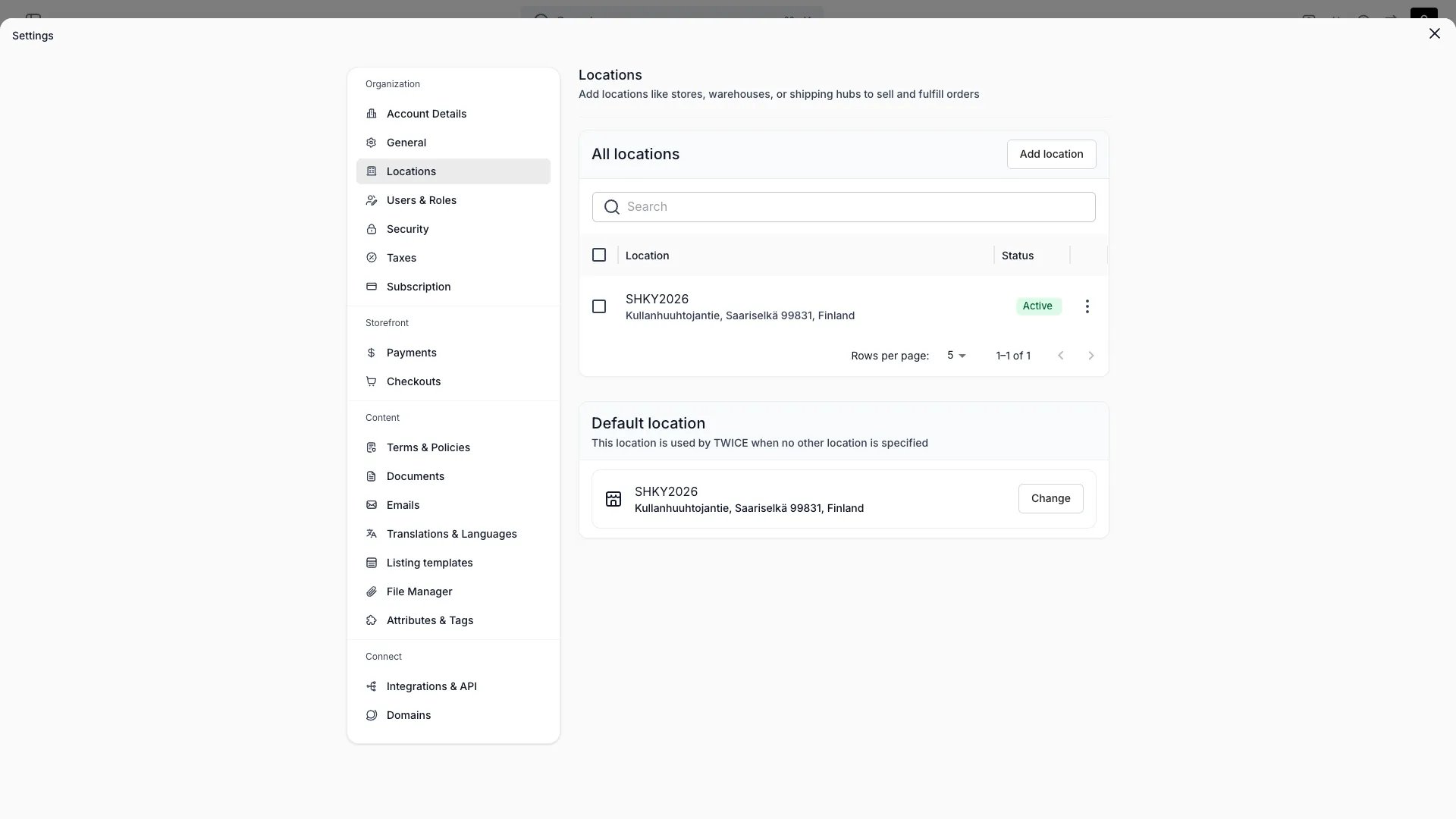 This view can look different dependent on your user role.
See [Visibility & Permissions](#visibility-and-permissions) for details.
## Primary Purpose
A location is a place you operate from — a store, warehouse, or service point. It carries its own address, hours, and fulfillment rules. See [Locations](/docs/concepts/admin/locations) for the underlying concept.
Name, public name, description, full address, email, phone, and the location's time zone.
Set regular weekly hours, seasonal hours for date ranges, and exceptions for specific dates (open with custom hours or closed).
Enable or disable the online store channel for this location.
Per purchase type — rental, sale, subscription, buyback — choose which methods are allowed: in-store handover, shipping, and local delivery. Returns use the same per-type rules.
Set separate pickup and return hours for this location, independent of opening hours. Choose from three modes per schedule: follow opening hours (the default), offset from opening hours by a buffer, or define a fully custom schedule. The storefront uses fulfillment hours to determine which pickup and return times customers can select. See [Fulfillment hours](/docs/concepts/admin/locations#fulfillment-hours).
Each location can be assigned a specific [checkout configuration](/docs/settings/checkouts). When a customer selects this location on the storefront, the assigned checkout is used instead of the storefront or tenant default. Manage assignments in the [storefront editor](/docs/sales-channels/online-store/theme-editor/pages/checkout).
Choose whether incoming orders auto-assign to this location, set its active status, and mark one location as the default.
## Visibility and Permissions
Access to this view is controlled by your user role.
| Feature | Admin | Manager | Member |
| ------------- | :---: | :-----: | :----: |
| View settings | ✓ | ✗ | ✗ |
| Edit settings | ✓ | ✗ | ✗ |