> ## Documentation Index
> Fetch the complete documentation index at: https://www.twicecommerce.com/docs/llms.txt
> Use this file to discover all available pages before exploring further.
# Settings - Integrations & API
> Connect external systems through API keys, webhooks, and your account identifiers.
export const userRoleDefinition = "What a user can see and do. Each user has one built-in system role — Owner, Admin, Manager, or Member — and can also be assigned any number of custom roles you create with specific permissions. Effective access is the combination of all their roles.";
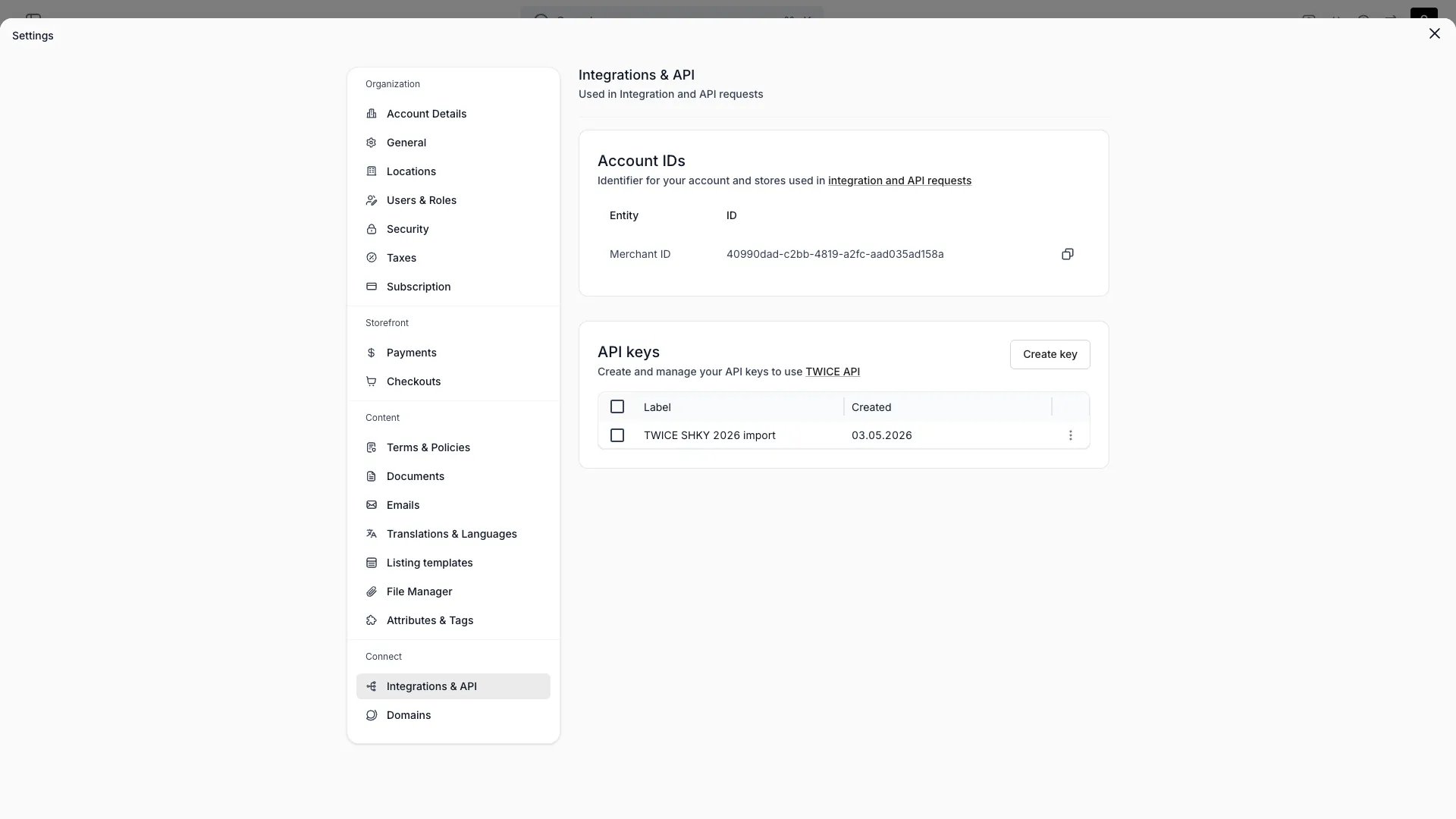 This view can look different dependent on your user role.
See [Visibility & Permissions](#visibility-and-permissions) for details.
## Primary Purpose
Connect TWICE to external systems through the API, webhooks, and your account identifiers.
Create keys to authenticate against the TWICE API. The full key is shown once at creation — copy it then. Revoke a key to disable it. See [API Keys](/docs/concepts/integrations/api-keys).
Send events (such as `order.created`) to an external HTTPS URL. Create, enable or disable, and delete webhooks, reveal or rotate a webhook's signing secret, and open its delivery log to inspect payloads and redeliver individual events. See [Webhooks](/docs/concepts/integrations/webhooks).
Copy your tenant ID for use in API requests and integrations.
**Webhooks** require a plan that includes them — see [plans](/docs/twice-commerce-overview#pricing).
## Visibility and Permissions
Access to this view is controlled by your user role.
| Feature | Admin | Manager | Member |
| ------------- | :---: | :-----: | :----: |
| View settings | ✓ | ✗ | ✗ |
| Edit settings | ✓ | ✗ | ✗ |