> ## Documentation Index
> Fetch the complete documentation index at: https://www.twicecommerce.com/docs/llms.txt
> Use this file to discover all available pages before exploring further.
# Settings - Attributes & Tags
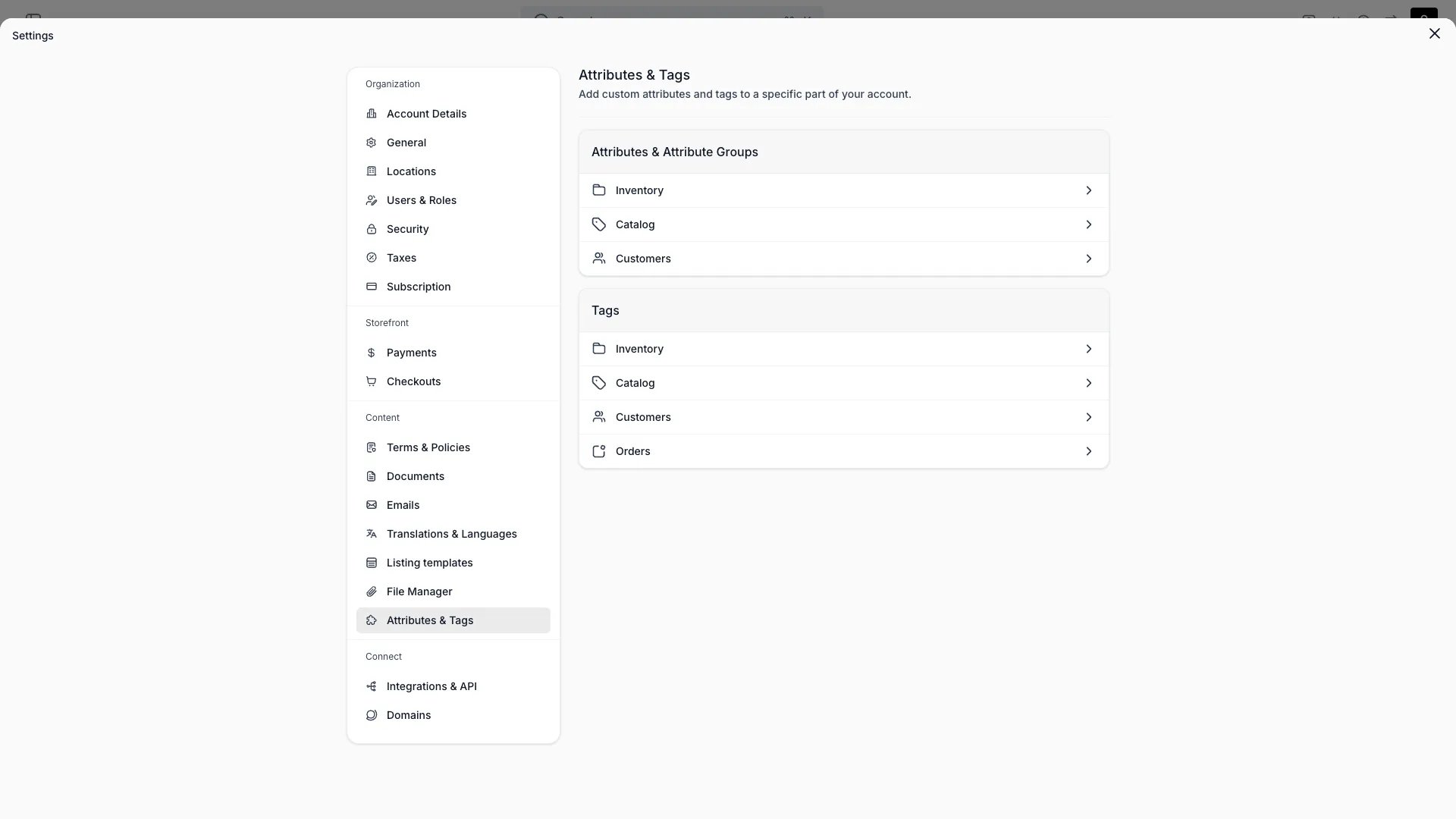
> Define the custom attributes and tags available across inventory, catalog, customers, and orders.
export const userRoleDefinition = "What a user can see and do. Each user has one built-in system role — Owner, Admin, Manager, or Member — and can also be assigned any number of custom roles you create with specific permissions. Effective access is the combination of all their roles.";
 This view can look different dependent on your user role.
See [Visibility & Permissions](#visibility-and-permissions) for details.
## Primary Purpose
Define the custom attributes and tags used across TWICE. See [Attributes](/docs/concepts/admin/attributes) and [Attribute Groups](/docs/concepts/admin/attribute-groups) for the concepts.
Add custom fields for **stock items**, **listings**, **customers**, and **orders**. Formats: text, number, boolean, date, date & time, select, multi-select, and formula. Select and multi-select options use a stable key with an editable label.
Organise related attributes into groups so they appear together in the admin.
Create tags per area — inventory, catalog, customers, and orders — to label and filter records.
Order attributes support the same formats as other attribute areas (text, number, boolean, date, select, multi-select) and can be [captured at checkout](/docs/settings/checkouts/steps) or edited directly on the [order detail page](/docs/orders/order-tabs/attributes).
## Visibility and Permissions
Access to this view is controlled by your user role.
| Feature | Admin | Manager | Member |
| ------------- | :---: | :-----: | :----: |
| View settings | ✓ | ✓ | ✓ |
| Edit settings | ✓ | ✓ | ✓ |