> ## Documentation Index
> Fetch the complete documentation index at: https://www.twicecommerce.com/docs/llms.txt
> Use this file to discover all available pages before exploring further.
# Settings - Account Details
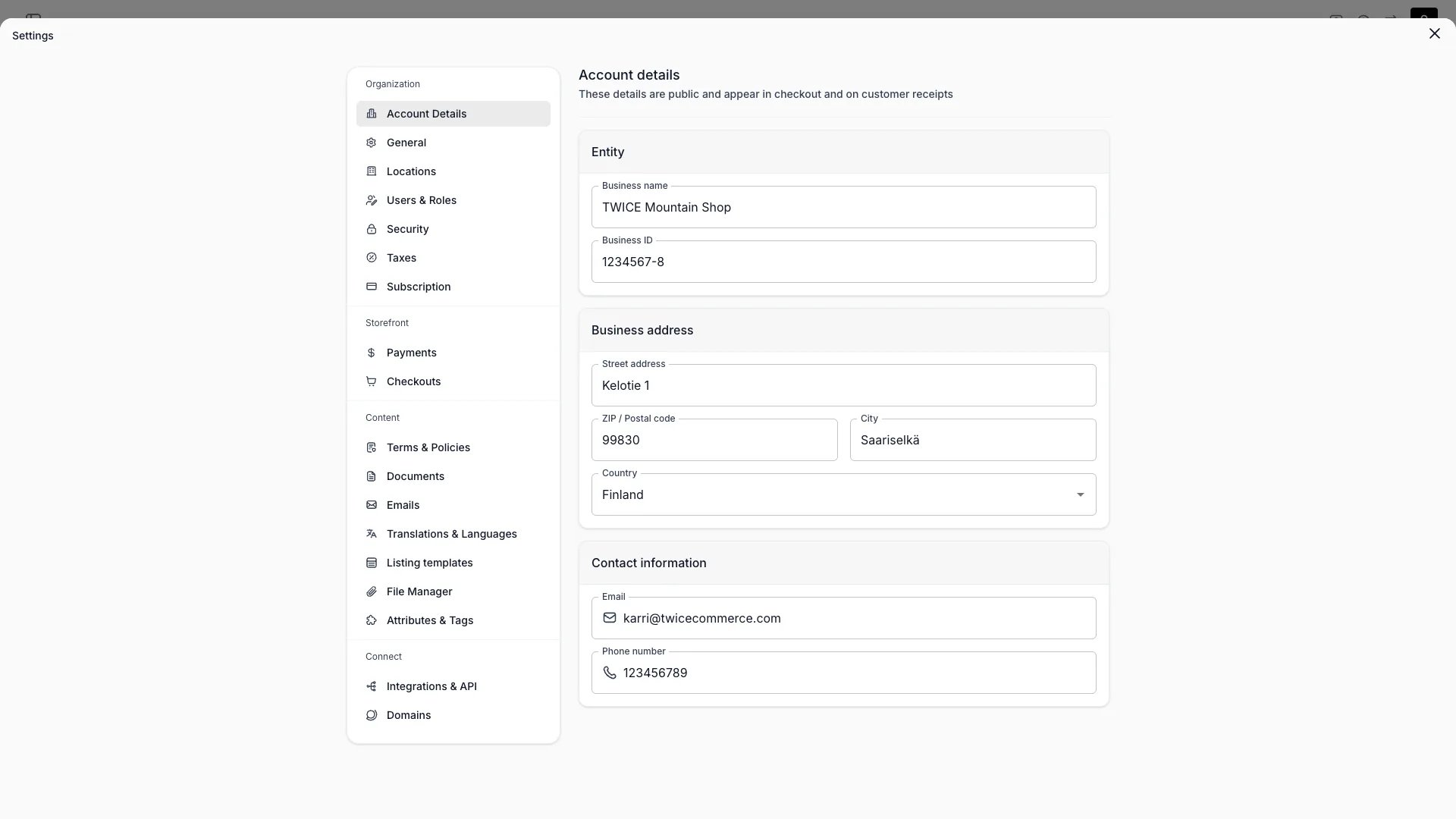
> Your organisation's business identity — name, business ID, address, and contact details.
export const userRoleDefinition = "What a user can see and do. Each user has one built-in system role — Owner, Admin, Manager, or Member — and can also be assigned any number of custom roles you create with specific permissions. Effective access is the combination of all their roles.";
 This view can look different dependent on your user role.
See [Visibility & Permissions](#visibility-and-permissions) for details.
## Primary Purpose
Your organisation's core business identity. These details appear on documents, finance report exports, and customer communications.
This is your **business** account. Your **personal** settings — name, email, and interface language — live in your [Profile](/docs/settings/profile).
Set your business name and business ID (VAT or tax registration number).
Set your official business address: street address, ZIP / postal code, city, and country. An all-empty address is stored as blank — fill in at least the street address to include it on finance report exports.
The address and country appear in the organizational header on Revenue and Payments report exports (print view, CSV, and on-screen report sheets).
Set the organisation's contact email and phone. The contact email is used as the sender address for system and transactional emails. Both values also appear on finance report headers when set.
## Related Concepts
Finance report exports include your business details in the header.
Currency, formatting, timezone, and logo.
## Visibility and Permissions
Access to this view is controlled by your user role.
| Feature | Admin | Manager | Member |
| ------------- | :---: | :-----: | :----: |
| View settings | ✓ | ✗ | ✗ |
| Edit settings | ✓ | ✗ | ✗ |