> ## Documentation Index
> Fetch the complete documentation index at: https://www.twicecommerce.com/docs/llms.txt
> Use this file to discover all available pages before exploring further.
# Theme Editor - Layout
> Control the maximum page width and horizontal margins applied across the storefront.
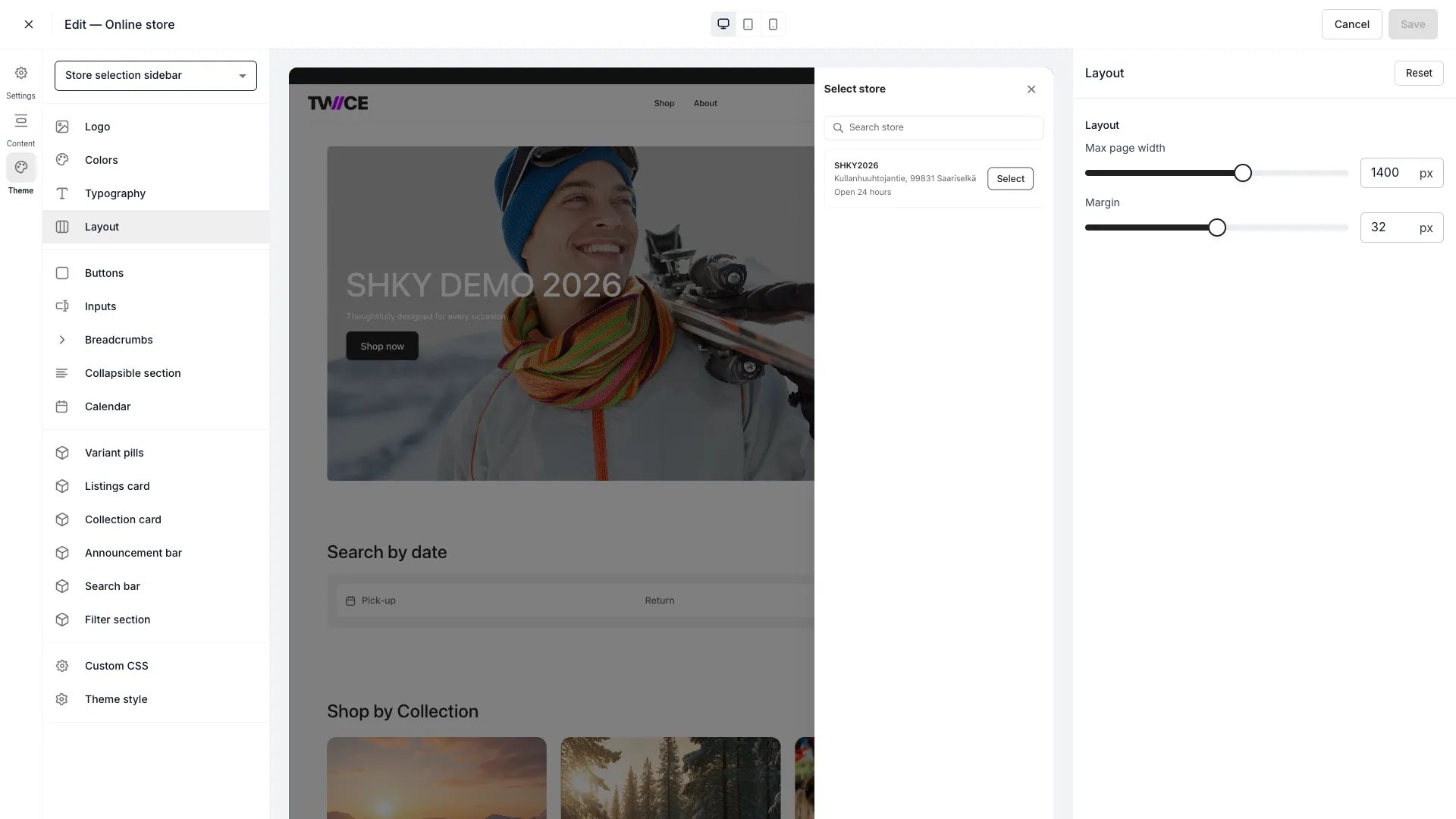 The Layout panel controls how wide your storefront content area is and how much horizontal space surrounds it. These settings apply globally.
## Settings
| Setting | Type | Default | Range | Description |
| -------------- | ------ | ------- | ----------- | -------------------------------------------------------------------------------------------------------- |
| Max page width | Slider | 1400 px | 800–1800 px | Maximum width of the main content container. Content never exceeds this width regardless of screen size. |
| Margin | Slider | 32 px | 0–64 px | Horizontal padding between the content area and the viewport edge. |
On viewports narrower than the max page width, content fills the available space minus the margin. The max page width only constrains the layout on wider screens.
## CSS variables
```css CSS variables theme={null}
:root {
--storefront-layout-page-width: 1400px;
--storefront-layout-margin: 32px;
}
```
## Related
Configure fonts and text sizing.
Configure listing card layout and appearance.
The Layout panel controls how wide your storefront content area is and how much horizontal space surrounds it. These settings apply globally.
## Settings
| Setting | Type | Default | Range | Description |
| -------------- | ------ | ------- | ----------- | -------------------------------------------------------------------------------------------------------- |
| Max page width | Slider | 1400 px | 800–1800 px | Maximum width of the main content container. Content never exceeds this width regardless of screen size. |
| Margin | Slider | 32 px | 0–64 px | Horizontal padding between the content area and the viewport edge. |
On viewports narrower than the max page width, content fills the available space minus the margin. The max page width only constrains the layout on wider screens.
## CSS variables
```css CSS variables theme={null}
:root {
--storefront-layout-page-width: 1400px;
--storefront-layout-margin: 32px;
}
```
## Related
Configure fonts and text sizing.
Configure listing card layout and appearance.