> ## Documentation Index
> Fetch the complete documentation index at: https://www.twicecommerce.com/docs/llms.txt
> Use this file to discover all available pages before exploring further.
# Theme Editor - Store page
> Configure the individual store page — store information and location details.
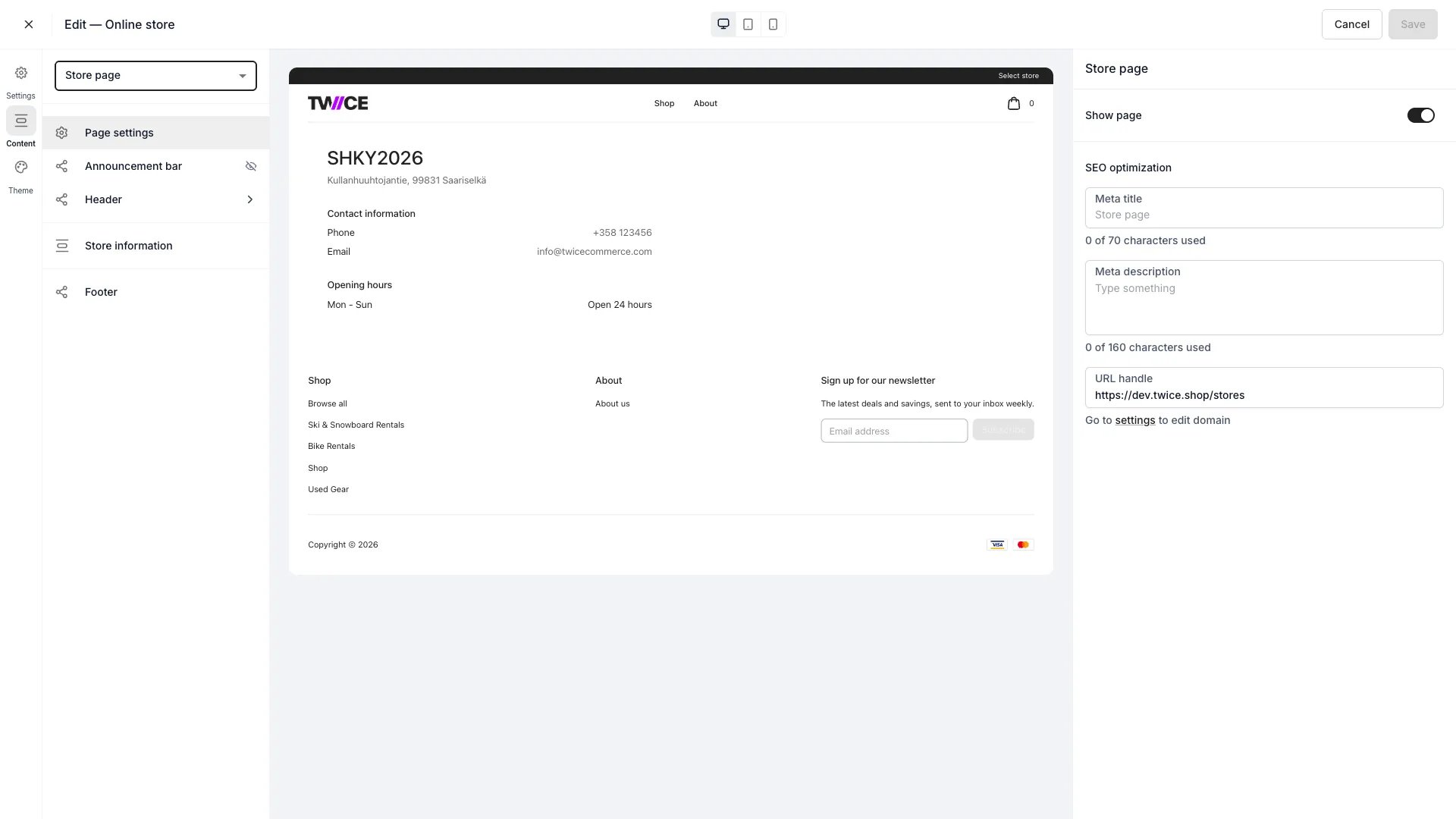 The Store page is the detail page for a single [location](/docs/concepts/admin/locations), reached from the [Stores](/docs/sales-channels/online-store/theme-editor/pages/stores) directory.
## Sections
The page has one configurable block:
| Section | What it does |
| --------------------- | -------------------------------------------------------------------------------------------------------------------------------------------------------------------------------------------------------- |
| **Store information** | The store's details. Toggle **Show image** (with an image upload), **Show description**, **Show phone number**, **Show email address**, and **Show opening hours**. The block itself can also be hidden. |
The details shown come from the location's setup in [Settings → Locations](/docs/settings/locations).
## Shared blocks
The announcement bar, header, footer, and page settings apply across the store — see the [Theme Editor overview](/docs/sales-channels/online-store/theme-editor/overview#blocks-on-most-pages).
## Related
The stores directory.
Manage location details.
The Store page is the detail page for a single [location](/docs/concepts/admin/locations), reached from the [Stores](/docs/sales-channels/online-store/theme-editor/pages/stores) directory.
## Sections
The page has one configurable block:
| Section | What it does |
| --------------------- | -------------------------------------------------------------------------------------------------------------------------------------------------------------------------------------------------------- |
| **Store information** | The store's details. Toggle **Show image** (with an image upload), **Show description**, **Show phone number**, **Show email address**, and **Show opening hours**. The block itself can also be hidden. |
The details shown come from the location's setup in [Settings → Locations](/docs/settings/locations).
## Shared blocks
The announcement bar, header, footer, and page settings apply across the store — see the [Theme Editor overview](/docs/sales-channels/online-store/theme-editor/overview#blocks-on-most-pages).
## Related
The stores directory.
Manage location details.