> ## Documentation Index
> Fetch the complete documentation index at: https://www.twicecommerce.com/docs/llms.txt
> Use this file to discover all available pages before exploring further.
# Theme Editor - About page
> Tell your story on the About page — hero, rich text, and an additional image.
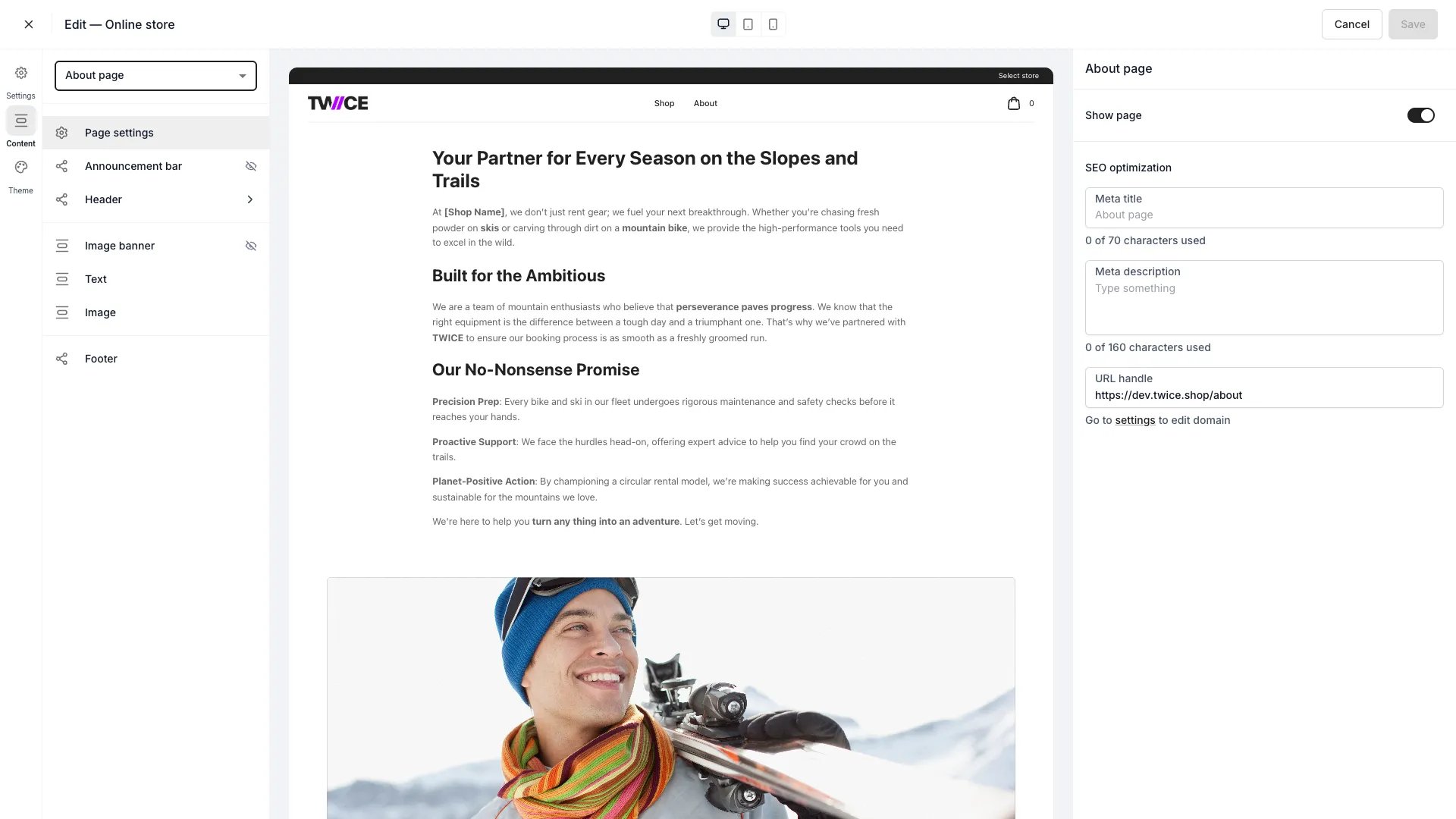 The About page is a content page for your brand story. Each section can be shown or hidden.
## Sections
| Section | What it does |
| -------------------- | ------------------------------------------------------------------------------------------------------------------- |
| **Hero** | A header with separate desktop and mobile images, a title, description, button, alignment, and an optional overlay. |
| **Rich text** | A formatted text area for your story, edited inline. |
| **Additional image** | A supporting image block whose background can be an image or a solid colour. |
## Shared blocks
The announcement bar, header, footer, and page settings (visibility, SEO) apply across the store — see the [Theme Editor overview](/docs/sales-channels/online-store/theme-editor/overview#blocks-on-most-pages).
## Related
Set fonts for headings and body text.
Fine-tune anything the visual editor doesn't cover.
The About page is a content page for your brand story. Each section can be shown or hidden.
## Sections
| Section | What it does |
| -------------------- | ------------------------------------------------------------------------------------------------------------------- |
| **Hero** | A header with separate desktop and mobile images, a title, description, button, alignment, and an optional overlay. |
| **Rich text** | A formatted text area for your story, edited inline. |
| **Additional image** | A supporting image block whose background can be an image or a solid colour. |
## Shared blocks
The announcement bar, header, footer, and page settings (visibility, SEO) apply across the store — see the [Theme Editor overview](/docs/sales-channels/online-store/theme-editor/overview#blocks-on-most-pages).
## Related
Set fonts for headings and body text.
Fine-tune anything the visual editor doesn't cover.