> ## Documentation Index
> Fetch the complete documentation index at: https://www.twicecommerce.com/docs/llms.txt
> Use this file to discover all available pages before exploring further.
# Online Store
> Manage your TWICE-powered online store for direct-to-consumer sales and rentals
export const userRoleDefinition = "What a user can see and do. Each user has one built-in system role — Owner, Admin, Manager, or Member — and can also be assigned any number of custom roles you create with specific permissions. Effective access is the combination of all their roles.";
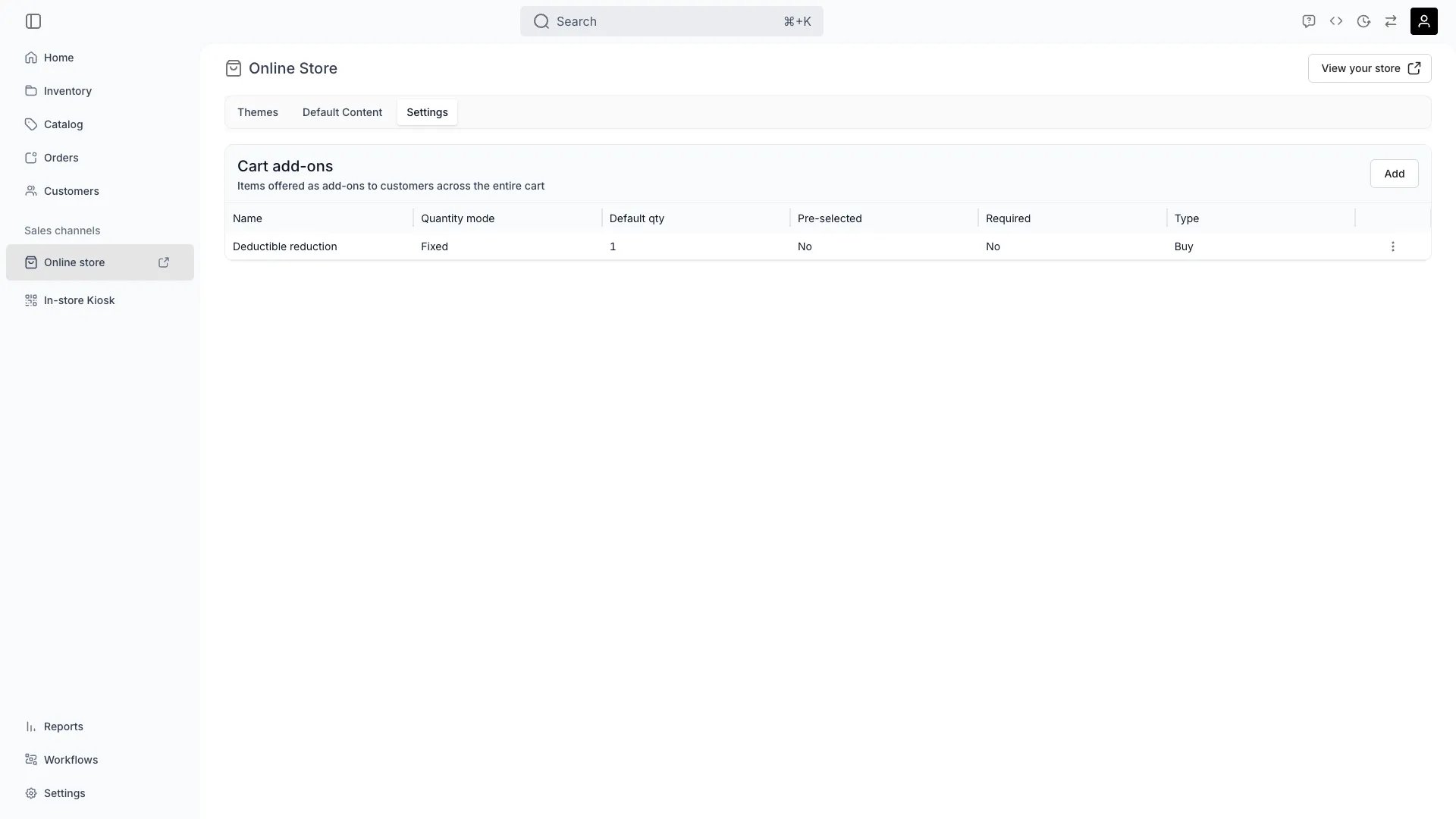 This view can look different dependent on your user role.
See [Visibility & Permissions](#visibility-and-permissions) for details.
sales-channels/online-store
## Primary Purpose
The Online Store is your direct-to-consumer sales channel — a customizable storefront for selling and renting your products. From here you manage themes, storefront settings, and translations.
Pick and customise the visual theme of your storefront. See [Themes](/docs/sales-channels/online-store/themes).
Translate storefront content and override system strings directly in the theme editor's **Translations** mode. You can translate authored content (hero text, page copy, meta fields), override built-in UI strings (navigation, cart, search), and customise shared commerce strings — all per language. See [Theme Editor](/docs/sales-channels/online-store/theme-editor/overview) and [Settings - Translations](/docs/settings/translations).
Manage domain, language, currency, and other store-level configuration on this page.
## Related Concepts
Online store inventory syncs in real time with all other sales channels.
Orders from the online store land in the same orders table as orders from other channels.
## Visibility and Permissions
Access to this view is controlled by your user role.
| Feature | Admin | Manager | Member |
| -------------------- | ----- | ------- | ------ |
| Store Settings | ✓ | ✗ | ✗ |
| Design Customization | ✓ | ✓ | ✗ |
| Publishing Controls | ✓ | ✓ | ✗ |
| Resource | Admin | Manager | Member |
| ------------------- | ------ | ------- | ------ |
| Store Configuration | Manage | View | View |
| Theme & Design | Manage | Edit | View |