> ## Documentation Index
> Fetch the complete documentation index at: https://www.twicecommerce.com/docs/llms.txt
> Use this file to discover all available pages before exploring further.
# Customer - Documents
> Manage files and documents associated with a customer
export const viewAccessDefinition = "Read-only access without ability to make changes.";
export const editAccessDefinition = "Update and read data, but cannot create or delete.";
export const manageAccessDefinition = "Create, update, read, and delete data.";
export const permissionsDefinition = "The actions you are authorized to perform.";
export const visibilityDefinition = "Which features, sections, or data tables are visible to you.";
export const userRoleDefinition = "What a user can see and do. Each user has one built-in system role — Owner, Admin, Manager, or Member — and can also be assigned any number of custom roles you create with specific permissions. Effective access is the combination of all their roles.";
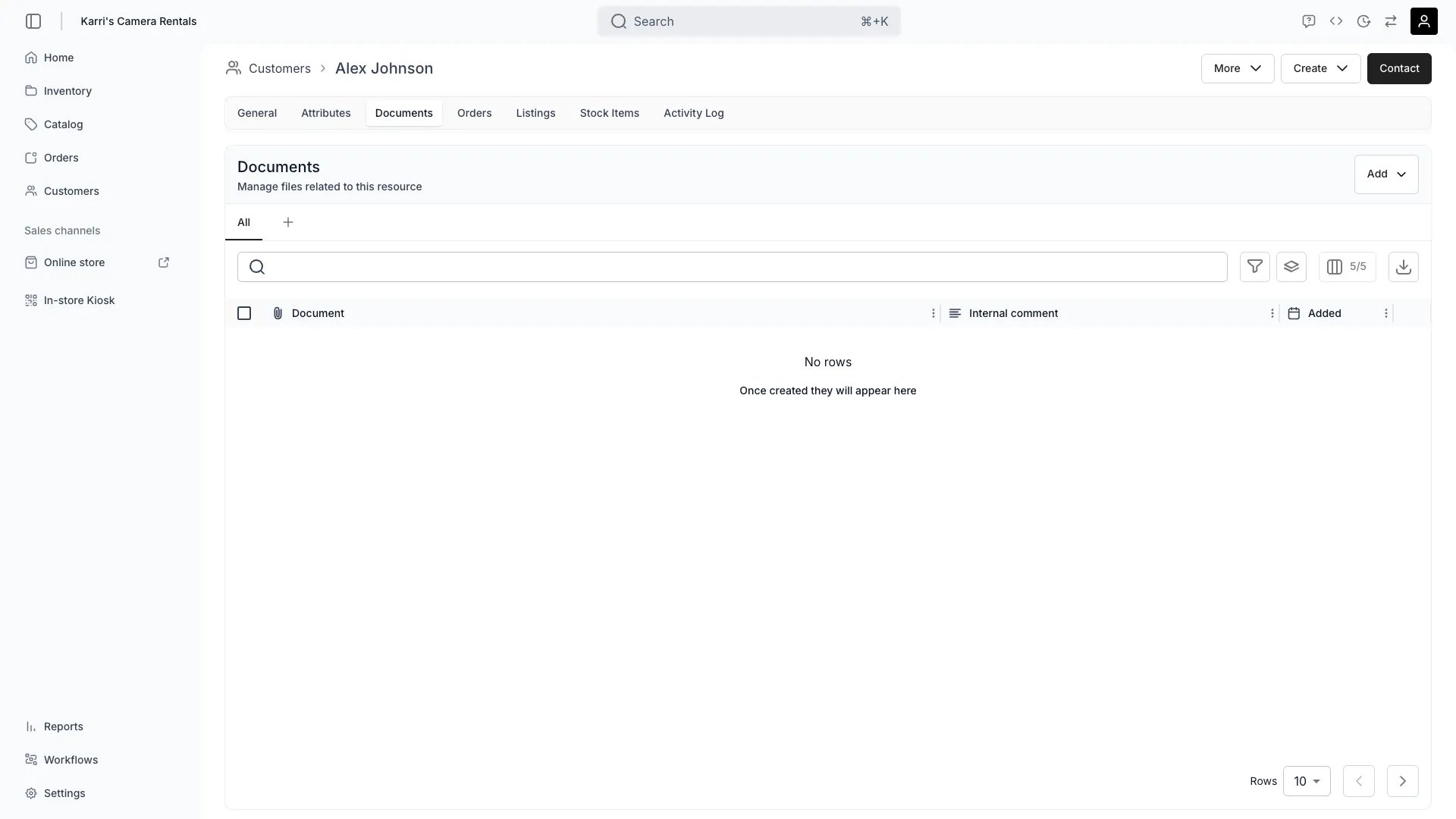 This view can look different dependent on your user role.
See [Visibility & Permissions](#visibility-and-permissions) for details.
customers/\[customer-id]/documents
## Primary Purpose
The Documents tab allows you to attach and manage files related to the customer such as contracts, ID verification, or agreements.
Attach contracts, agreements, identification, or compliance documentation to customer profiles.
Store ID documents or verification records for KYC compliance or age verification requirements.
Categorize documents by type and add descriptions for easy retrieval and audit purposes.
Rename any uploaded file from the row actions menu. The file's storage location stays the same — only the display name changes.
Keep required documentation accessible for regulatory compliance and audit requests.
## Related Concepts
Here are a few key concepts of TWICE Commerce that relate to Customer Documents.
Customer documents are stored securely with encryption and access controls to protect sensitive information.
Document retention follows your business policies and regulatory requirements for data management.
## Visibility and Permissions
Access to this view is controlled by your user role.
| Feature | Admin | Manager | Member |
| ---------------- | ----- | ------- | ------ |
| View Documents | ✓ | ✓ | ✗ |
| Upload Files | ✓ | ✓ | ✗ |
| Rename Files | ✓ | ✓ | ✗ |
| Delete Documents | ✓ | ✗ | ✗ |
| Resource | Admin | Manager | Member |
| ------------------- | ------ | ------- | ------ |
| Document Management | Manage | Edit | View |
| File Upload | Manage | Edit | View |