> ## Documentation Index
> Fetch the complete documentation index at: https://www.twicecommerce.com/docs/llms.txt
> Use this file to discover all available pages before exploring further.
# Price Tables
> Reusable pricing templates that listings can connect to for centralized and consistent pricing management
export const viewAccessDefinition = "Read-only access without ability to make changes.";
export const editAccessDefinition = "Update and read data, but cannot create or delete.";
export const manageAccessDefinition = "Create, update, read, and delete data.";
export const permissionsDefinition = "The actions you are authorized to perform.";
export const visibilityDefinition = "Which features, sections, or data tables are visible to you.";
export const userRoleDefinition = "What a user can see and do. Each user has one built-in system role — Owner, Admin, Manager, or Member — and can also be assigned any number of custom roles you create with specific permissions. Effective access is the combination of all their roles.";
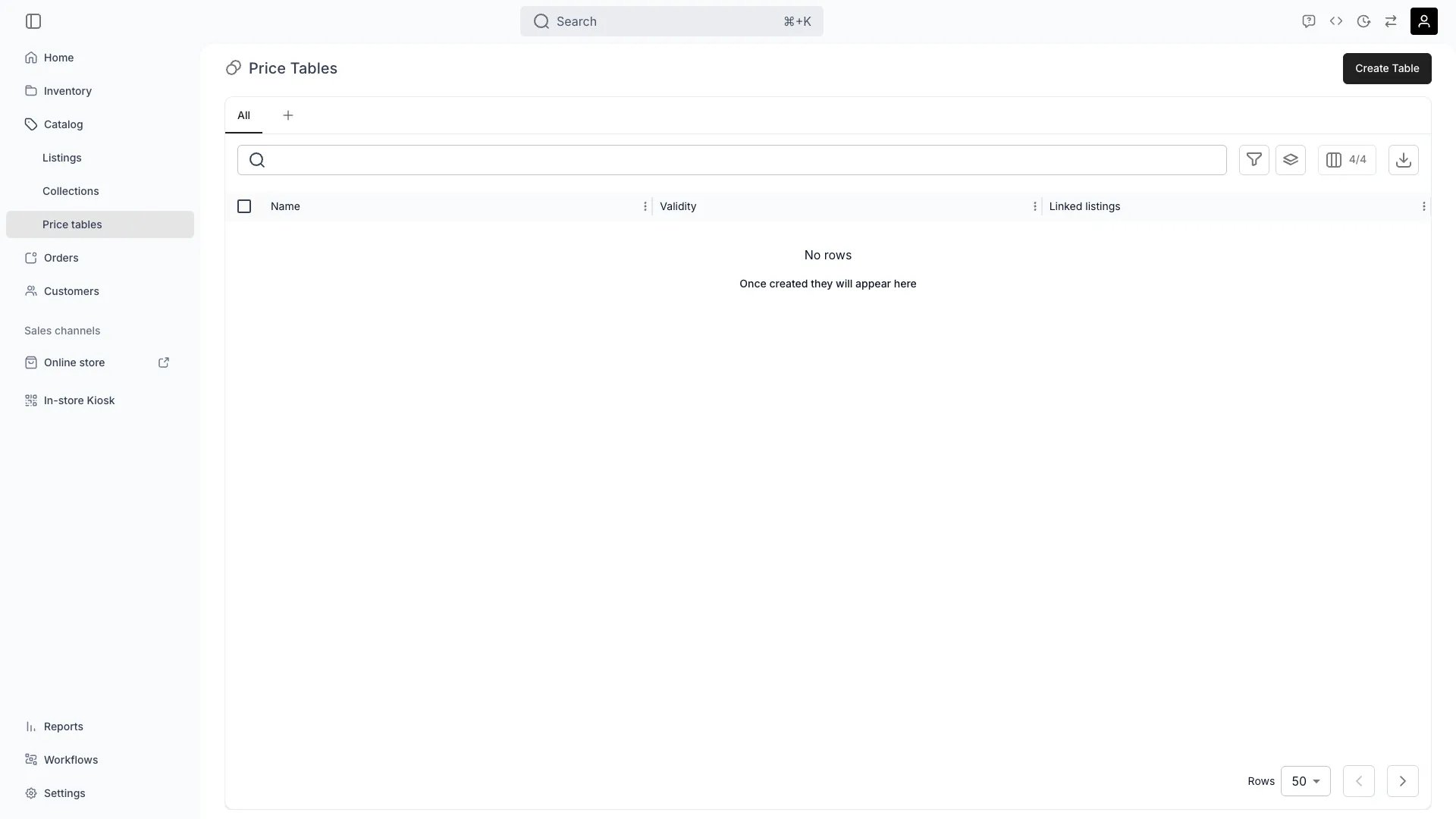 This view can look different dependent on your user role.
See [Visibility & Permissions](#visibility-and-permissions) for details.
catalog/price-tables
## Primary Purpose
Price Tables allow you to define reusable pricing structures that multiple listings can connect to, ensuring consistent pricing logic across your catalog.
Define price tables that can be attached to one or more listings for consistent pricing logic.
Read more: [Price Tables Key Concept](/docs/concepts/catalog/price-tables)
Set up date ranges to automatically apply seasonal rates (e.g., Winter Rental Pricing, Summer Sale Rates).
Adjust prices for specific variant values using rate multipliers on a Price Table's variant overrides.
Edit pricing in one place and automatically apply changes across all linked listings.
## Related Concepts
Here are a few key concepts of TWICE Commerce that relate to Price Tables.
Price Tables can include date ranges, variant pricing, and rate-based or fixed models (rental periods, daily rates, package prices).
There is no per-table priority. Rows from every table active for the booking are pooled, and the engine picks the longest-covering row, breaking ties by the lowest price — so a cheaper dated row wins, not whichever table is "most specific". See [Price resolution](/docs/concepts/catalog/price-tables#price-resolution).
All connected listings automatically inherit updates made to a shared Price Table, enabling instant catalog-wide pricing changes.
## Visibility and Permissions
Access to this view is controlled by your user role. Your user role determines both
visibility and
permissions for
manage,
edit, and
view access levels.
| Feature | Admin | Manager | Member |
| ----------------------- | ----- | ------- | ------ |
| Price Tables | ✓ | ✓ | ✗ |
| Create Tables | ✓ | ✓ | ✗ |
| Edit Pricing | ✓ | ✓ | ✗ |
| View Connected Listings | ✓ | ✓ | ✓ |
| Resource | Admin | Manager | Member |
| ---------------------- | ------ | ------- | ------ |
| Price Table Management | Manage | Edit | View |
| Pricing Rules | Manage | Edit | View |
| Listing Assignment | Manage | Edit | View |